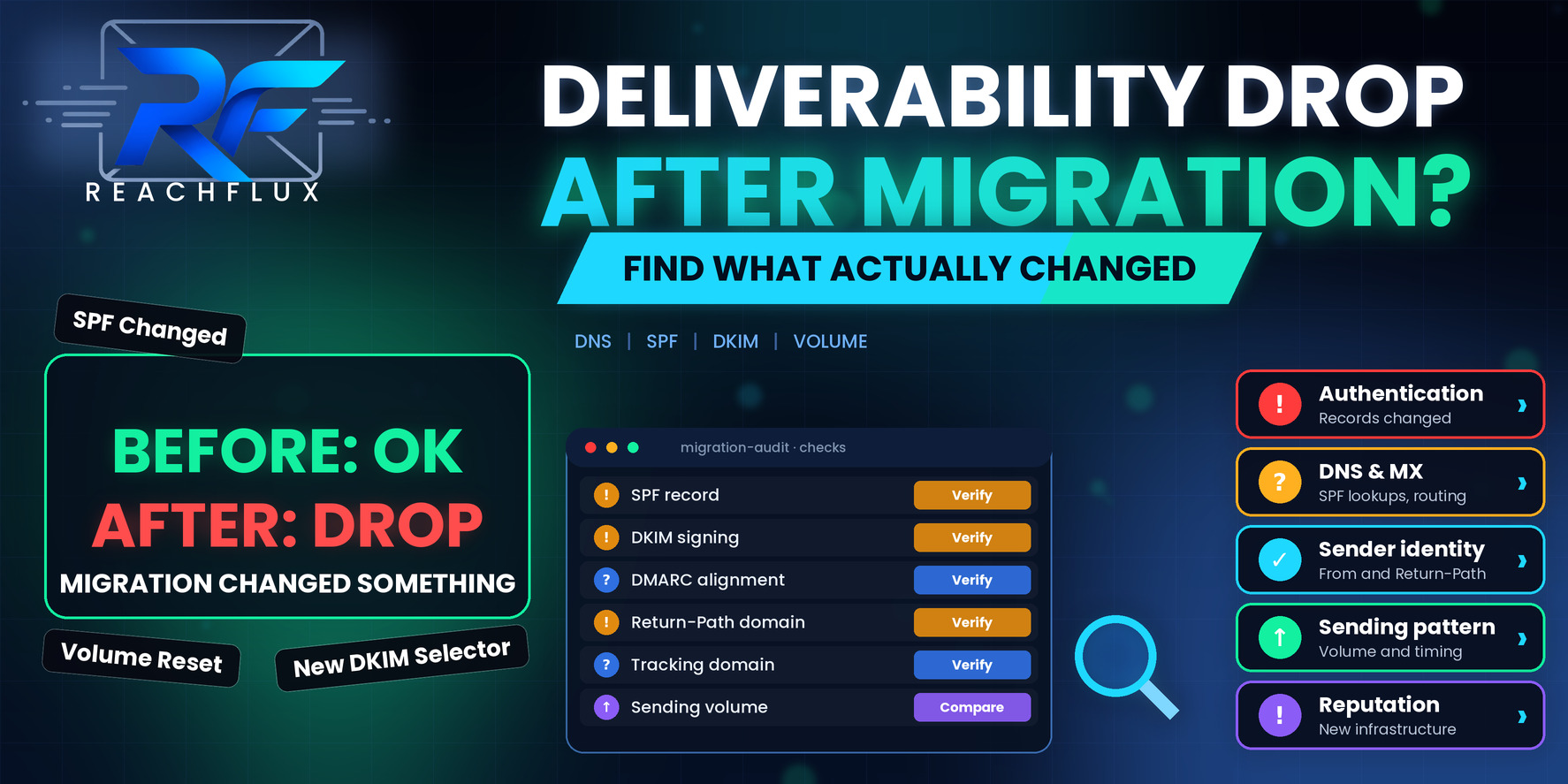
Why does deliverability drop after a migration?
Deliverability drops after a migration because the change alters the things receiving systems use to judge your mail. Authentication records may no longer match the new infrastructure. The Return-Path or tracking domain may be new and unknown. Volume may have spiked when a backlog was released. Suppression data may not have come across, so bounced and unsubscribed contacts are being mailed again.
The advantage you have compared with most deliverability problems is a date. You know when it changed. Start from the cutover, list everything that changed on or near that day, and work through the list in order of how early in the delivery path each item sits.
What actually changes when you migrate
People tend to think of a migration as moving mailboxes or switching a tool. From a receiving server's point of view, a migration can look like a different sender wearing the same name.
The visible parts, such as your From address, may stay the same. The invisible parts often do not: the servers the mail leaves from, the signing keys, the bounce address, the link domains inside the message, and the rate at which it all flows out. Receiving systems judge you on those invisible parts.
From domain, display names, aliases and signatures.
SPF, DKIM signing and DMARC alignment.
MX records, Return-Path and bounce handling.
Tracking and link domains, templates and rendering.
Volume, timing, backlog release and list hygiene.
The audit below goes through these in order. You may find that the answer is in the first three items.
Start with authentication, because it breaks quietly
1. SPF no longer matches the sending infrastructure
SPF lists which servers may send for a domain. After a migration, the record may still name the old provider and not the new one, or may have been duplicated. Publishing two SPF records on one domain makes SPF fail with a permanent error, because a domain should have only one. SPF is also limited to ten DNS lookups, and adding a new provider's include on top of old ones can push you over.
Look up the live record, count the lookups, and remove providers you no longer use. Then confirm on a real delivered message that SPF passes.
2. DKIM is missing, unsigned or using a new selector
DKIM only works if messages are actually signed with a key that matches a published record. New platforms usually ask you to add new DKIM records, often under a new selector. If you skipped that step, or if the old key was removed before the new one was live, mail may go out unsigned.
Open the headers of a recent message and look for a passing DKIM result that names your own domain.
3. DMARC alignment slipped
Passing SPF or DKIM is not sufficient on its own. DMARC checks that the domain which passes is aligned with the visible From domain. A new platform that signs with its own domain or uses its own envelope domain can pass checks while failing alignment.
If your DMARC policy is strict and alignment is broken, receiving servers may reject or quarantine mail. Check the aggregate reports if you receive them, and compare alignment before and after the date of the change.
4. The Return-Path domain changed
The Return-Path is where bounces go and what SPF validates against. If it now points at the platform's own domain rather than a subdomain of yours, alignment may be affected, and bounce messages may not be reaching the system that needs to process them.
Confirm what the Return-Path is, whether it aligns, and that bounces are being received and recorded.
For the basics of how the three protocols fit together, read SPF vs DKIM vs DMARC: What Cold Email Senders Need to Know.
Check the plumbing around the message
5. MX and mail flow changes
Changing mailbox provider usually means changing MX records. If the cutover left inbound mail partly misrouted, replies can go missing, which looks like a collapse in response rate when it is actually a collapse in reception. Send a test reply to every sending mailbox and confirm it arrives where it should.
6. The tracking or link domain is new
If your sending platform wraps links or tracks opens through its own domain, a migration changes that domain. A new, unknown link domain carries no reputation, and shared tracking domains inherit whatever the platform's other customers have done. Where your platform supports a custom tracking domain on your own domain, consider using one, and check that it is configured properly.
If you want to confirm whether tracking is the issue, send a plain version of the message with no tracked links to a test account and compare how it is handled.
7. The sending IP or infrastructure changed
Moving from one provider to another often means moving to different IP addresses, which may be shared with other senders or brand new. A new IP has no history, and a shared IP carries the behavior of its other users. Domain reputation travels with you, but the IP does not.
If you have moved to a new IP, treat it as new for pacing purposes and ramp gradually.
Then look at what you sent, when and to whom
8. A queued backlog was released all at once
During a migration, sending is often paused. When the new system goes live, the queue can flush in one burst, producing a spike far above your usual daily pattern. A spike like that is exactly the type of abrupt change that makes a sender look different overnight. Release backlog in controlled batches over several days, and keep the normal schedule going alongside it.
9. Suppression and unsubscribe data did not come across
This is one of the most damaging and least discussed migration errors. If the new platform does not know who has already unsubscribed, complained or hard bounced, it will email them again. That produces complaints and fresh bounces within days. Export the full suppression history from the old system and import it before sending a single message.
10. Identity details changed
Different display names, new aliases, changed signatures or a different reply-to address can all alter how recipients and filters see the message. Consistency matters. If you have to change identity, do it deliberately and not as a side effect.
11. Templates render differently
A new platform may rewrite HTML, wrap links, add footers or insert tracking elements that your old one did not. Compare the raw source of a message sent before the migration with one sent after. If the structure or links changed substantially, that is a variable worth isolating.
12. Monitoring baselines were lost
Postmaster tools, feedback loops and DMARC report addresses are often tied to a particular domain or IP and may need to be re-registered after a move. Without them you lose visibility at the moment you need it most. Re-verify your domain in the mailbox providers' tools and make sure reports are going somewhere that someone reads.
If the drop was sudden and you are not sure migration is the cause, work through Why Did My Cold Email Deliverability Suddenly Drop? 17 Things to Check.
Three migration scenarios that cause the most trouble
Moving mailboxes between Google Workspace and Microsoft 365
This changes MX records, SPF includes, DKIM keys and often the way sending tools connect. Mailboxes that were sending steadily before may now present a new set of server fingerprints and a new authentication setup. If your outreach tool connects over SMTP and IMAP, reconnect each account, confirm the authentication method still works and check that per-account sending limits were not reset to something far higher than before.
Switching your cold outreach or sending tool
A new tool brings its own pacing defaults, retry logic and tracking behavior. Do not assume the defaults match what you had. Review the daily limits, delay settings and how bounces are classified, and check whether the tool wraps links or adds tracking that the previous one did not. Run it for a few days at your old volume before increasing anything, so you are testing the tool and not the volume at the same time.
Moving an online store's email to a new platform
When a store changes platform, order confirmations, shipping notices and marketing messages can all change senders at once. Transactional mail is especially sensitive, because customers expect it immediately and notice when it is missing. Make sure transactional and promotional messages are authenticated properly, and consider keeping them on separate sending domains or subdomains so a problem with one does not drag down the other.
In all three, the pattern is the same: something about identity, authentication or pacing quietly changed. The audit above finds it, provided you compare against the state before the move.
A migration runbook that protects deliverability
If you are about to migrate, or if you have just finished and want to be sure nothing was missed, this sequence covers the stages where problems appear.
| Stage | What to do | Why it matters |
|---|---|---|
| Before cutover | Document current SPF, DKIM, DMARC, MX, Return-Path and tracking domain | You need a baseline to compare against |
| Before cutover | Export suppression, unsubscribe and bounce data | New systems start with no memory |
| Before cutover | Publish and verify new authentication records alongside the old ones | Avoids a gap where mail goes out unauthenticated |
| At cutover | Send test messages and read the headers | Records existing is not the same as mail passing |
| At cutover | Test replies to each mailbox | Confirms inbound routing works |
| After cutover | Release backlog in batches and hold normal volume steady | Avoids an abrupt spike |
| After cutover | Compare bounces, deferrals and replies with the pre-migration baseline | Spots a problem while the cause is still fresh |
| After cutover | Remove obsolete records once confident | Prevents duplicate or oversized SPF records |
A thirty-minute post-migration audit
- Look up the live SPF record and count its DNS lookups.
- Confirm there is only one SPF record on each sending domain.
- Read the headers of a fresh message for SPF, DKIM and DMARC results.
- Check the Return-Path and confirm bounces are being received.
- Send a test reply to every sending mailbox.
- Check the tracking and link domain used in messages.
- Compare daily volume before and after the cutover date.
- Confirm suppression and unsubscribe data was imported.
If you are rebuilding outbound after a platform change, ReachFlux brings sender accounts, workload distribution, recipient validation and reply handling into a single system, which can make it simpler to ramp in controlled stages after a move. It does not remove the need for the authentication and DNS work above, which sits with your domain regardless of the tool.
Questions about deliverability after a migration
Why did my email deliverability drop after a migration?
Because a migration changes many things at once. Authentication records, sending infrastructure, tracking domains, queued messages, suppression data and sending patterns can all shift. The drop usually traces back to one of these, and the date of the cutover tells you where to start looking.
Do I need to warm up again after moving email platforms?
It depends on what changed. If the sending domain stays the same and authentication is intact, you carry your domain's history with you. If you move to a new IP, a new domain or a new sending pattern, treat the changed part as new and increase volume gradually rather than sending everything at once.
Why is SPF failing after I moved to a new provider?
Common reasons include two separate SPF records on the same domain, a record that still lists the old provider, or a record that has grown beyond the limit of ten DNS lookups. Check the live record and read the authentication result on a real message.
What is the Return-Path and why does it matter after migration?
The Return-Path, also called the envelope sender or MAIL FROM, is where bounces are sent and what SPF is checked against. If it points to a domain you do not control or that no longer aligns with your From domain, authentication and bounce handling can both break.
Should I send my backlog right after the cutover?
Not all at once. Messages queued during a migration can flush in a single burst when the new system goes live. That sudden spike is a change in pattern. Release the backlog in controlled batches.
Do I need to move my suppression list during a migration?
Yes. If bounces, unsubscribes and complaints are not carried over, the new system will happily email people who already opted out or whose addresses already failed. That is a fast way to create complaints and bounces.
A migration changes the sender, even when the name stays the same.
When deliverability drops after a move, resist the urge to change everything again. The cause is usually one specific layer: an authentication record, a Return-Path, a tracking domain, a released backlog or a missing suppression list.
You know when it changed, which is a huge advantage. Start at that date, compare the before and after state layer by layer, fix the earliest difference and then ramp volume back up in controlled steps.
Manage sender accounts, pacing and campaign activity in one workflow after a platform change.
ReachFlux helps teams restart outreach in controlled stages and see how workload is distributed.