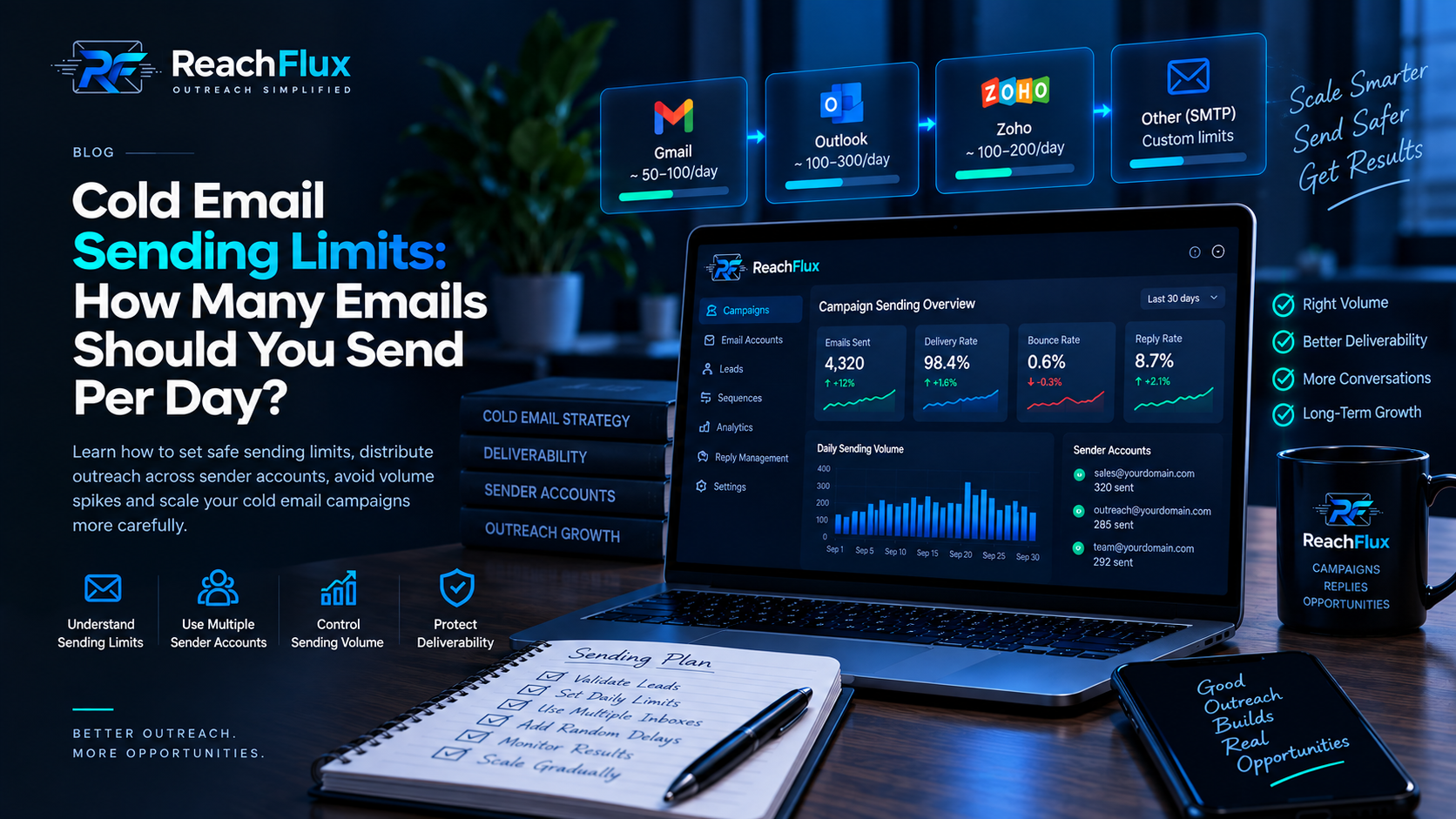
People usually ask about cold email volume as if there should be one clean answer: 30 emails a day, 50, 100, or whatever number a provider allows. In practice, that is the wrong place to start. A provider limit tells you what an account may technically be allowed to send. It does not tell you what your outbound setup should send.
Cold outreach sits on top of several moving parts: the sending domain, DNS authentication, mailbox reputation, recipient data, message quality, campaign behaviour and reply handling. Increase volume without paying attention to those layers and a perfectly ordinary campaign can become an infrastructure problem.
That is why we think about daily volume as a capacity question, rather than a number you copy from somebody else's campaign.
Separate three different limits: the provider's technical ceiling, the capacity of the individual sender, and the volume your campaign can responsibly support. They are not the same number. The smallest practical constraint should shape the campaign.
Provider limits are not cold email targets
An email provider may allow a mailbox to send a certain number of messages during a day. That limit exists for the provider's platform. It should not automatically become your campaign target.
Cold outreach has a different risk profile from normal business email. You are contacting people who may never have interacted with your domain before. Some addresses may be outdated. Some recipients will ignore the message. Others may reject it, mark it as spam, or reply negatively.
Maximum account allowance ≠ sensible cold email volume. Your sending decision should respond to infrastructure health and campaign signals, not simply to the largest number your mailbox technically accepts.
Before volume even becomes the discussion, the underlying setup needs to make sense. That starts with domains, sender accounts and authentication. We covered those pieces in more depth in our cold email infrastructure guide .
Published provider limits are ceilings, not outreach recommendations
It helps to look at real provider documentation because it makes the distinction clearer. Consumer Gmail accounts can encounter a sending limit after more than 500 emails in a day, while Google documents different limits for Workspace and mail-merge use. Microsoft Exchange Online documents service-level recipient and message-rate limits for cloud mailboxes.
Those figures describe what the services enforce at the account or tenant level. They are not recommendations for how many cold emails a new sender should send. A mailbox can remain below a provider ceiling and still create deliverability problems if the list is poor, authentication is incomplete, complaints rise, or sending behaviour changes too aggressively.
A service limit answers: “When may the provider throttle or restrict this account?” A cold-email operating limit answers: “What workload can this sender handle while the infrastructure and campaign signals remain healthy?” ReachFlux should be configured around the second question while always staying inside the first.
What actually determines how much you can send?
There is no universal formula, but there are several signals that matter far more than an arbitrary daily target.
Sender history
A mailbox with stable legitimate activity is not the same as an account created yesterday and immediately placed into an outbound campaign.
Domain authentication
SPF, DKIM and DMARC help receiving systems understand who is authorised to send and how messages align with the visible sender domain.
Recipient quality
Sending fewer messages to cleaner recipient data can be healthier than pushing larger volumes into old, mistyped or poorly sourced addresses.
Campaign signals
Bounces, provider failures, replies and other campaign behaviour tell you more about whether a setup is healthy than the send counter alone.
What about inbox warm-up?
Warm-up is often discussed as if it creates permission to send at a particular volume. It does not. Historical activity can be one input into sender reputation, but no warm-up schedule guarantees inbox placement, and it does not override a provider's policies or limits.
A better way to think about a new or lightly used sender is to avoid abrupt behaviour changes. Configure authentication first, make sure the mailbox can send and receive normally, begin with a controlled workload, and increase only when the resulting signals justify it. If failures or bounces increase, adding volume is the wrong response.
One mailbox should not carry your entire growth plan
A common scaling mistake is treating one sender account as an engine that simply needs to be pushed harder.
Imagine an outbound workflow is operating consistently and the business now wants to contact more prospects. The first instinct can be to double or triple the daily volume from the same mailbox. That increases concentration on exactly the account that was already doing the work.
A more controlled approach is to think in terms of sender capacity. When additional volume is genuinely needed, properly configured sender accounts can distribute the workload rather than forcing every message through one inbox.
That is also why ReachFlux supports multiple sender accounts and campaign workload distribution. The point is not to manufacture unlimited sending. It is to give the outreach workflow a cleaner way to work with the infrastructure you actually control.
Scaling is a sequence, not a switch
Going from a small campaign to a larger one should not be treated as a single configuration change. There are decisions before the send, signals during it, and adjustments after it.
This is the part that was easy to oversimplify. A better model is a repeatable operating process.
Validate the infrastructure
Check DNS authentication, sender credentials, SMTP connectivity and IMAP configuration where reply handling depends on it.
Prepare recipient data
Import the prospects you actually intend to contact and remove obvious address problems before campaign volume becomes the priority.
Start controlled
Do not begin by testing the maximum a provider might tolerate. Start with a controlled workload and establish what normal looks like.
Watch the campaign
Review failures, bounces, replies and provider errors before deciding that the campaign is ready for additional volume.
Add capacity when needed
If one sender becomes the bottleneck, add properly configured accounts instead of forcing increasingly aggressive volume through it.
Distribute the workload
Use additional sender capacity to reduce concentration. More accounts should create distribution, not an excuse for reckless sending.
Hard bounces, temporary failures and provider errors are different signals
Not every failed message means the same thing. A permanently invalid address is different from a temporary receiving-server problem, and both are different from a provider throttling or policy response. Treating all failures as one generic “failed” number makes it harder to decide what to fix.
Permanent address failures point back toward recipient quality. Temporary failures may justify retrying later. Authentication or policy errors require infrastructure investigation. Rate-limit responses are a direct reason to slow down rather than immediately retrying at the same pace.
This is why the useful question after a campaign is not only “how many were sent?” but also “what happened to them?”
Watch the signals before increasing volume
The campaign itself should influence what happens next. If messages begin failing, bouncing or producing provider errors, increasing the send count is usually the opposite of useful.
This is one reason campaign visibility matters. Sending is only the beginning of the workflow. You need enough information to understand whether messages left successfully, whether addresses failed, whether people replied, and whether the infrastructure is behaving normally.
If your messages are consistently landing in spam, the solution is not simply to lower a number and hope for the best. Authentication, content, reputation, recipient quality and sending behaviour all deserve investigation. Our guide on why cold emails go to spam breaks those causes down separately.
Sending limits and lead quality are connected
Volume discussions often ignore the recipient list. That is a mistake.
If a campaign contains addresses that are malformed, stale or irrelevant, increasing sending capacity only allows bad data to create problems faster. The infrastructure may be technically ready while the campaign itself is not.
This is why recipient preparation belongs before scaling. ReachFlux lets you bring in your own prospect data, validate the addresses you plan to use, prepare recipients for a campaign and then manage the resulting activity from the same workflow.
Do not solve a data-quality problem with more sending capacity. More infrastructure is useful when the campaign needs legitimate room to grow. It does not make a poor recipient list better.
Replies matter just as much as sends
There is another practical limit that rarely appears in discussions about daily email volume: how much conversation can your team actually handle?
Sending thousands of additional messages is not useful if positive replies disappear into separate inboxes or nobody can tell which campaign created the conversation. Outreach has a business objective beyond the send counter.
The workflow therefore needs to continue after delivery. Replies should stay connected to campaign context, leads should move through a clear pipeline, and meetings or follow-up actions should remain manageable.
That is the broader idea behind the ReachFlux workflow : connect the infrastructure, prepare the campaign, send in a controlled way, observe what happens and keep the resulting conversations attached to the outreach process.
A practical framework for setting your own daily limit
Instead of copying a universal number, set a working limit for each sender and treat it as something that can move up or down. Start with the provider's rules, then consider how established the mailbox is, whether SPF, DKIM and DMARC are correctly configured, how clean the recipient data is, and whether the campaign has produced any warning signals.
Next, look at concentration. If the business genuinely needs more outbound capacity, ask whether the workload should be distributed across additional properly configured sender accounts instead of increasing pressure on the same account. Finally, make sure your team can actually handle the replies and leads the additional volume is intended to create.
Healthy infrastructure + clean recipients + stable campaign signals + operational capacity can justify gradual growth. If one of those pieces is weak, fix that constraint before increasing the send count.
So, how many cold emails should you send per day?
The most useful answer is not a universal number.
Your daily cold email volume should stay within the limits of your provider while also reflecting the health of the sender, the maturity of the domain, authentication, recipient quality, campaign behaviour and your ability to manage replies.
If the current infrastructure is healthy but no longer provides enough capacity, expand the infrastructure deliberately. If the campaign is already showing warning signs, adding more volume is not scaling; it is amplifying the problem.
Good outbound operations are usually less dramatic than people expect. Configure things correctly. Start controlled. Watch what happens. Adjust. Add capacity when there is a real reason for it.
Control the campaign instead of chasing a send count.
ReachFlux brings sender accounts, campaigns, recipient preparation, replies, analytics and lead follow-through into one outreach workspace.