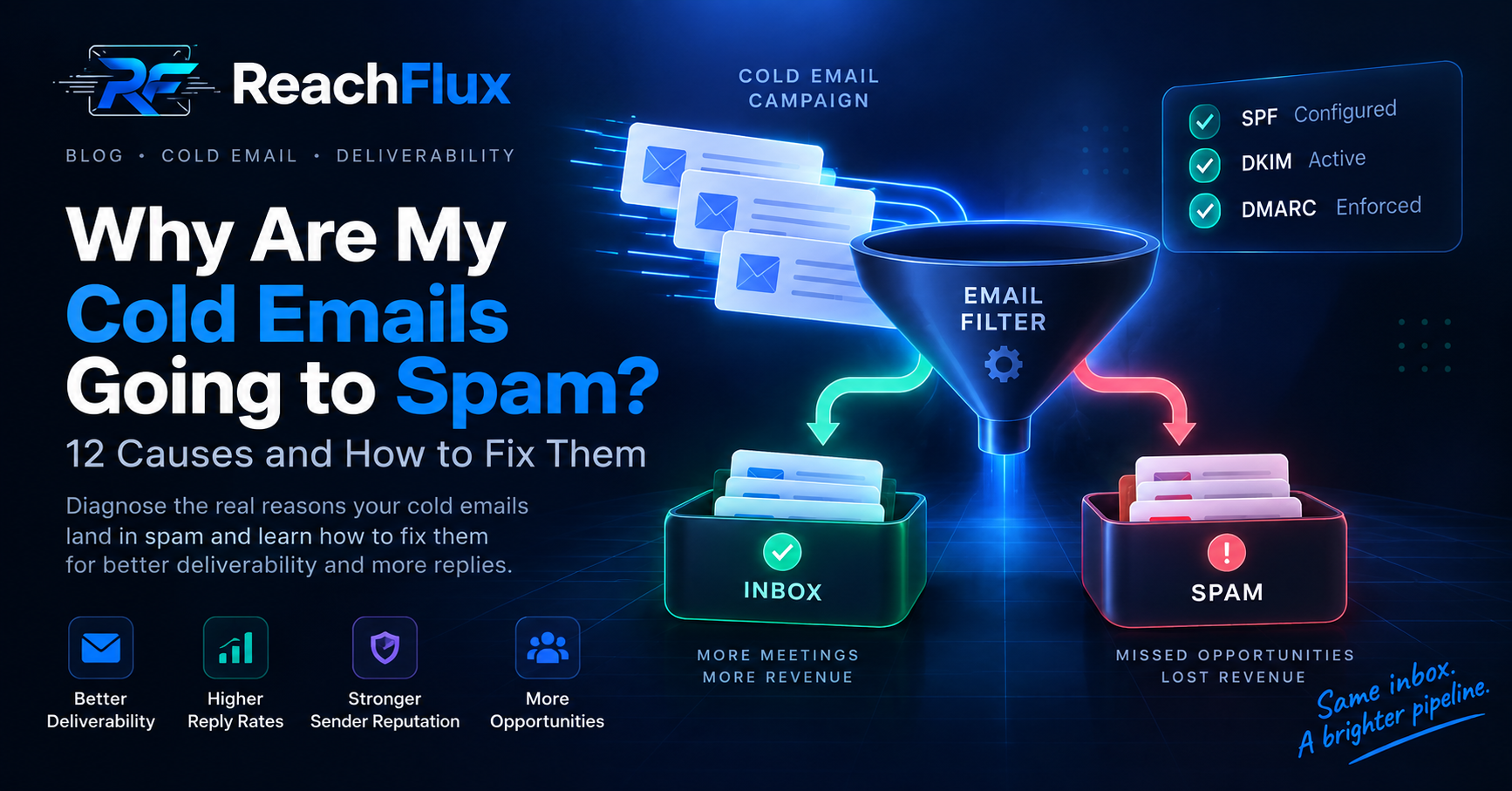
Cold emails usually reach spam because of poor sender reputation, missing authentication, bad lead data, sudden volume increases, or negative recipient signals. Fix the infrastructure first. Then improve targeting, control sending volume, and monitor complaints and bounces.
A good cold email cannot compensate for unhealthy sending infrastructure. Mailbox providers evaluate far more than your message copy.
They also evaluate authentication, sending patterns, reputation, complaints, and recipient behavior.
Why Are My Cold Emails Going to Spam?
Spam placement rarely has one cause. It usually comes from several weak signals appearing together.
Your first job is identifying whether the problem comes from your domain, mailbox, lead list, sending pattern, or message.
1. Your Domain Is Not Properly Authenticated
Email authentication helps receiving servers verify that a message legitimately came from your domain.
Missing or incorrect authentication can make your messages harder for mailbox providers to trust.
Check SPF, DKIM and DMARC First
Start your diagnosis with SPF, DKIM, and DMARC.
SPF
SPF specifies which mail servers can send email for your domain. Make sure every legitimate sending service appears in your SPF setup.
DKIM
DKIM adds a cryptographic signature to outgoing messages. Receiving servers use it to verify the message and sending domain.
DMARC
DMARC builds on SPF and DKIM. It also defines how receivers should handle messages that fail authentication.
Gmail requires SPF or DKIM for all senders to personal Gmail accounts. Senders above its bulk-sender threshold must use SPF, DKIM, and DMARC.
Need the technical breakdown? Read our guide to SPF vs DKIM vs DMARC and understand what each authentication method does.
2. Your Sender Reputation Is Weak
Your domain and sending infrastructure build a reputation over time. Sending behavior affects that reputation.
High complaints, repeated bounces, inconsistent volume, and poor engagement can create negative signals.
Avoid treating a new mailbox as an unlimited sending resource. Establish normal activity before increasing campaign volume.
Separate Outreach From Critical Business Email
Do not put every email workflow through the same infrastructure. Your sales outreach and critical transactional messages serve different purposes.
Google recommends separating different message categories when multiple sending streams are necessary.
3. Your Lead List Contains Bad Addresses
List quality directly affects campaign health. Invalid addresses create bounces before your copy gets a chance.
Verify addresses before placing them into an active sequence. Remove addresses that repeatedly fail.
Do Not Confuse More Leads With Better Leads
A list of 10,000 poorly matched contacts is not automatically better than 1,000 relevant prospects.
Define your ICP first. Then segment prospects by role, company, problem, or another useful buying signal.
Better targeting also makes personalization more specific. That can reduce irrelevant outreach and negative recipient reactions.
4. You Increased Sending Volume Too Quickly
Sudden volume changes can create deliverability problems. Avoid jumping from light mailbox activity to hundreds of messages without establishing a stable pattern.
Google explicitly recommends increasing sending volume gradually. It also advises avoiding sudden spikes.
If bounces or deferrals increase, reduce volume. Investigate the cause before increasing it again.
Read our cold email scaling framework before increasing campaign volume.
Distribute Volume Instead of Forcing One Inbox
Scaling should come from controlled infrastructure. Do not simply raise one mailbox's daily volume.
Add sending capacity carefully and distribute leads across healthy accounts when your campaign requires more throughput.
5. Your Email Looks Like Mass Outreach
Deliverability is not only a DNS problem. Your message can also create negative recipient signals.
Generic copy makes the problem worse because recipients have little reason to engage.
Avoid Unnecessary Complexity
A first-touch cold email usually does not need several images, multiple links, tracking-heavy elements, or elaborate formatting.
Keep the message focused on the recipient and one clear reason for contacting them.
Personalize the Reason, Not Just the Name
Adding a first name does not make an irrelevant message relevant.
Strong personalization connects your offer to something meaningful about the prospect, company, role, or current problem.
That is also where AI can help when used carefully. It can research context and prepare a tailored first draft.
6. Too Many Recipients Mark Your Email as Spam
Recipient complaints are one of the clearest negative signals you can generate.
Google recommends keeping its reported spam rate below 0.1%. It says senders should avoid reaching 0.3% or higher.
Yahoo also requires senders to keep complaint rates below 0.3%.
Treat those numbers as limits, not campaign targets. The goal should be keeping complaints as low as possible.
Why Complaints Happen
- The prospect does not match your ICP.
- The message has no clear relevance.
- You send too many follow-ups.
- The recipient cannot easily stop future messages.
- Your message looks deceptive or overly promotional.
7. You Ignore Bounces and SMTP Errors
A bounce is diagnostic information. Do not treat it as a number to hide in a dashboard.
Review why messages failed. Separate invalid addresses from temporary delivery problems.
Gmail specifically recommends reducing volume when messages begin bouncing or getting deferred.
8. You Send the Same Message to Everyone
One campaign should not automatically mean one message for every lead.
Segment your list before writing. A founder, sales leader, and operations manager may care about different outcomes.
Relevant segmentation improves the campaign before personalization even begins.
9. Your Follow-Up Sequence Is Too Aggressive
More follow-ups do not guarantee more replies. Every additional message also creates another opportunity for negative feedback.
Give prospects enough time between touches. Stop sequences when someone replies or asks not to be contacted.
10. You Focus Too Much on Open Rates
Open tracking can be useful, but it should not control every deliverability decision.
Google says it does not track open rates and cannot verify the accuracy of third-party open-rate reports.
Monitor replies, bounces, complaints, SMTP responses, and sender reputation alongside campaign engagement.
11. Your Sending Pattern Is Inconsistent
Large bursts followed by long periods of inactivity create an unstable sending pattern.
Google recommends sending large volumes at a consistent rate instead of sending them in bursts.
Build predictable sending behavior and increase capacity gradually.
12. You Keep Scaling a Campaign That Is Already Failing
Volume amplifies existing problems. It does not repair them.
If bounce rates rise or replies collapse, stop increasing volume. Diagnose the list, infrastructure, targeting, and message first.
How to Stop Cold Emails Going to Spam
Fix deliverability in a logical order. Start with infrastructure before rewriting every subject line.
- Verify SPF, DKIM, and DMARC.
- Check your domain and sending reputation.
- Verify every lead before sending.
- Remove repeatedly bouncing addresses.
- Reduce volume if delivery problems appear.
- Increase sending volume gradually.
- Segment prospects around a clear ICP.
- Write relevant messages for each segment.
- Monitor complaints and SMTP responses.
- Stop sequences when recipients reply or opt out.
Where ReachFlux Fits
Managing these checks manually becomes harder as outreach grows.
ReachFlux helps centralize campaign sending, lead verification, account distribution, personalization, and campaign analytics. This makes it easier to spot problems before increasing volume.
The goal is not simply sending more email. It is maintaining controlled outreach as the campaign grows.
Cold Email Spam Prevention Checklist
- SPF passes for your sending setup.
- DKIM signs outgoing messages correctly.
- DMARC exists and aligns with your sending domain.
- Your lead list is verified before launch.
- Campaign volume increases gradually.
- Your ICP is clearly defined.
- Messages have a specific reason for outreach.
- Follow-ups stop after replies or opt-outs.
- Bounces and SMTP errors are reviewed.
- Spam complaints remain extremely low.
Run this checklist before increasing campaign volume. Fix weak infrastructure before testing more aggressive sending.
Frequently Asked Questions
Why are my cold emails suddenly going to spam?
Check for recent changes first. Look at sending volume, lead sources, authentication, bounce activity, complaints, and infrastructure changes.
Does SPF stop emails from going to spam?
No. SPF helps authenticate your sending infrastructure. Inbox placement also depends on reputation, complaints, sending behavior, message quality, and other signals.
Do I need SPF, DKIM, and DMARC for cold email?
Using all three gives your domain a stronger authentication setup. Gmail requires SPF or DKIM for all senders and all three for qualifying bulk senders.
Can sending too many cold emails cause spam placement?
Sudden or excessive volume can contribute to delivery problems. Google recommends gradual increases and consistent sending rates.
Should I stop sending if my bounce rate increases?
Reduce sending and investigate the cause. Google recommends lowering volume when bounces or deferrals increase.
Does email warm-up guarantee inbox placement?
No. No warm-up process can guarantee inbox placement. Authentication, list quality, reputation, complaints, and targeting still matter.
Fix deliverability before increasing volume.
Once your infrastructure is healthy, learn how to increase outbound capacity without putting one mailbox under unnecessary pressure.
Read the cold email scaling guide →