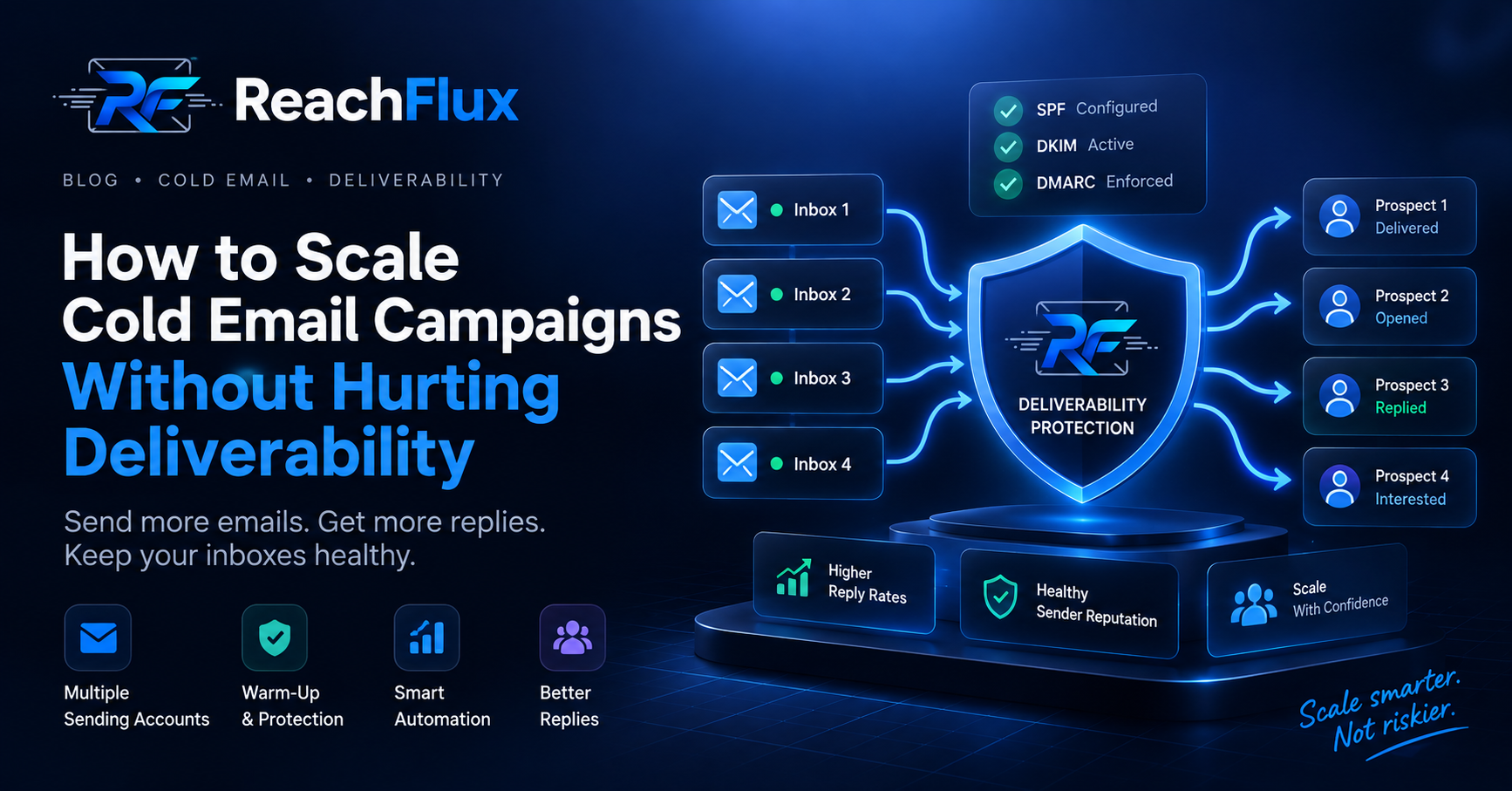
Do not scale cold email by suddenly raising one mailbox's daily volume. Add healthy sending accounts, distribute leads, verify addresses, and increase volume gradually. Monitor bounces and replies as you grow.
A campaign that works at 100 emails per day can fail when pushed to 1,000. More volume creates more opportunities for bounces, complaints, poor targeting, and reputation damage.
That makes cold email scaling an infrastructure problem as much as a sales problem.
What Does Scaling Cold Email Actually Mean?
Scaling cold email means increasing qualified outreach while keeping your sending infrastructure healthy.
It does not mean finding the maximum number one inbox can send each day.
A scalable system separates sending capacity across multiple healthy accounts. It also keeps targeting, verification, personalization, and monitoring consistent as volume increases.
Scale horizontally by adding healthy sending capacity. Avoid scaling vertically by pushing one mailbox harder.
Fix These Foundations Before Increasing Volume
More sending volume magnifies existing problems. Check your infrastructure before adding more prospects.
Authenticate every sending domain
Configure SPF, DKIM, and DMARC correctly for each sending domain. These records help receiving systems verify your mail.
Google requires authentication for mail sent to personal Gmail accounts. Its requirements become stricter for bulk senders.
New to email authentication? Read our SPF vs DKIM vs DMARC guide to understand what each protocol does before scaling your sending infrastructure.
Protect your primary business domain
Your main domain handles important business communication. High-volume outbound can expose that reputation to unnecessary risk.
Many outbound teams therefore separate cold outreach infrastructure from their primary business email.
Verify prospects before sending
Scaling a dirty lead list simply creates bad outcomes faster.
Verify addresses before they enter active campaigns. Remove clearly invalid addresses and investigate repeated bounce patterns.
Start with relevant targeting
Deliverability cannot rescue a poorly targeted campaign.
Define your ICP before increasing volume. Segment prospects by meaningful characteristics and write messaging for each segment.
A Practical Framework for Scaling Cold Email
Step 1: Establish a healthy baseline
Start with your current campaign performance. Record sending volume, bounce behavior, replies, and any provider warnings.
This baseline gives you something to compare after each increase.
Step 2: Add sending capacity
Add additional mailboxes instead of relying on one sender for every campaign.
Each account should use correctly configured infrastructure. Avoid connecting new accounts and immediately pushing large campaigns through them.
Step 3: Distribute leads across accounts
Divide campaign recipients between available sending accounts.
For example, imagine a campaign has 1,000 prospects and five suitable sending accounts. Your system can distribute those recipients rather than sending all 1,000 from one account.
This example illustrates distribution. It is not a recommended daily sending limit.
Step 4: Avoid mechanical sending patterns
Real email activity does not happen at perfectly identical intervals.
Spread campaign activity across the sending window. Avoid sending large batches at the exact same moment.
Also account for follow-ups. They consume sending capacity alongside first-touch emails.
Step 5: Increase volume gradually
Avoid making large volume jumps because yesterday's campaign performed well.
Increase capacity in controlled stages. Check campaign health after each change.
Stop increasing volume when quality indicators start moving in the wrong direction.
Step 6: Keep personalization intact
Scaling often creates pressure to send generic copy. That defeats the purpose of reaching more prospects.
Keep segments narrow enough to write relevant messages. Use prospect data only when it improves the conversation.
How Cold Email Inbox Rotation Fits Into Scaling
Inbox rotation distributes campaign sends across multiple connected email accounts.
Suppose you have several approved sending accounts. Instead of routing every prospect through one mailbox, your campaign system can spread recipients between them.
Rotation makes operational scaling easier. It does not repair damaged domains, bad lists, or irrelevant messaging.
600 prospects across three accounts
Imagine your campaign contains 600 recipients. You have three healthy sending accounts available.
This demonstrates load distribution only. It does not mean each account should send 200 cold emails in one day.
What Should You Monitor While Scaling?
Sending volume tells you how much email left your system. It does not tell you whether scaling is healthy.
Bounce patterns
A sudden rise in bounces deserves immediate attention. Check list quality, authentication, provider responses, and the affected sending accounts.
Reply quality
Do not judge a campaign using reply rate alone. Read the replies.
Positive conversations and negative responses tell very different stories.
Provider warnings and failures
Monitor rejected messages and unusual sending errors. Repeated failures can expose infrastructure problems before campaign performance collapses.
Already struggling with inbox placement? Read why cold emails go to spam before increasing your campaign volume.
Account-level performance
Aggregate campaign statistics can hide one unhealthy sending account.
Review performance at account level when possible. Pause problematic senders instead of letting them affect the entire campaign.
Common Cold Email Scaling Mistakes
Sending more from the same mailbox
Increasing one mailbox's volume is the simplest approach. It is not necessarily the safest.
Add capacity before pushing existing accounts harder.
Scaling before validating the campaign
More volume will not fix weak targeting or poor messaging.
Prove that your ICP, offer, and copy generate meaningful conversations before expanding.
Ignoring follow-up volume
Today's first-touch emails create tomorrow's follow-ups.
Calculate total sequence activity before deciding how much new outreach to add.
Treating every mailbox as identical
Accounts can develop different sending histories. One mailbox may experience problems while others remain healthy.
Monitor senders individually.
Scaling an unverified list
Larger lists often contain more stale or incorrect data.
Verification should happen before campaign enrollment, not after bounces appear.
Where ReachFlux Fits
ReachFlux is designed around distributed cold email campaigns.
Campaign recipients can be distributed between connected sending accounts. ReachFlux also supports randomized sending delays, email validation, campaign tracking, and sender-specific signatures.
The goal is simple. Give teams operational control as campaigns grow instead of turning scaling into manual mailbox management.
Cold Email Scaling Checklist
The Bottom Line
The safest way to scale cold email is not to make one inbox send dramatically more.
Build additional capacity, protect domain reputation, verify your leads, distribute campaign activity, and increase volume in controlled stages.
Treat deliverability as a constraint throughout the process. That creates a much stronger foundation for sustainable outbound growth.
Manage cold email campaigns across multiple sending accounts.
Explore how ReachFlux handles campaign distribution, personalization, tracking, and outbound workflows.
Explore Email Campaigns →Frequently Asked Questions
How do you scale cold email safely?
Add healthy sending capacity instead of suddenly increasing one mailbox's volume. Authenticate domains, verify leads, distribute sending, and monitor campaign health.
What is inbox rotation in cold email?
Inbox rotation distributes campaign activity across multiple sending accounts. It helps teams manage larger campaigns without routing every message through one mailbox.
Should I send cold email from my main domain?
High-volume outbound can expose your primary domain's reputation to additional risk. Many outbound teams separate cold outreach infrastructure from critical business email.
Does adding more inboxes guarantee better deliverability?
No. Additional inboxes cannot fix poor targeting, invalid leads, weak authentication, or damaged sender reputation.
Should I increase cold email volume immediately?
Avoid sudden increases. Increase capacity gradually and monitor bounces, provider errors, replies, and account health after each change.
Sources and further reading
This guide references current sender guidance from Google and current deliverability documentation from established cold email platforms including Woodpecker and Smartlead.
Provider requirements can change. Check your email provider's latest sender policies before changing production sending limits.