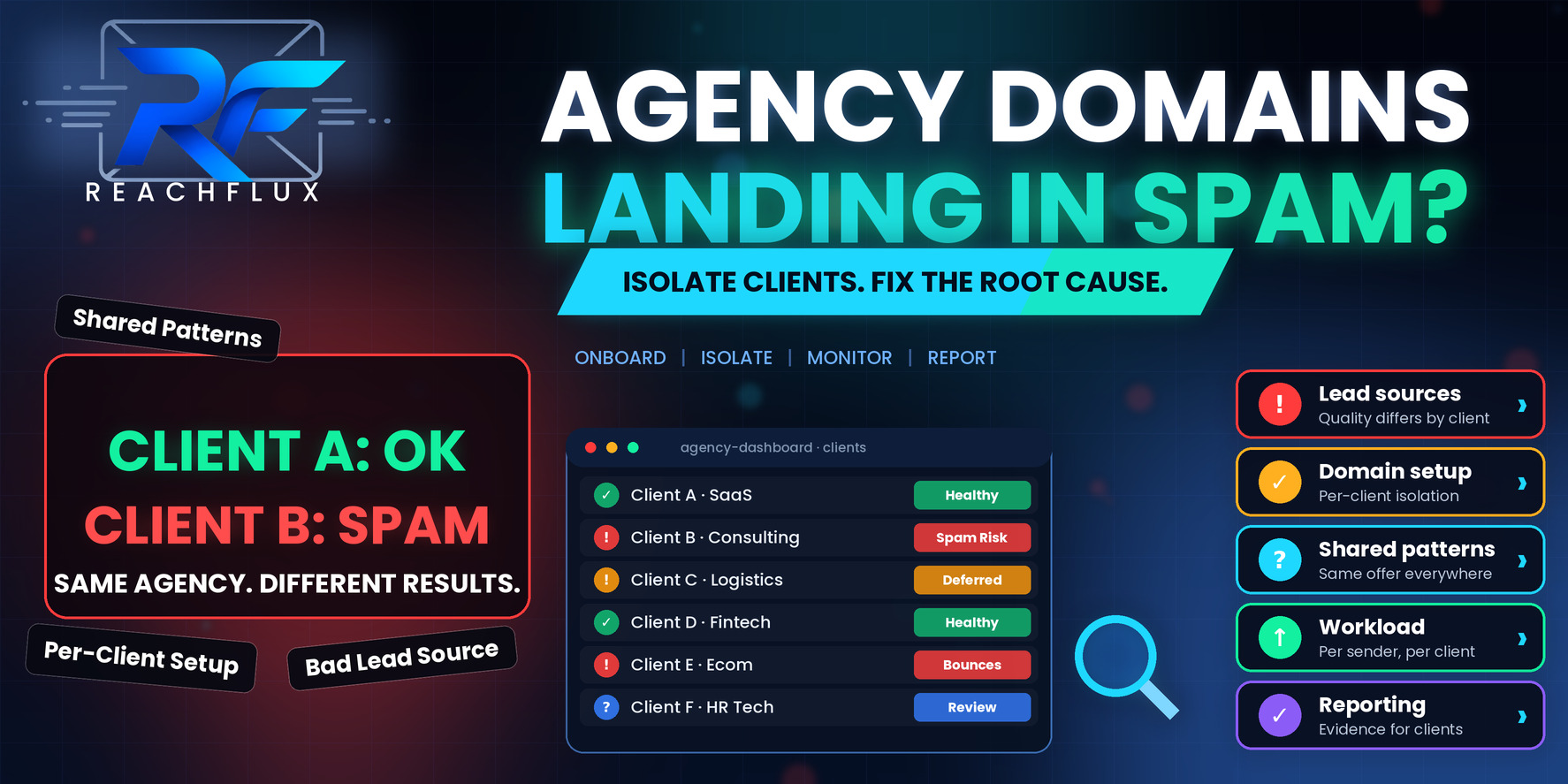
Why do some agency client domains land in spam?
When results differ between clients of the same agency, the cause is almost always a difference in the inputs. The lists are not the same quality. The domains were set up at different times or in different ways. One client is being pushed to higher volume than their sender history supports. The offer or template is repeated across clients in a way that attracts complaints. Or replies and unsubscribes are being handled unevenly.
The efficient way to find it is not to inspect each failing account in isolation. It is to put a healthy client and a failing client side by side and compare them across the same list of variables. The variable where they differ is where to dig.
Why agencies hit this problem more than in-house teams
An in-house team runs one offer to one market from one setup. An agency runs many, and every difference between clients is another place for a problem to hide.
There is also a commercial pressure that in-house teams feel less. Agencies sell outcomes and often agree volume targets at the point of sale. When a new client signs, there is a natural pull to launch quickly and at scale, before the domains and mailboxes have built any history. The first weeks of a new setup are when it is most fragile, and that is precisely when the pressure to deliver is highest.
Client-supplied data is another factor. In-house teams know where their lists come from. Agencies often inherit lists from a client's CRM, an old export or a purchased file, with no way of knowing how stale or how well targeted they are. Add several clients using similar templates and similar tools, and it becomes easy for a pattern to repeat across accounts without anyone noticing.
Each client brings its own list, offer and market.
Domains and mailboxes are created at different times, by different people.
Sales promises create pressure for volume before history exists.
Reused templates and processes spread problems between accounts.
Results are reported per client, so cross-client patterns get missed.
Put a healthy client and a failing client side by side
Pick one client whose emails reach the inbox reliably and one whose emails are being filtered. Then fill in the same table for both. You are looking for the row where the answers are different.
| Variable | What to compare | What a difference suggests |
|---|---|---|
| Lead source | Where did the list come from, how old is it, how was it built? | Data quality or relevance is the main driver |
| Recipient validation | What was checked, when, and what happened to uncertain records? | Bounces or traps are hurting the sender |
| Domain age and history | When was the domain set up and how was it ramped? | A fast launch on a new domain |
| Authentication | Do SPF, DKIM and DMARC pass and align for both? | A setup error on one account |
| Daily workload per sender | How much does each mailbox carry, follow-ups included? | One account is overloaded |
| Offer and template | How similar is the message to other clients' campaigns? | Repeated content or a weak offer |
| Targeting | How tightly defined is the audience? | Broad targeting driving negative reactions |
| Reply and unsubscribe handling | How quickly are replies processed and removals honored? | Complaints from people who asked to stop |
Be strict about writing the answers down rather than relying on memory. In practice, teams are often surprised that two clients they thought were "set up the same way" differ in three or four of these rows. The cause of the problem is frequently in the one nobody had checked.
Eight causes that explain most client-level differences
1. The client's list is the problem
Old exports, purchased files and CRM dumps are the most common source of trouble. They contain invalid addresses, people who no longer work there and contacts who never expected to hear from anyone. Check a sample before launch, measure bounces by import batch, and be prepared to say no to a list that is not fit to send.
2. The domains were launched too fast
A new domain with no history that starts at full volume has no baseline for receiving systems to compare against. A staged ramp is slower, but the history it builds is what makes higher volume sustainable later.
For a staged approach, see How to Scale Cold Email From 250 to 1,000 Emails a Day Without Landing in Spam.
3. Authentication differs between clients
If domains were set up by different people at different times, one may be missing a DKIM signature or have an alignment problem the others do not. Test each domain's authentication results by reading headers on real messages, not just by checking that records exist.
4. Workload per mailbox is uneven
One client may have fewer mailboxes for the same target volume, which means each mailbox carries more. Compare per-sender workload, follow-ups included, rather than total volume per client.
5. The same template runs everywhere
When several clients use near-identical copy and structure, any weakness in it repeats. A subject line pattern or a pitch structure that recipients find formulaic may draw the same reaction across accounts. Make sure each client's message reflects their own offer and audience.
6. Targeting is too broad
Broad targeting tends to produce complaints, because a larger share of recipients have no reason to care. Tighten the audience for the failing client and see whether performance changes.
7. Replies, opt-outs and bounces are processed slowly
If one account's replies are not being handled promptly, people who asked to be removed get follow-ups, which leads to complaints. Check that unsubscribes and bounces stop the sequence immediately for every client.
8. Shared infrastructure links clients together
If clients share domains, mailboxes or sending accounts, one client's behavior affects the others. Keep clients separate wherever you can, so a problem in one account does not spread.
Build a client onboarding process that stops this happening
Most agency deliverability problems are cheaper to prevent than to fix. A written onboarding sequence that every new client goes through gives you consistency and gives you something to point to when a client wants to skip a step.
Sample the client's data, check how it was sourced, and agree what will and will not be sent.
Separate domains and mailboxes, with SPF, DKIM and DMARC verified by testing real messages.
Document the staged ramp and the signals that determine when volume increases.
Build the offer, audience and copy from the client's own situation rather than reusing another account's template.
Decide who handles replies, how fast, and how opt-outs and bounces stop the sequence.
Track bounces, deferrals, authentication and replies per client from day one.
For a pre-launch checklist you can adapt, see Cold Email Deliverability Checklist: 25 Things to Check Before Sending.
What to put in client reporting so problems surface early
Most client reports are built around outcomes: emails sent, replies, meetings booked. Those matter, but they are lagging indicators. By the time replies fall, a delivery problem has often been running for a week.
Add a small section of leading indicators to every report, and review them internally even if the client never reads them. Track hard bounces and their share by recipient domain, temporary deferrals, authentication status on each sending domain, workload per mailbox and the number of replies still waiting for a response. These are the numbers that move first.
A weekly cross-client view is just as valuable. Put every client's indicators in one table and the patterns that individual reports hide start to show. If three clients all got worse the same week, the cause is probably something you changed, such as a template, a tool setting or a shared process, and not three separate list problems.
- Hard bounces and where they cluster.
- Temporary deferrals and rate-limit responses.
- Authentication status for each sending domain.
- Workload per mailbox, follow-ups included.
- Replies waiting for a response.
- Changes made to the account this week.
When to pause a client campaign, and how to restart it
Pausing feels like failure when a client is waiting for meetings. In practice it is one of the most valuable tools an agency has, because continuing to send into a delivery problem tends to deepen it.
Pause when signals are moving the wrong way and you cannot yet explain why: bounces rising, deferrals growing, authentication failing, or complaints appearing. Use the pause to run the comparison against a healthy client, identify the difference and fix it.
Restart at a lower level than where you stopped, and rebuild in stages. Tell the client exactly what you found, what you changed, and what you will be watching for. A client who sees a clear diagnosis and a measured restart usually trusts the agency more afterwards, not less.
If you need to rebuild reputation on a domain that has slipped, follow Cold Email Domain Reputation: How to Protect It and Recover When It Drops.
How to talk to a client when their domain is failing
The technical diagnosis is only half the job. The other half is explaining to a client who is paying for results why those results have paused.
Be specific and calm. Show them the evidence, such as the bounce responses or the comparison with a healthy account, rather than offering a vague explanation about spam filters. Explain what you are changing and why, and what you expect to see next. If part of the cause is the list they supplied, say so clearly but without blame, and show how a cleaner list changes the numbers.
It also helps to set expectations early in the relationship. A client who understands that volume is ramped, and that you will pause if the signals worsen, is far easier to work with than one who was promised a number on day one.
A note on compliance
Cold outreach rules vary by country and by audience. Requirements around consent, identification and unsubscribe handling differ between regions, so check the rules that apply to each client's market with qualified advice. Good compliance practice and good deliverability practice tend to point the same way, because honoring opt-outs and targeting properly reduces complaints.
ReachFlux is built for running outbound across multiple sender accounts with workload distribution, recipient validation, reply handling and activity tracking in one system. For an agency, that kind of structure makes it easier to keep clients separate and to see where a problem sits. It is a tool that supports good process, not a replacement for it.
Questions about agency client domains landing in spam
Why do some of my client domains land in spam and others do not?
Because the accounts differ in ways that matter: the lists they send to, how and when the domains were set up, how much volume each carries, the offer and copy, and how replies and complaints are handled. Comparing a healthy client against a failing one, variable by variable, is the quickest way to find the difference.
Should agencies share domains or mailboxes between clients?
Generally no. Shared sending infrastructure means one client's poor practices can affect another's results. Separate domains and mailboxes per client keep problems contained and make diagnosis far easier.
Who should own the sending domains, the agency or the client?
Ownership is a business decision, but it has practical consequences. Domains the client owns and can access make hand-over and continuity simpler. Whichever you choose, agree it in writing at the start and keep DNS access clear, because delays in changing records slow down every fix.
How do I handle a client who provides a poor lead list?
Check the list before sending, show the client what you found, and agree on a standard for what you will and will not send. A poor list is the most common cause of failing campaigns, and it is much easier to have that conversation before launch than after a domain has been damaged.
Can I promise clients a specific number of emails per day?
Be careful. A fixed daily volume target can push you to send more than a new domain or a weak list can support. It is safer to promise a process and a ramp, and to explain that volume depends on the health signals you are seeing.
When should an agency pause a client's campaign?
When delivery signals are worsening, such as rising bounces, rising deferrals or complaints, and you do not yet understand why. Pausing early protects the domain and the client relationship. Continuing to send into a problem usually makes it worse.
Treat the difference between clients as a clue.
When some client domains perform and others do not, it is tempting to assume spam filters are random. They are not. Something differs, and that something is usually in the list, the setup, the volume or the process.
Compare the accounts, write down the differences, fix the earliest one in the chain and keep each client's infrastructure separate. Do that consistently and the inconsistency tends to fade.
Keep sender accounts, workload and campaign activity organized across every client.
ReachFlux helps teams manage multi-account outbound with clearer visibility into where volume and problems sit.