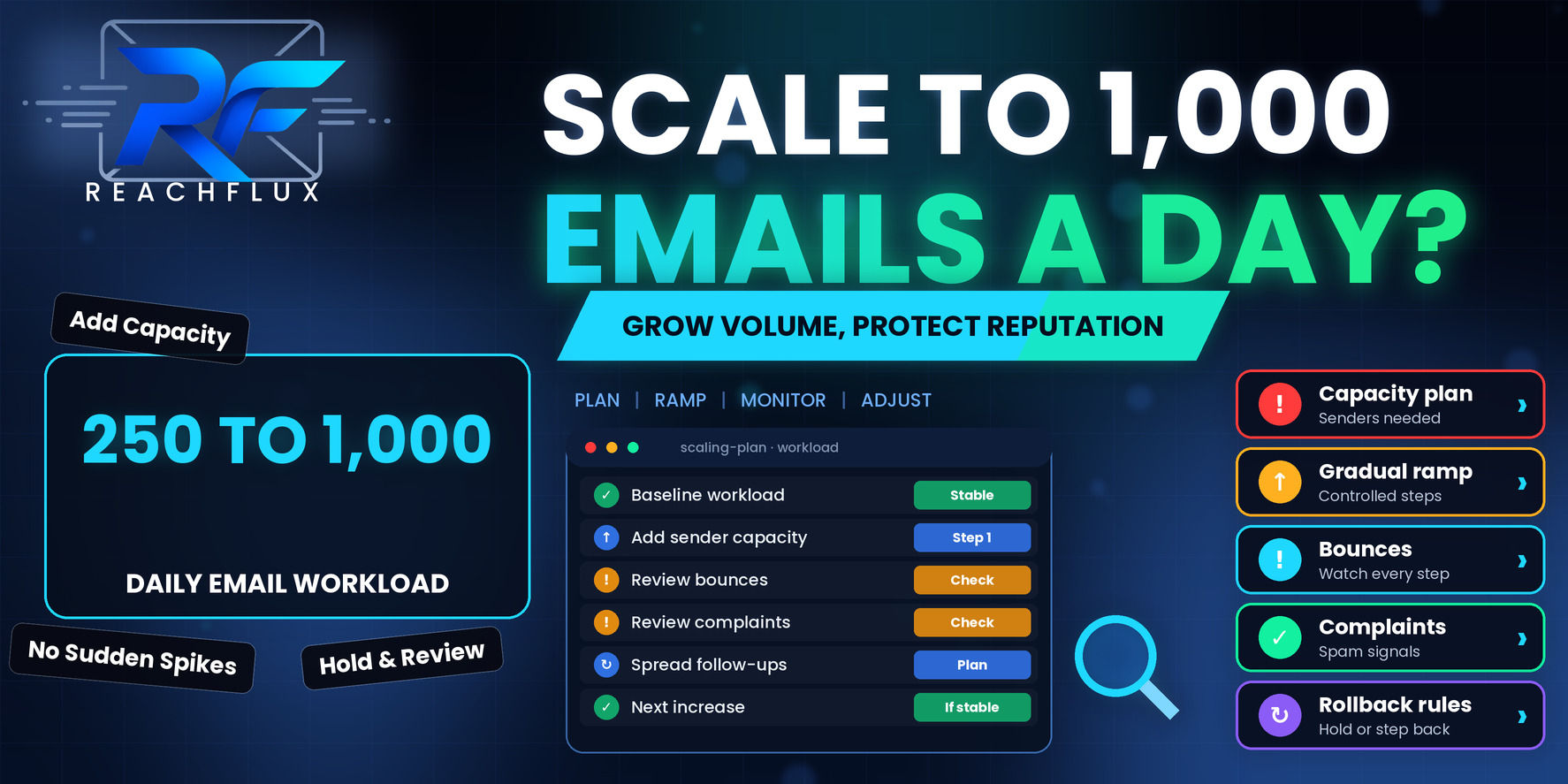
How do you scale from 250 to 1,000 cold emails a day?
Scale in stages, not in one jump. Start by confirming that your current 250 a day is genuinely stable. Then work out how much workload each sender can reasonably carry, add capacity to match, raise volume in steps, and hold each step long enough to see bounces, deferrals and complaints settle before you move on. Count follow-ups in your numbers, because they are part of the load.
The mistake most teams make is treating 1,000 as a target to reach by a date. It works better as a result you arrive at when the signals allow it. If the signals say hold, you hold.
Why a fourfold increase is more than "more of the same"
When volume quadruples, several things move together, and that is why scaling goes wrong in ways that are hard to trace afterwards.
First, your sender workload changes. If the same few mailboxes now carry four times the traffic, each one looks very different to receiving servers than it did last week. Second, your follow-up traffic grows with a delay, so the full effect of today's increase does not appear for several days. Third, your recipient mix usually changes, because finding another 750 good prospects a day is harder than finding the first 250, and teams quietly lower their standards to keep the numbers up.
Google's guidance for bulk senders is blunt on the first point: increase volume slowly, send at a consistent rate and avoid sudden spikes. That advice is written for large senders, but the underlying logic applies to anyone sending cold email. Receiving systems learn what normal looks like for a sender, and a sharp departure from it deserves attention.
Each mailbox carries more traffic than its history supports.
Earlier cohorts add traffic days after you raise volume.
Finding more prospects tempts teams to loosen targeting.
More sends mean more replies, bounces and unsubscribes to process.
More moving parts make it harder to spot which one changed.
None of this means scaling is dangerous. It means the work is mostly planning, and the plan has to cover more than the send button.
Before you scale, prove that 250 a day is actually stable
A lot of scaling problems are really baseline problems. If your current volume already produces creeping bounces or occasional deferrals, quadrupling it will not dilute those problems. It will amplify them and make the diagnosis harder.
Before adding anything, check that you can describe your current state in plain terms. Which senders are active, and how much does each one carry? What is the typical bounce pattern, and where do the failures cluster? Are there temporary deferrals at the big mailbox providers? Has anything changed in the last few weeks, such as a new data source, a new domain or a new template?
- Bounces are low and not trending upward.
- Temporary deferrals and rate-limit responses are rare.
- SPF, DKIM and DMARC behave as expected on every sending domain.
- Workload is spread across senders on purpose, not by accident.
- Replies and unsubscribes are being processed promptly.
- You can explain every change made to the setup in the last month.
If you cannot tick most of these, fix that first. A stable 250 is a better foundation than an unstable 600.
If you suspect the baseline is already shaky, start with How to Improve Cold Email Deliverability: 17 Fixes That Actually Matter.
Work out the real workload, then the senders it needs
Capacity planning starts with an honest count of how many messages leave your system each day, not how many new prospects you add. The difference is follow-ups.
Take a three-step sequence where each step goes to everyone who has not replied. If you add 300 new contacts a day, then on a steady day you also send follow-ups to the contacts added a few days earlier. The total can sit close to 900 a day, even though only 300 people were newly added. Some contacts will have replied, bounced or unsubscribed along the way, so the real number is a little lower, but the principle holds: the workload is new emails plus the follow-ups you owe.
Now divide that workload across senders. The figure you use per sender is the part nobody can give you honestly in the abstract, because it depends on the age and history of each mailbox, your recipient quality and what your own bounce and complaint data show. What you can do is start from the per-sender volume you already run at stable levels, and treat that as your reference point rather than inventing a bigger number.
| Planning question | Why it matters | How to answer it |
|---|---|---|
| How many messages leave per day, in total? | Follow-ups and retries use the same sender reputation as first emails | Count new messages, scheduled follow-ups and any retries together |
| How much does each sender carry today? | This is your proven reference point | Look at the stable period, not your best day |
| How many senders does the target need? | Capacity should match workload without inflating each mailbox | Divide target workload by the per-sender level your data supports |
| How will workload be distributed? | Uneven distribution overloads some accounts and wastes others | Spread deliberately and check the split after each change |
| What happens when a sender is paused? | Its share must go somewhere or be dropped | Decide the rule before it happens |
If the arithmetic says you need more senders than you have, the answer is not to push the existing ones harder. It is to add capacity, which brings us to the question of how fast.
For the math behind capacity and per-sender workload, see Cold Email Sending Limits: How Many Emails Should You Send Per Day?.
To estimate how many inboxes and domains a workload really needs, use How Many Domains and Inboxes Do You Need for Cold Email Outreach?.
Raise volume in stages, and hold each one long enough
A staged ramp does two jobs. It keeps the change in your sending pattern gradual, and it gives you a clean test at each level: if something goes wrong, you know which change caused it.
For a move from 250 to 1,000, that might look like four or five stages rather than one. The exact sizes are less important than the discipline. Each stage should be a modest, explainable change. Each stage should last long enough for the follow-up traffic it creates to show up. And the next stage should only start when the previous one looks stable.
Document the senders, workload per sender, bounce pattern and deferral rate at 250 a day.
Bring new sender accounts online and confirm they authenticate correctly before they carry real workload.
Raise the daily total by a controlled amount and keep every other variable the same: list source, template and schedule.
Wait until the combined load of new emails and follow-ups at this level has played out. Read bounces, deferrals and replies.
If signals are stable, move up. If they are drifting, hold. If they are worsening, return to the last stable level.
Why a full sequence cycle matters
If your sequence runs over about two weeks, a volume increase today does not reach its true load for about two weeks. Raising volume again after three days means you are stacking changes on changes you have not finished seeing. Waiting a full cycle is slower, but it is the difference between a controlled test and a series of guesses.
Keep sending patterns understandable
Do not compress a bigger workload into a short burst because your tool can send quickly. A spread-out schedule with natural variation is easier to monitor and looks less abrupt than a daily flood. Randomized delays between messages and sensible sending windows are about keeping behavior steady and predictable.
The signals that tell you to advance, hold or step back
You need a short list of signals you check at every stage. More metrics do not make the decision easier. A few well-chosen ones do.
| Signal | Healthy direction | What a change suggests |
|---|---|---|
| Hard bounces | Low and stable | Recipient quality or data source has changed |
| Temporary deferrals and rate limits | Rare | A provider is slowing you down, often after a volume change |
| Authentication results | Consistent passes | A DNS or sender configuration problem, especially on new senders |
| Complaint signals | Very low | Targeting or frequency is hurting recipient experience |
| Reply quality | Relevant replies, few angry ones | Offer, list or targeting is drifting as volume rises |
| Distribution across senders | Even and intentional | One sender is overloaded or underused |
For Gmail traffic, Postmaster Tools can show spam-rate and reputation signals once you send enough volume to the platform. Google's published guidance asks senders to keep the reported spam rate below 0.1 percent and to avoid reaching 0.3 percent. Treat those as limits you stay well away from, not as targets you are allowed to approach. Smaller senders may not see data there at all, in which case your own bounce and deferral records matter more.
Open rates are a poor guide during a scale-up, because tracking can be affected by privacy features and automated scanners. If you rely on them to decide whether to go up a stage, you may be reacting to noise.
The mistakes that turn a scale-up into a recovery project
Raising volume and changing the list at once
If you add a new data source, a new template and a higher volume in the same week, a rise in bounces cannot be explained. Change one thing at a time so you can tell what caused the effect.
Letting recipient quality slide to hit the number
The extra 750 emails a day have to go to people who might plausibly care. If the real constraint is the supply of good prospects, the honest answer may be that 600 relevant emails will outperform 1,000 mixed ones.
Spreading a weak campaign across more inboxes
Adding senders to a campaign that already attracts poor reactions gives you more places for the same problem to show up. Capacity solves a workload problem, not a relevance problem.
Ignoring replies and unsubscribes
More volume produces more responses, including people asking to be removed. If handling them falls behind, you will send follow-ups to people who already said no. That is one of the fastest routes to complaints.
Having no rollback rule
The moment to decide what a bad signal looks like is before you are in the middle of one. Agree in advance what causes you to hold, and what causes you to step back, so nobody has to improvise under pressure.
When results become unpredictable after growth, the diagnostic in Why Is Cold Email Outreach Inconsistent? 9 Problems to Check can help you find the weak layer.
What to do if bounces or deferrals rise while you scale
First, stop increasing. Do not add more volume or more senders while you are trying to understand what changed.
Then step back to the last stable level, which gives the system room to settle, and read the actual provider responses rather than the summary labels in your dashboard. Work out whether the failures are concentrated on one sender, one recipient domain or one data source. Check authentication on any sender that was added recently. Compare the day the problem started with the day the last change was made.
Only once you can explain the cause should you start the ramp again, and then in smaller steps than before. A slower second attempt is far better than a fast third one.
If your deliverability dropped suddenly, work through Why Did My Cold Email Deliverability Suddenly Drop? 17 Things to Check.
ReachFlux is designed around this kind of controlled growth: multiple sender accounts, workload distribution, randomized delays and campaign monitoring in one place, so you can see how volume is spread and where it is concentrated. It cannot guarantee inbox placement, and nothing honest can. What it can do is make each stage of a ramp easier to observe.
Questions about scaling from 250 to 1,000 emails a day
Can I go from 250 to 1,000 cold emails a day in one step?
It is the riskiest way to do it. A fourfold jump in a single day is exactly the kind of abrupt change that makes sending behavior look different overnight. Increase in stages, hold each stage long enough to see the effect, and only move up when the signals are stable.
How many email accounts do I need to send 1,000 emails a day?
It depends on how much each sender can safely carry, which depends on its history, your recipient quality and your bounce and complaint signals. Work out the per-sender workload you can justify from your own data, then divide total daily workload by that figure. Treat provider maximums as ceilings, not targets.
Do follow-ups count toward my daily volume?
Yes. Follow-ups use the same sender accounts and the same reputation as first emails. A three-step sequence means today's workload includes new contacts plus follow-ups owed to earlier cohorts, so the true daily number is often larger than the number of new prospects you add.
How long should I wait between volume increases?
Long enough for the effect of the increase to show up, including the follow-ups it creates. Holding each stage for at least one full sequence cycle is a sensible rule, because only then do you see the combined load of new emails and follow-ups.
What should I do if bounces or deferrals rise after I scale?
Stop increasing and step back to the last stable level. Then read the actual provider responses to find out whether the cause is recipient quality, sender workload, authentication or something else. Do not push through a warning signal to hit a target.
Is a bigger list or more inboxes the better way to grow?
Neither on its own. More inboxes add capacity but also add complexity, and a bigger list only helps if it is relevant. Grow the part of the system that is actually limiting you, and make sure recipient quality does not drop as volume rises.
Scale at the speed your signals allow.
Going from 250 to 1,000 emails a day is very achievable, and plenty of teams do it every year. The ones who do it without drama tend to share three habits. They plan capacity from the real workload, follow-ups included. They raise volume in stages and wait for each stage to play out. And they know in advance what a warning looks like.
If you remember one thing, make it this: volume is an output of a healthy system, not an input you force into a weak one. Build the system first, and the number follows.
Plan sender capacity, pace your campaigns and monitor each stage of the ramp.
ReachFlux helps teams distribute workload across sender accounts and see what is happening as volume grows.