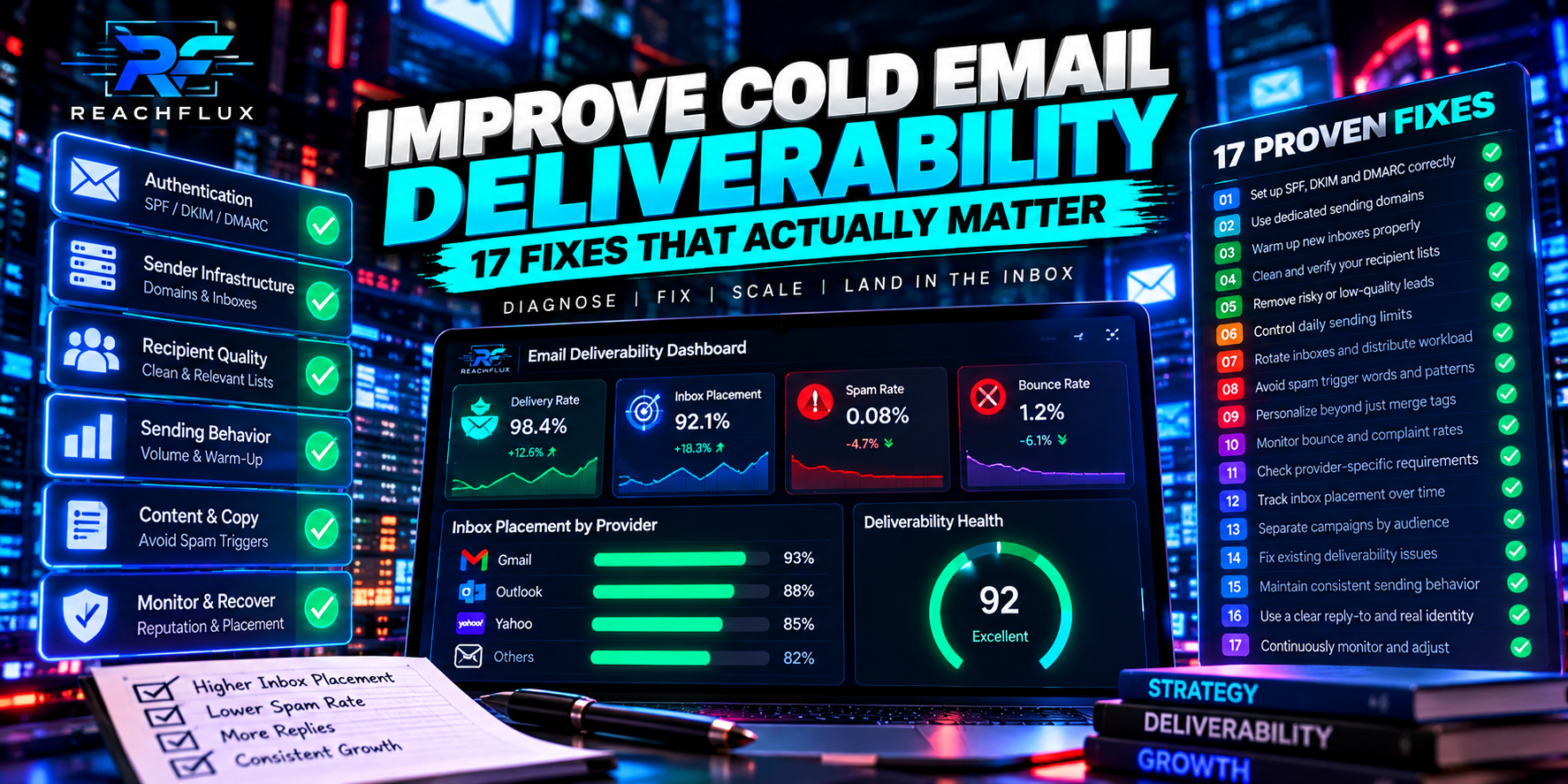
How do you improve cold email deliverability?
Improve cold email deliverability by diagnosing the failure before changing the campaign. First verify that messages are being accepted rather than bouncing or being deferred. Then check SPF, DKIM and DMARC, sender and domain reputation, recipient quality, complaint signals, sending consistency, workload per sender and provider responses. If delivery is technically healthy but replies remain weak, move downstream to targeting, offer and copy.
The mistake is treating every poor campaign result as the same problem. A bad address, an authentication failure, a reputation problem and an irrelevant offer can all produce disappointing numbers, but they require completely different fixes.
Cold email deliverability is not one metric.
People often use “deliverability” to describe everything between clicking Send and receiving a reply. That is too broad to troubleshoot well.
A useful model separates the path into stages: the sending system submits a message; the recipient server accepts, defers or rejects it; accepted mail is filtered; the recipient may see it; and only then can the person read, ignore, reply, delete or report it.
Did your sending account successfully submit the message?
Did the recipient server accept it, defer it or reject it?
If accepted, how did the receiving system classify the message?
Did the right person notice and understand the message?
Was the targeting, offer and copy strong enough to earn a reply?
This distinction matters because authentication can improve trust signals without fixing an irrelevant list. Better copy can improve replies without repairing a broken DKIM setup. More inboxes can add capacity without solving a reputation problem.
Before changing anything, identify where performance changed.
Compare a stable period with the period where results deteriorated. Look for the first metric or operational signal that changed. That gives you a much smaller search area.
Review hard bounces, temporary deferrals, rate-limit responses and policy rejections before interpreting engagement.
Verify the sending domain is authenticating as expected and that recent DNS or provider changes did not break alignment.
Compare volume, sender accounts, domains, recipient sources, follow-up workload, schedules and message format.
Look for complaint, bounce and reputation signals rather than assuming the newest copy caused the decline.
If the delivery path is healthy, diagnose whether the recipients, offer and message are strong enough to produce replies.
If messages are specifically landing in spam, use the cold email spam troubleshooting guide for a narrower diagnostic process.
Build the authentication layer before chasing tactical tricks.
1. Verify SPF for every sending domain
SPF tells receiving systems which infrastructure is authorized to send on behalf of a domain. Check that the record includes the services that actually send your mail and that old or duplicate configuration has not created an invalid setup.
Do not treat a visible SPF record as proof that every message passes. Inspect real message authentication results and make sure the infrastructure you use is represented correctly.
2. Verify DKIM signing
DKIM adds a cryptographic signature that lets receiving systems verify that the message was signed by an authorized domain and was not altered in transit. A DNS record alone is not enough; outgoing messages must actually be signed and the signature must validate.
3. Publish and understand DMARC
DMARC connects authentication with the visible From domain and gives domain owners a policy and reporting mechanism. For deliverability work, alignment matters. You want to know whether the identity the recipient sees matches the identity being authenticated.
4. Recheck authentication after infrastructure changes
New domains, mailbox migrations, DNS edits, provider changes and sending-platform changes can alter authentication behavior. If deliverability changed shortly after an infrastructure change, authentication belongs near the top of the investigation.
Need the protocols separately explained? Read SPF vs DKIM vs DMARC: What Cold Email Senders Need to Know .
Protect the reputation attached to your sending behavior.
5. Stop sudden volume spikes
A campaign that behaves predictably for weeks and then abruptly multiplies its workload creates a different traffic pattern. Google explicitly recommends increasing sending volume slowly, sending at a consistent rate and avoiding sudden spikes.
That does not create a universal “safe number.” It means the rate of change matters. Capacity should be increased deliberately while you monitor bounces, deferrals, provider responses and reputation signals.
6. Treat complaints as a serious signal
Spam complaints are direct negative feedback. They can reflect poor targeting, misleading expectations, excessive frequency or simply sending messages recipients did not want. More volume does not solve that problem.
Google recommends keeping Postmaster Tools spam rates below 0.1% and avoiding 0.3% or higher. Yahoo requires bulk senders to keep spam complaint rates below 0.3%. Those are provider requirements and guidance, not targets to approach.
7. Separate reputation problems from copy problems
If provider responses deteriorate across different campaigns using the same sending infrastructure, the common sender layer deserves attention. If delivery remains stable but one segment underperforms, targeting or messaging becomes more plausible.
For a deeper recovery process, see Cold Email Domain Reputation: How to Protect It and Recover When It Drops .
Better deliverability starts before the message is sent.
8. Remove obviously invalid recipients before sending
A sending system cannot turn a nonexistent mailbox into a deliverable recipient. Validate and clean imported data before campaigns start, then continue learning from real delivery responses because validation is only a point-in-time signal.
9. Investigate why addresses bounce instead of counting bounces only
“Bounce rate” compresses several failure types into one number. Separate invalid recipients from temporary mailbox conditions, policy blocks, domain problems and other provider responses. The corrective action depends on the response.
10. Tighten targeting when complaints or negative reactions rise
Deliverability and targeting are connected through recipient behavior. A technically valid address is not automatically a relevant prospect. If the campaign expands into weaker segments, the infrastructure may remain unchanged while recipient feedback gets worse.
Ask a simple question before importing a list: can you explain why this specific group should plausibly care about this specific offer? If the answer is only “they have email addresses,” the problem starts before copywriting.
If failures are rising, read Why Do Cold Emails Bounce? 15 Reasons and How to Fix Them .
Control workload instead of treating each inbox as unlimited infrastructure.
11. Count follow-ups when calculating daily workload
Teams often plan around new prospects and forget that sequences create future traffic. If 100 new contacts enter today, tomorrow's workload is not necessarily another 100. Follow-ups from previous cohorts can overlap with new messages.
Capacity planning should therefore include new messages, scheduled follow-ups, retries and any other outbound traffic that uses the same sender accounts.
12. Keep sending patterns controlled and understandable
Avoid turning a campaign into a short burst simply because the queue can process it quickly. A deliberate schedule makes behavior easier to monitor and reduces the chance that scaling creates an abrupt traffic pattern.
13. Distribute workload across sender accounts deliberately
Multiple sender accounts can provide operational capacity, but distribution should solve a real workload problem. Adding inboxes while the existing setup is producing poor recipient feedback simply spreads a weak campaign across more infrastructure.
14. Scale only after you can explain the current baseline
Before adding capacity, know which senders are active, how workload is distributed, what the bounce pattern looks like and whether provider responses are stable. Then change one major capacity variable and watch what happens.
For capacity planning, use Cold Email Sending Limits: How Many Emails Should You Send Per Day? .
Keep the message simple enough to diagnose.
15. Reduce unnecessary complexity when troubleshooting
If a campaign suddenly develops delivery problems, simplify the variables. Compare plain messages with heavier templates, review links and redirects, and check whether a recent formatting change coincided with the decline.
The point is not that HTML, links or tracking automatically cause spam placement. The point is diagnostic control. When many variables change together, you lose the ability to identify which change mattered.
16. Make the message relevant enough that recipients do not regret receiving it
Technical configuration cannot compensate indefinitely for poor recipient experience. Use a truthful subject, explain why the message is relevant, keep the request proportionate and make it easy for someone to say no.
If messages are being delivered but qualified prospects consistently ignore them, stop treating the problem as infrastructure. That is when targeting, offer and copy deserve focused testing.
Measure the signals closest to the actual failure.
Open rate is tempting because it looks like a simple deliverability metric. It is not reliable enough to carry that responsibility alone. Image loading, privacy features, security scanners and tracking behavior can distort what an “open” means.
Google itself says it does not track open rates and cannot verify the accuracy of open rates reported by third parties. For troubleshooting, prioritize server responses, bounces, deferrals, authentication results, reputation signals and real downstream outcomes such as replies.
| Signal | What it can tell you | What it cannot prove alone |
|---|---|---|
| Hard bounce | A permanent delivery failure occurred | That every address in the list is bad |
| Temporary deferral | The receiving system did not accept the message yet | That the recipient address is permanently invalid |
| Authentication result | Whether SPF/DKIM/DMARC behaved as expected | Guaranteed inbox placement |
| Open tracking | A tracking event may have occurred | Reliable human attention or inbox placement |
| Reply | A recipient engaged enough to respond | That the whole campaign is technically healthy |
What should you fix first?
Use the earliest observable failure to choose the next action. This prevents a common mistake: optimizing a downstream metric while an upstream layer is broken.
Start with recipient validity, SMTP responses, domain status, provider policy and authentication.
Review volume changes, sending pace, sender reputation and the exact provider response before retrying aggressively.
Inspect reputation, complaints, authentication alignment, traffic patterns and recipient relevance.
Move to list quality, segmentation, offer, positioning, message clarity and follow-up strategy.
Return to a known baseline and reintroduce major changes separately so the campaign becomes diagnosable again.
A practical 30-minute deliverability audit
- Check the most recent hard bounces and read the actual provider responses.
- Check whether temporary deferrals or rate-limit responses increased.
- Verify SPF, DKIM and DMARC behavior for the active sending domains.
- Compare current daily workload with the previous stable period.
- Include follow-ups when calculating sender workload.
- Check whether new domains or inboxes were introduced recently.
- Compare the current recipient source with the previous source.
- Look for an increase in invalid addresses or complaints.
- Check whether message format, links or tracking changed.
- Change one major variable, then measure again.
ReachFlux is built around this operational view of outbound: multiple sender accounts, workload distribution, randomized delays, recipient validation, campaign processing, reply handling and activity tracking are managed as parts of one system. The tool does not make inbox placement guaranteed; the goal is to make outreach infrastructure easier to control and diagnose.
Cold email deliverability questions
How do I improve cold email deliverability?
Start with delivery evidence rather than assumptions. Verify authentication, inspect provider responses, clean recipient data, protect sender reputation, control sending patterns and measure changes one variable at a time.
Why are my cold emails going to spam?
There is no single spam trigger. Authentication, reputation, complaints, recipient quality, sending patterns, provider policies and message characteristics can all matter. Diagnose the layer that changed before choosing a fix.
Do SPF, DKIM and DMARC guarantee inbox placement?
No. They help receiving systems verify sender identity and are essential foundations, but inbox placement also depends on reputation, recipient feedback, sending behavior and receiver-side filtering.
Should I buy another domain when deliverability drops?
Not automatically. First determine whether the problem is actually domain reputation. Replacing infrastructure without identifying the cause can reproduce the same failure on the new domain.
How many cold emails should I send per inbox?
There is no universal safe number. Provider limits, sender history, recipient quality, complaints, bounces, follow-up workload and traffic patterns all affect what is sensible. Treat provider maximums as technical ceilings, not campaign targets.
Can better copy fix deliverability?
Copy can influence recipient behavior, but it cannot repair invalid recipients, broken authentication or provider rejections. Fix technical delivery problems first; then test targeting, offer and copy when the delivery path is stable.
Is open rate a deliverability metric?
It can be a supporting signal, but it should not be used as proof of inbox placement. Privacy systems, image loading and automated scanners can affect tracking.
Better cold email deliverability comes from controlled diagnosis.
The fastest way to make deliverability harder is to change everything at once. New domains, new inboxes, new lists, new copy, new volume and new schedules create more uncertainty, not less.
Build a baseline. Read provider responses. Authenticate correctly. Protect reputation. Improve recipient quality. Control workload. Then test the message layer. That sequence gives you something more useful than a collection of deliverability tricks: a system you can actually debug.
Manage sender distribution, campaign pacing, validation and replies in one workflow.
ReachFlux helps teams operate cold email infrastructure without treating every sender account as an isolated mailbox.