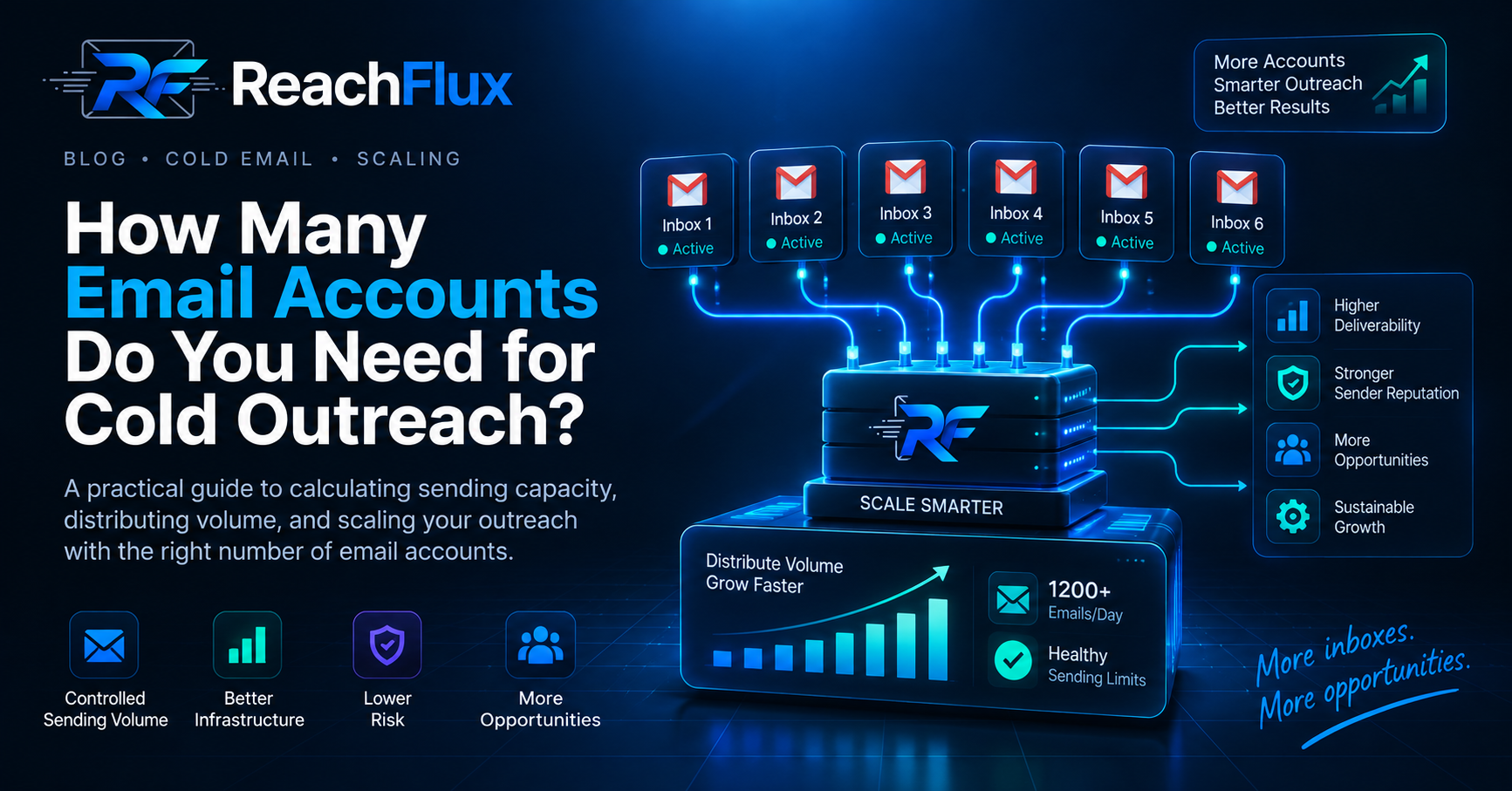
The number of email accounts you need depends on your target outreach volume and the safe, sustainable capacity of each account. Do not start with a universal “emails per inbox” number. Establish healthy sending first, then divide the volume you actually need across enough accounts to avoid concentrating activity in one mailbox.
More sending accounts can create more outbound capacity, but mailbox count alone does not make a cold email system safe.
Authentication, lead quality, complaint rates, sender reputation, message relevance, provider policies, and sending behavior still matter.
The better question is not “How many inboxes should everyone use?” It is “How much qualified outreach do we need, and how much healthy capacity do our accounts actually have?”
Why Email Account Count Matters
A single mailbox has finite sending capacity. Increasing campaign volume by pushing harder on that same account concentrates risk.
If the account begins producing unusual bounce patterns, complaints, provider warnings, or delivery failures, a large share of your outreach can be affected at once.
Multiple sending accounts let you distribute campaign activity instead of depending on one mailbox for all outbound volume.
How to Calculate How Many Email Accounts You Need
Start with your required campaign capacity, not an arbitrary mailbox target.
Treat the result as a planning estimate. Round up when the calculation produces a fraction.
The difficult part is the second number: sustainable sends per account. That is not a universal constant. It depends on the mailbox provider, account history, recipient quality, reputation, campaign type, and other sending signals.
Step 1: Define the Volume You Actually Need
Work backward from your campaign and sales process.
If your team can only handle a limited number of qualified conversations, sending dramatically more email may create more risk without creating useful capacity downstream.
Step 2: Establish a Healthy Baseline
Before increasing volume, confirm that your sending setup is stable.
- SPF, DKIM, and DMARC are configured correctly.
- Recipient addresses are verified before campaigns.
- Bounces and delivery failures are monitored.
- Replies are relevant enough to justify continued outreach.
- Mailbox-provider warnings are investigated rather than ignored.
Need to check the technical foundation first? Read our SPF vs DKIM vs DMARC guide before increasing outbound capacity.
Step 3: Determine Account Capacity From Real Performance
Do not assume that every mailbox can support the same activity.
Observe delivery errors, bounce patterns, replies, provider limits, and account health while volume changes gradually. Your planning number should come from what the infrastructure can sustain, not from a number copied from another sender.
Step 4: Divide the Required Volume
Once you have a reasonable working capacity per account, divide the campaign requirement across the available accounts.
Keep spare operational room. A system running every mailbox at its assumed maximum has little room for follow-ups, temporary provider restrictions, or account-level problems.
Cold Email Account Planning Examples
The examples below demonstrate the calculation only. They are not recommended daily sending limits.
If testing shows a sustainable planning capacity of 25 sends per account, the simple calculation produces four accounts.
100 ÷ 25 = 4 accounts
At an illustrative planning capacity of 30 sends per account, the calculation produces ten accounts.
300 ÷ 30 = 10 accounts
These examples should not be interpreted as provider limits or universal deliverability recommendations. They simply show how capacity planning works.
There Is No Universal Safe Daily Volume Per Inbox
A fixed number sounds convenient, but email providers do not evaluate messages using one simple “cold email limit.”
Gmail, for example, publishes sender requirements covering authentication, DNS, TLS, spam rates, message formatting, and additional requirements for bulk senders. Google also states that non-compliant messages can be rejected or sent to spam.
Yahoo similarly requires authentication, low complaint rates, valid DNS, and additional controls for bulk senders.
That is why account planning should be based on provider requirements and observed account health rather than a single number presented as safe for everyone.
Seeing poor inbox placement already? Read why cold emails go to spam before adding more sending accounts.
How to Add Sending Capacity Without Rushing
1. Add Accounts Before One Inbox Becomes the Bottleneck
If you need more qualified outreach, adding healthy capacity is generally more sensible than repeatedly increasing pressure on one mailbox.
2. Increase Volume in Controlled Stages
Sudden changes make it harder to understand what caused a deliverability problem.
Increase activity gradually and observe the effect before moving to the next stage.
3. Keep Follow-Ups in the Capacity Plan
Initial emails are only part of campaign volume.
A sequence with follow-ups creates additional sends on later days. Account planning that counts only first-touch emails can underestimate real workload.
4. Keep Lead Quality Ahead of Sending Capacity
More inboxes are useless if they are fed inaccurate or poorly targeted addresses.
Verify recipients before sending and remove addresses that should not continue receiving outreach.
Adding accounts is only part of the job. See how to increase cold email volume without triggering spam filters once your sending capacity is ready.
How to Distribute Campaign Activity Across Accounts
Once several sending accounts are available, campaign distribution becomes an operational problem.
You need to decide which recipients belong to each account, how follow-ups remain associated with the correct sender, and how account-level failures are tracked.
A simple distribution model can split a recipient list across available accounts rather than assigning the entire campaign to one sender.
Distribution should not hide unhealthy accounts. Monitor each sender independently so one struggling mailbox does not disappear inside campaign-level averages.
For the broader infrastructure strategy, read how to scale cold email campaigns without hurting deliverability .
Common Email Account Scaling Mistakes
Mistake 1: Treating a Popular Sending Number as a Guarantee
A number that worked for another team does not prove that your domains, accounts, recipients, and providers will behave the same way.
Mistake 2: Adding Accounts Without Fixing the Root Problem
If messages are already going to spam because of poor targeting, authentication problems, or complaints, adding more mailboxes can spread the same problem across more infrastructure.
Mistake 3: Forgetting Follow-Up Volume
A campaign can look small on launch day and become much heavier once multiple sequence steps overlap.
Mistake 4: Assuming Every Account Performs Equally
Account-level performance can differ. Track failures and reputation signals per sender rather than relying only on campaign totals.
Mistake 5: Running Every Account at Full Planned Capacity
Capacity planning needs operational room. Provider restrictions, temporary failures, and follow-up traffic can change daily workload.
Mistake 6: Scaling Before Verifying Leads
Increasing infrastructure does not compensate for inaccurate recipient data. Verification and targeting should improve before volume does.
Where ReachFlux Fits
ReachFlux supports campaigns that use multiple connected sending accounts. Recipients can be distributed across accounts instead of forcing the whole campaign through one sender.
ReachFlux also supports email validation, configurable randomized sending delays, sender-specific signatures, and campaign tracking.
Those controls help organize outbound execution, but they do not replace healthy domains, provider requirements, accurate targeting, or responsible sending decisions.
Email Account Planning Checklist
Frequently Asked Questions
How Many Email Accounts Do I Need for 100 Cold Emails Per Day?
There is no universal account count. Determine a sustainable capacity for your own accounts, include follow-up volume, then divide your required daily sends across enough healthy accounts.
Should I Send All Cold Emails From One Account?
Concentrating growing campaign volume in one mailbox creates a single operational bottleneck. When more capacity is genuinely needed, distributing activity across healthy sending accounts can reduce dependence on one sender.
Does Having More Email Accounts Improve Deliverability?
Not automatically. More accounts provide distribution capacity. Deliverability still depends on authentication, reputation, recipient quality, complaints, provider requirements, and sending behavior.
Can I Use the Same Domain for Multiple Sending Accounts?
Multiple mailboxes can exist on one domain, but their activity can still contribute to the reputation and compliance signals associated with that domain. Account separation should not be treated as reputation isolation.
Should I Increase Volume or Add Another Sending Account?
If an account is already operating at a healthy tested level, adding capacity is generally more controlled than repeatedly pushing that mailbox harder. The decision should still be based on observed account health and provider rules.
Do Follow-Ups Count Toward Sending Capacity?
Yes. Follow-ups are outbound messages too. Include them when estimating the total workload that each account will handle.
Sender requirements used in this guide
Mailbox-provider requirements can change. Check current provider documentation before changing production sending infrastructure.
Build capacity around healthy sending, not arbitrary limits.
Once you know the outreach volume your team needs, distribute it across healthy sending accounts and monitor performance as campaign activity grows.
Read the cold email scaling guide →