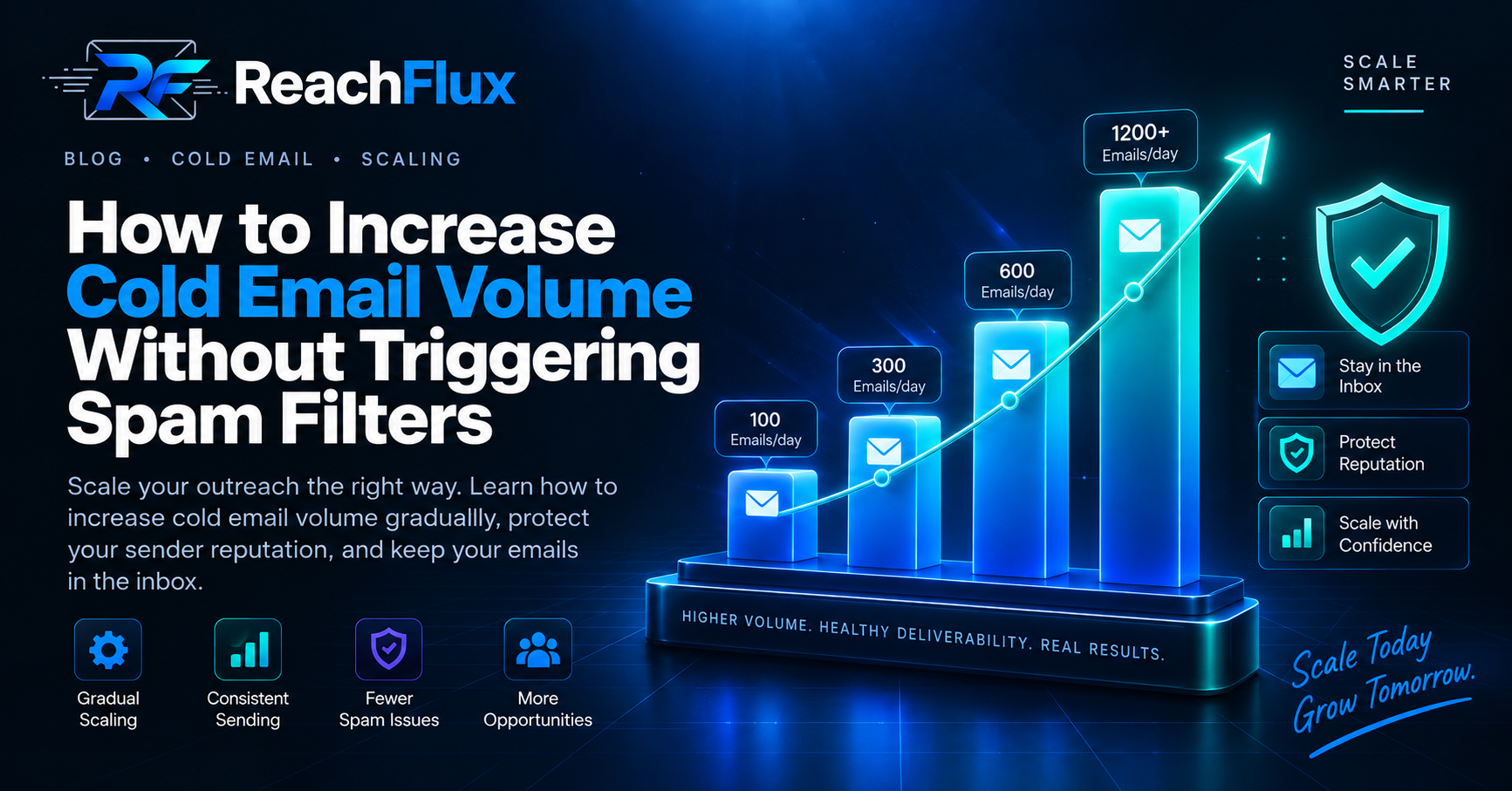
Increase cold email volume in stages, not jumps. Start from a stable sending baseline, verify your leads, watch bounces and complaints, and increase traffic only while account health remains steady. If one mailbox becomes the bottleneck, add healthy sending capacity instead of forcing more traffic through it.
There is a point where a cold email campaign starts working and the obvious reaction is to send more.
That is also where a lot of good campaigns get damaged.
The list grows. Daily volume jumps. More follow-ups begin overlapping. A mailbox that handled yesterday's campaign suddenly carries two or three times the traffic.
Nothing looks wrong immediately. Then deferrals appear. Bounce patterns change. Replies slow down. More messages start landing in spam.
Scaling outbound is not just a question of how many emails your software can queue. It is a question of how much change your sending infrastructure can absorb without its signals getting worse.
Why Can Higher Email Volume Cause Deliverability Problems?
Mailbox providers see more than the message sitting in someone's inbox.
They also see sending patterns.
A domain that normally sends a modest amount of mail and suddenly doubles its traffic has changed its behavior. That does not automatically make the mail spam, but it creates a pattern worth paying attention to.
Google advises senders to increase volume slowly. It also recommends consistent sending rather than bursts and warns against sudden volume spikes.
Google recommends monitoring server responses, spam rates, and domain reputation as volume increases.
Do Not Scale a Campaign That Is Already Unhealthy
Before touching the volume controls, look at what is happening now.
If the current campaign has authentication failures, bad addresses, unusual bounces, poor targeting, or growing complaints, more traffic will not solve those problems.
It will expose more recipients to them.
Start With Authentication
Check SPF, DKIM, and DMARC before increasing meaningful outbound traffic.
Gmail requires SPF or DKIM for all senders to personal Gmail accounts. Its requirements become stricter for senders around 5,000 or more messages per day to personal Gmail accounts.
Those bulk senders need SPF, DKIM, and DMARC, along with other requirements including domain alignment.
Not completely comfortable with email authentication? Read our SPF vs DKIM vs DMARC guide before increasing campaign traffic.
Check the Addresses You Are About to Scale Into
A small bad list creates a small problem. A large bad list creates the same problem faster.
Verify recipient addresses before they enter the campaign. Watch hard bounces closely and remove addresses that should no longer receive mail.
Yahoo's sender guidance recommends monitoring hard and soft bounces and removing invalid recipients promptly.
Look at the Replies, Not Just Delivery
A technically delivered email can still be bad outreach.
If the people receiving your campaign consistently ignore it, reject the offer, or ask why you contacted them, increasing volume is probably the wrong next move.
Fix the targeting first.
Increase Cold Email Volume in Controlled Stages
There is no universal ramp schedule that fits every mailbox.
A mature account with stable history is not the same as a new account on a different provider. Domains, recipients, infrastructure, and previous sending behavior all change the picture.
That is why I would not build a scaling plan around a statement like “increase by exactly 10 emails every day.”
Use stages instead.
Run the campaign at a level where delivery, bounces, replies, and provider responses are stable.
Add volume without making a dramatic change to the account's existing sending pattern.
Give the new level enough time to reveal changes in delivery errors, bounces, complaints, and replies.
Continue only if the infrastructure remains healthy. Otherwise, reduce volume and investigate.
This approach is slower than moving a slider from 50 to 500.
It is also much easier to debug.
When you change one thing at a time, you have a better chance of understanding what caused the result.
Keep Sending Consistent
Large bursts are not the same as steady campaign activity.
Google recommends sending large volumes at a consistent rate and specifically advises against bursts.
For an outreach system, that means your queue should behave more like a controlled flow than a data dump.
Sending hundreds of messages in a short burst because a cron job woke up is a very different pattern from distributing campaign activity over time.
Remember That Follow-Ups Also Consume Capacity
This is easy to underestimate.
Imagine launching 200 new prospects today. Tomorrow, another 200 enter the campaign. A few days later, the first group may also be due for a follow-up.
Your actual sending load is now larger than your daily new-lead count suggests.
Plan capacity around the whole sequence, not just first touches.
When Should You Add More Sending Accounts?
At some point, increasing one mailbox further stops being a sensible way to grow.
If the campaign genuinely needs more capacity, spreading work across healthy sending accounts gives you another option.
The goal is not to create dozens of inboxes for the sake of it.
The goal is to stop one mailbox from becoming the entire outbound system.
Every new lead and follow-up competes for capacity from the same sender.
Recipient activity can be shared across accounts while each sender remains independently monitored.
If account count is the problem you are solving, read how many email accounts you need for cold outreach before adding more senders.
More Accounts Do Not Reset Reputation
This distinction matters.
Adding accounts is a capacity decision. It is not a way to make bad outreach safe.
If your targeting is poor or recipients are reporting your messages, distributing the same campaign across more accounts simply distributes the underlying problem.
Warning Signs That You Are Scaling Too Fast
Do not wait for an account to become unusable before reacting.
Watch for changes while you increase traffic.
A sudden change can point to list quality, sending problems, or recipient-side rejection.
Temporary delivery failures deserve attention, especially after a volume increase.
Read the actual provider response instead of treating every failure as the same event.
Domain or IP reputation moving in the wrong direction is a reason to investigate before scaling further.
Recipient complaints are a strong signal that campaign quality needs attention.
Higher volume with lower-quality conversations may mean targeting has been diluted.
Google gives practical advice here.
If messages begin bouncing or getting deferred, reduce sending volume until the SMTP error rate falls. Then increase slowly again.
That is much better guidance than continuing to send because a campaign calendar says you should.
Spam Complaints Matter More Than Your Volume Target
A campaign can hit its daily sending target and still be moving in the wrong direction.
Google recommends keeping user-reported spam rates below 0.1% and avoiding 0.3% or higher.
Yahoo requires senders to keep spam complaint rates below 0.3%.
Those percentages should not be treated as goals. Lower is better.
If complaints start increasing as you scale, the useful question is not “How can I keep sending at this volume?”
Ask why recipients are complaining.
The answer may be poor targeting, irrelevant copy, excessive follow-ups, confusing sender identity, or a difficult opt-out process.
If inbox placement has already deteriorated, diagnose why your cold emails are going to spam before increasing volume again.
Cold Email Volume Mistakes I Would Avoid
Doubling Volume Because Yesterday Looked Fine
One healthy day does not establish a new baseline.
Give changes time to produce useful signals before making another large adjustment.
Scaling Every Account at the Same Time
If everything changes together and delivery gets worse, diagnosing the cause becomes harder.
Controlled changes give you cleaner feedback.
Ignoring SMTP Responses
“Failed” is not a diagnosis.
Read the response. A bad recipient address, temporary rate limit, authentication failure, and policy rejection are different problems.
Counting Only New Prospects
Your sending system handles first touches and follow-ups. Capacity planning should include both.
Buying More Inboxes Before Fixing the List
More infrastructure will not improve inaccurate data.
Clean and verify the lead source first.
Using Open Rate as the Main Health Signal
Open data is not reliable enough to carry that responsibility.
Google states that it does not track open rates and cannot verify the accuracy of open rates reported by third parties.
Look at provider responses, bounces, complaints, replies, and reputation alongside campaign analytics.
Where ReachFlux Fits
Once a campaign moves beyond one sender, keeping the execution controlled becomes harder.
ReachFlux can distribute recipients across connected sending accounts, apply randomized sending delays, verify email addresses, use sender-specific signatures, and track campaign activity.
Those controls are useful for managing the mechanics of a growing campaign.
They do not replace good targeting or healthy sending infrastructure. The decision to increase volume still needs to come from what your accounts and recipients are telling you.
For the complete infrastructure approach, read our guide to scaling cold email campaigns without hurting deliverability .
Cold Email Volume Scaling Checklist
Frequently Asked Questions
How Fast Should I Increase Cold Email Volume?
There is no universal ramp rate. Increase from a stable baseline in controlled stages, then watch delivery errors, complaints, bounces, replies, and reputation before increasing again.
Can Increasing Email Volume Cause Messages to Go to Spam?
Sudden or poorly managed increases can contribute to delivery problems. Google specifically recommends increasing volume slowly, maintaining consistent sending, and avoiding sudden spikes.
Should I Increase One Inbox or Add More Accounts?
If one mailbox is already handling a healthy tested workload, adding healthy sending capacity can be more controlled than continually increasing pressure on that account.
More accounts do not fix poor targeting or reputation problems.
What Should I Do If Bounces Increase After Scaling?
Reduce volume and investigate. Google recommends lowering sending volume when messages begin bouncing or getting deferred, then increasing slowly after the error rate improves.
What Spam Rate Should I Aim For?
Aim for as few complaints as possible. Google recommends staying below 0.1% and avoiding 0.3% or higher. Yahoo requires complaint rates below 0.3%.
Does Adding More Email Accounts Prevent Spam Placement?
No. Additional accounts provide sending capacity. Inbox placement still depends on authentication, reputation, targeting, complaints, recipient quality, and sending behavior.
Sender guidance used in this article
Mailbox-provider requirements change. Check current provider documentation before changing production sending infrastructure.
Increase capacity only when the current level is healthy.
Build a stable baseline, watch what changes, and add sending capacity when the campaign actually needs it.
Read the complete scaling guide →