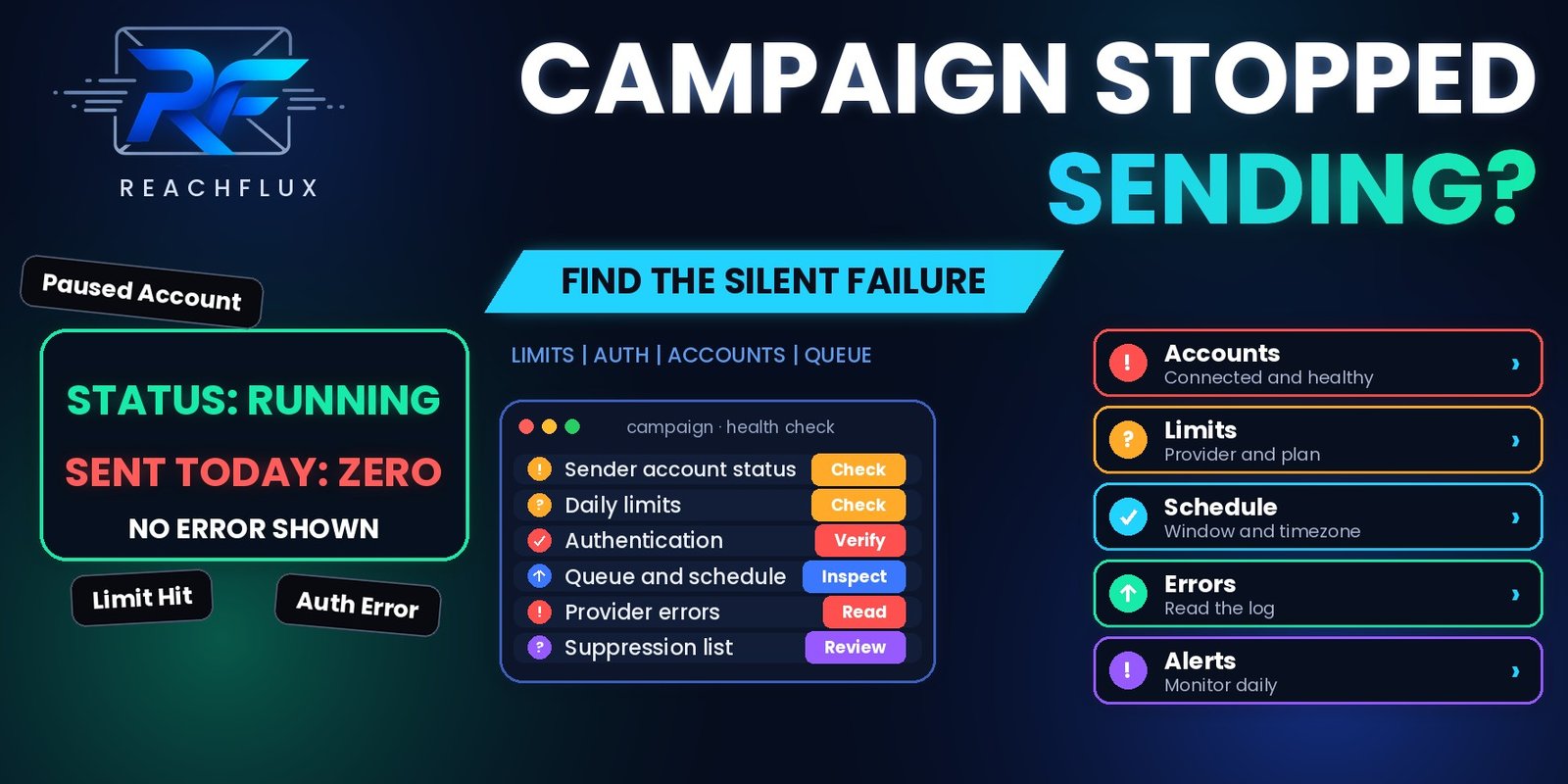
Why do cold email campaigns stop sending?
Cold email campaigns usually stop for one of a handful of reasons: a sender account lost its connection or credentials, a daily or provider limit was reached, the provider started returning errors or rate-limiting, a schedule or queue stopped processing, the audience ran out of eligible contacts, or an automatic safeguard paused sending after bounces. Because most of these fail quietly, the first sign is often a drop in activity rather than an error message.
The fastest route to the cause is to work from the outside in. First confirm whether anything is actually being attempted. Then check which senders are affected. Then read the most recent provider responses. That sequence separates a mailbox problem from a scheduling problem in a few minutes.
A five-minute triage before you dig deeper
Start with these five questions in order. Most stalls reveal themselves by the third.
Check whether messages are being picked up for sending, even if they fail. No attempts points to the schedule, queue or campaign state. Failed attempts point to the sender or provider.
If one mailbox stopped and others continue, the problem is that account. If everything stopped together, look at shared causes: tool, schedule, audience or a platform-wide issue.
Read the raw response from the last failed attempt rather than a status label. Authentication failures, rate limits and policy rejections each have different fixes.
Look for a password change, a DNS edit, a volume increase, a new template or a settings change in the day or two before.
Confirm the schedule, time zone, sending window, daily cap and paused or archived status.
Write down the answers as you go. If you end up asking someone else for help, a clear record of what you checked saves a lot of time.
Twelve reasons a cold email campaign stalls
Part one: the sender account
1. The mailbox connection expired or was revoked
Mailboxes connect through credentials or authorization tokens, and those can expire, be revoked or change when a password is reset or a security setting is tightened. The campaign keeps its schedule, but each send fails, often with an authentication error that never reaches a place you look.
2. The account was suspended or restricted
Providers can limit or suspend accounts that look unusual. If a mailbox suddenly cannot send, check the provider's own admin console and any security notifications sent to that account.
3. Two-factor or app-password rules changed
Security policy changes can break connections that used older authentication methods. A connection that worked for months can fail after a tenant-wide policy update.
Part two: limits and provider responses
4. A daily cap was reached
Both your tool and the mailbox provider can enforce caps. If the cap is reached early in the day, the remaining messages wait until the next window, which can look like a stall if you only check late.
5. The provider is rate limiting or deferring
Temporary responses tell a sender to slow down. If the tool keeps retrying faster than the provider allows, the queue backs up. Temporary errors that grow over days deserve a look at volume, authentication and reputation.
6. Authentication or DNS changed
A DNS edit, a new sending platform or a changed DKIM key can cause messages to fail authentication. Receiving servers may reject mail outright, and the tool may mark every attempt as failed.
If a platform or mailbox change preceded the stall, work through Why Did Email Deliverability Drop After Migration? 12 Things to Check.
Part three: the schedule, the queue and the audience
7. The sending window or time zone excludes the current time
Sending windows, weekdays-only rules and time zone settings can combine to leave no valid slot. A change in daylight saving time or a mistaken time zone can quietly shrink the window to nothing.
8. A background worker or scheduler is not running
Many sending systems depend on background processes to pick up queued work. If a worker stops, messages sit in the queue as scheduled while nothing is attempted. This looks like a silent stall because nothing is failing, nothing is happening either.
9. There are no eligible contacts left
Suppression rules, duplicate removal, bounce handling and unsubscribes can remove contacts faster than new ones are added. A campaign that "stopped" may simply have nobody left to email under the current rules.
10. An automatic safeguard paused sending
Good tools pause a sender or campaign when bounce or error rates rise. That is protective behavior, but if no one is notified it looks like a malfunction. Find what triggered the pause before resuming.
If several campaigns share senders or audiences, see how to coordinate them in How to Manage Multiple Cold Email Campaigns Without Losing Control.
Part four: reply handling and visibility
11. Reply detection is broken, so the sequence logic is stuck
If a mailbox cannot be read for replies, the system cannot tell who has answered, and some tools hold or mis-handle follow-ups. A stalled inbox connection can therefore stall sending as well.
12. There is no alerting, so the stall went unseen
This is the root cause behind most expensive stalls. The technical reason may have been small, but without alerts it ran for days. Visibility is the fix that prevents all the others from hurting.
Is it the tool, the mailbox or the data?
When a campaign stalls, the fastest way to avoid wasted effort is to work out which side owns the problem. This table sorts the evidence.
| What you see | Most likely side | First action |
|---|---|---|
| Scheduled messages never attempted, no errors | Tool: schedule, queue or campaign state | Check campaign status, sending window, worker or scheduler |
| Attempts failing with authentication errors | Mailbox: credentials or security policy | Reconnect the account and check provider security settings |
| Attempts deferred with rate-limit responses | Provider: throttling | Reduce volume and review recent changes |
| Attempts rejected for policy or reputation | Sender reputation or content | Check authentication and recent behavior before resuming |
| Everything fine but nothing left to send | Data: audience exhausted or suppressed | Review eligible contacts and suppression rules |
| One sender stopped, others fine | That mailbox or its limits | Compare its status, caps and recent errors with working senders |
Having this sorted before you start is worth it, because the people best placed to fix each side are different. Knowing which side to call saves a surprising amount of time.
Keep a simple stall log
Stalls recur, and the second time is faster if you wrote down the first. A short log with five fields is enough.
- When it stopped and when it was noticed: the gap is the cost of your current alerting.
- Which senders and campaigns were affected.
- The cause, in one sentence, using the raw provider response where there was one.
- What fixed it, and how long the fix took.
- What you changed so it is caught sooner next time.
Over a few months the log shows patterns, such as a particular provider setting that keeps expiring or a recurring cap problem every month-end. Patterns are cheaper to prevent than incidents are to fix.
How to restart a stalled campaign without causing a new problem
Fixing the cause is half the job. The other half is restarting in a way that does not create a second incident.
Confirm the sender reconnects, authentication passes and no errors appear on a small test send.
See how many messages are queued and how old they are. Very old queued messages may no longer make sense to send.
Do not let a multi-day backlog flush at once. Spread it over several days alongside normal volume.
Preserve randomized delays and sending windows so behavior stays steady.
For the first days after a restart, read provider responses daily.
For the logic of a staged restart, see How to Scale Cold Email From 250 to 1,000 Emails a Day Without Landing in Spam.
How to stop campaigns stalling silently
Most stall prevention is about visibility. You cannot prevent every technical failure, but you can make sure you hear about it within hours.
| Signal to monitor | Why it matters | Suggested trigger |
|---|---|---|
| Messages sent per sender per day | Shows a stall earlier than reply data does | A sender sends nothing during its normal window |
| Sender connection status | Catches expired credentials | Any authentication or connection error |
| Deferral and rate-limit responses | Early sign of provider throttling | Sustained rise over a normal baseline |
| Hard bounce rate by sender | Signals data or reputation problems | Spike versus recent history |
| Queue age | Shows work waiting without being processed | Messages waiting beyond the expected window |
| Eligible contacts remaining | Warns before an audience runs dry | Audience running low relative to daily volume |
- Every sender shows a recent successful send.
- No sender has an unresolved connection error.
- Daily caps match what you intended.
- The sending window and time zone are correct.
- The queue is not holding old messages.
- The audience has enough eligible contacts.
- Someone is notified if sending stops.
- Recent changes are recorded with dates.
ReachFlux brings sender accounts, workload distribution, campaign processing and activity tracking into one system, so it is easier to see which senders are active and what each campaign is doing. No tool removes the need to look, but good visibility turns a days-long stall into a quick fix.
Questions about cold email campaigns that stop sending
Why did my cold email campaign stop sending?
The most common reasons are a disconnected or expired sender account, a daily sending cap being reached, provider errors or rate limiting, a scheduling or queue problem, an audience with no eligible contacts left, or an automatic pause triggered by bounces. Check sender status and recent errors first.
How can I tell whether the problem is my tool or my email provider?
Look at the error detail. Errors returned by the provider, such as authentication failures or rate-limit responses, point to the mailbox side. If the tool shows scheduled messages that never attempt to send, with no provider response at all, the problem is in the queue, schedule or tool configuration.
Why are some emails stuck in the queue?
Common causes are a sending window that excludes the current time, a daily cap already reached, a paused sender, a background worker that is not running, or an account that is repeatedly failing and being retried. Check each in that order.
Can too many bounces stop a campaign?
Yes. Many tools pause a campaign or sender when bounce or error rates cross a threshold, to protect sender reputation. If a pause was triggered, find the cause of the bounces before resuming.
Should I restart the campaign immediately once it is fixed?
Not at full speed. If the stall lasted days, queued messages can flush in a burst that looks like a sudden spike. Release the backlog in controlled batches and keep your normal schedule going alongside it.
How do I stop campaigns stalling silently in the future?
Set up alerts for no sends in a defined window, sender connection errors, rising deferrals and unusual bounce rates, and review a short daily status checklist. The goal is to learn about a stall within hours, not days.
Silent stalls are an alerting problem first.
Campaigns stop for ordinary reasons: a token expired, a cap was reached, a worker stopped, an audience ran dry. What turns an ordinary reason into an expensive one is the days it takes to notice.
Triage from the outside in, read the actual provider response, restart in batches and set up alerts for the signals that change first. Do that and the next stall will cost you an afternoon instead of a week.
Monitor sender accounts, campaign activity and workload in one place.
ReachFlux helps teams run outbound with clearer visibility into what is sending and what is not.