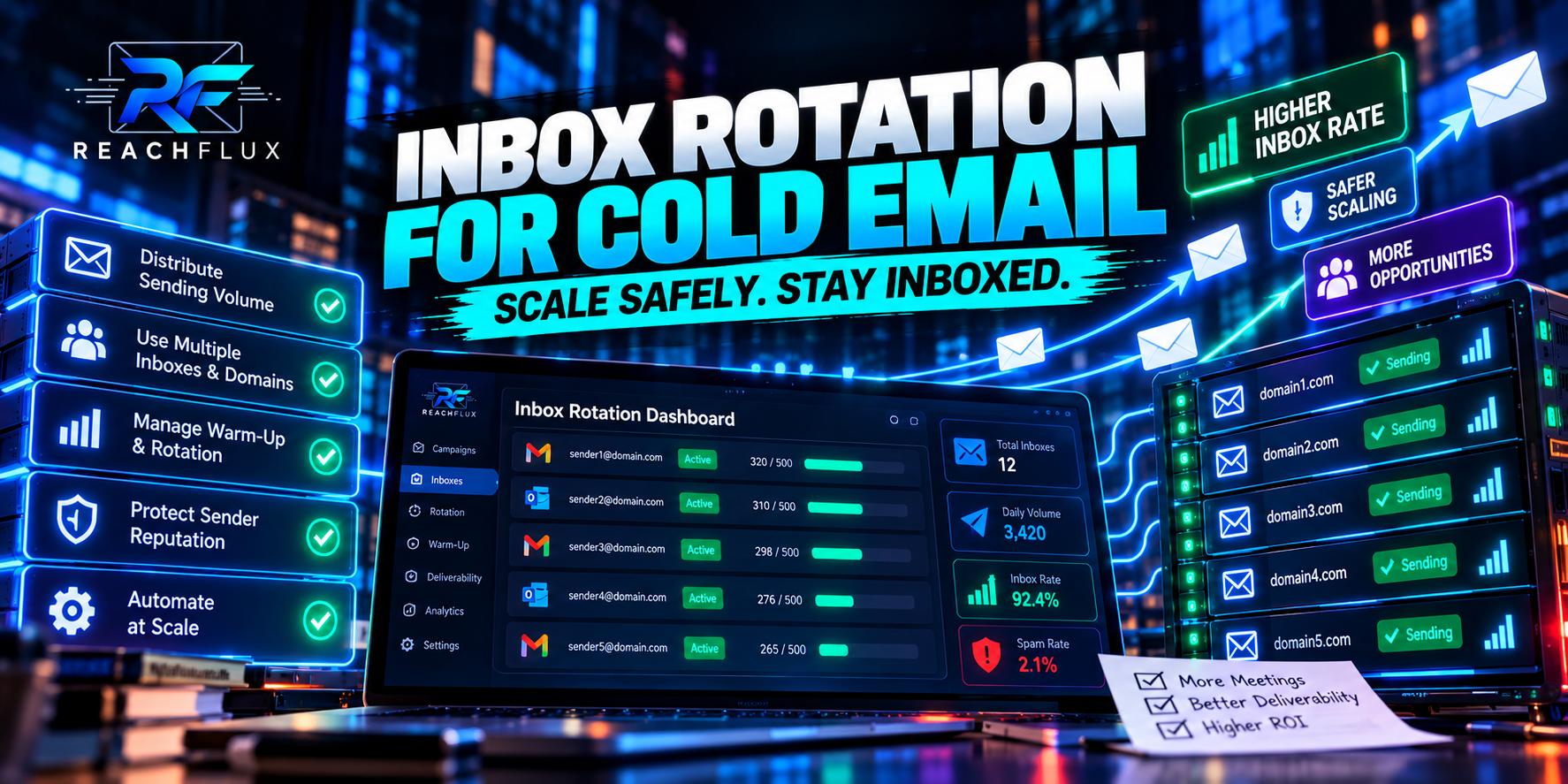
What is cold email inbox rotation?
Cold email inbox rotation means distributing outbound workload across multiple sender accounts instead of sending every campaign email from one inbox.
A useful rotation system assigns new conversations across available senders, keeps follow-ups connected to the original conversation, respects account-level workload controls and watches each sender separately for delivery problems.
Rotation is a capacity and risk-distribution mechanism. It is not a way to repair poor recipient data, weak authentication or damaged sender reputation.
Imagine a campaign needs to contact hundreds of prospects while several follow-ups from earlier days are also due.
If all of that traffic passes through one sender account, the campaign becomes dependent on one mailbox.
Adding sender accounts can distribute that workload. But simply creating ten inboxes and choosing one at random is not a complete rotation strategy.
You need to know:
- which inbox receives each new prospect,
- how much workload each sender already has,
- where follow-ups should come from,
- what happens when one sender develops problems,
- and whether total domain-level behavior remains reasonable.
That is what this guide covers.
What does inbox rotation actually mean?
The phrase sounds more complicated than it is.
Suppose your outbound infrastructure contains four sender accounts:
Without rotation, a campaign could accidentally place most or all outbound traffic on one account.
With rotation, new prospects are assigned across the available sender pool according to a defined rule.
The important word is workload.
Inbox rotation is not only about counting the initial emails. Follow-ups also consume sender capacity.
Why rotate inboxes in cold email campaigns?
The strongest reason is not “more inboxes means more email.”
The stronger reason is that multiple sender accounts allow you to distribute campaign workload instead of concentrating it in one place.
Distribute workload
New emails and scheduled follow-ups can be shared across multiple senders rather than accumulating on one account.
Control account-level traffic
Each sender can have its own campaign workload instead of inheriting the full volume of the entire outbound operation.
Isolate problems
Sender-level monitoring makes it easier to notice when one account behaves differently from the rest of the pool.
Add capacity deliberately
Growth can come from controlled infrastructure expansion instead of forcing increasingly more traffic through one inbox.
Inbox rotation does not fix a broken cold email system
This distinction matters because inbox rotation is sometimes treated as a deliverability trick.
It is not.
If a campaign has a fundamental problem, spreading that campaign across more accounts can spread the problem too.
Invalid or outdated addresses do not become valid because another sender account delivers the message.
Sender rotation does not replace correct SPF, DKIM and DMARC configuration.
Sending irrelevant messages from five inboxes is still irrelevant outreach.
More accounts should not be used as a way to ignore reputation signals or provider responses.
Multiplying inboxes while multiplying traffic aggressively can create a larger problem rather than a safer system.
If inbox placement is already deteriorating, diagnose that first.
How should cold email inbox rotation work?
A practical rotation system needs more logic than:
Pick a random inbox and send.
I would think about the system in six stages.
Define which authenticated and active accounts are available for the campaign.
Include scheduled follow-ups instead of looking only at the number of new prospects.
Select an eligible sender according to your distribution method and current account workload.
Store which sender owns the conversation so future messages do not randomly jump between identities.
Track failures, replies and other relevant campaign signals at sender level.
If one sender needs investigation, reduce or stop its new assignments instead of blindly continuing rotation.
Plan inbox rotation from total campaign workload
One of the easiest planning mistakes is counting only first-touch emails.
Imagine you add 300 new prospects today.
That does not necessarily mean today's workload is 300 messages.
Earlier prospects may also have follow-ups scheduled.
Now the rotation problem becomes clearer.
If the sender pool contains several accounts, that total workload needs to be distributed according to the capacity you intentionally assign to those accounts.
The second value is a planning decision, not a universal deliverability number.
Provider service limits should not automatically become your cold outreach target.
Do not forget follow-ups when rotating inboxes
Follow-ups are where a simple rotation model often starts to break.
Suppose Sender A sends the first email to a prospect.
Three days later, a follow-up is due.
Should the system randomly choose Sender B?
Usually, that creates unnecessary complexity.
A cleaner model is:
In other words:
Rotate conversations, not individual messages inside the same conversation.
That makes sender identity, threading, replies and campaign history much easier to reason about.
It also means future workload needs to be considered when assigning new prospects.
Three ways to distribute cold email across sender accounts
1. Round-robin rotation
Round-robin moves through the sender pool sequentially.
It is simple and predictable.
But it assumes the sender accounts have roughly similar available capacity.
2. Least-loaded sender
Instead of moving through the pool mechanically, the system checks current workload and assigns the next prospect to an eligible sender with more available capacity.
This becomes useful when sender workloads differ because of follow-ups or temporary pauses.
3. Weighted distribution
Weighted rotation intentionally gives different senders different shares of the campaign workload.
For example, one sender might receive fewer new assignments while another has more available campaign capacity.
The important point is that distribution should be explainable.
If you cannot answer why a prospect was assigned to a particular sender, your rotation logic is probably harder to manage than it needs to be.
Inbox rotation and domain rotation are not the same thing
This distinction becomes important as infrastructure grows.
An inbox is a sender account.
A domain is part of the identity and reputation structure behind one or more accounts.
Multiple inboxes can exist on one domain.
This means rotating across inboxes does not make the accounts completely independent from the behavior associated with their domain.
As campaigns grow, think about both levels:
- sender-level workload,
- domain-level behavior.
7 cold email inbox rotation mistakes to avoid
A new sender does not explain why the previous sender developed problems.
A sender that looks empty today may already have future follow-ups scheduled.
Keep conversation ownership stable unless there is a deliberate reason to change it.
Sender history, current workload and operational state may differ.
Aggregate results can hide a sender that behaves very differently from the rest.
More senders only distribute poor recipient data across more infrastructure.
Adding domains, accounts, volume and new lead sources simultaneously makes failures harder to diagnose.
What should you monitor when rotating cold email inboxes?
Rotation becomes useful only when sender accounts remain observable.
Do not look only at:
Total emails sent.
Look at the system at multiple levels.
Account workload
How many new emails and follow-ups are assigned to this sender?
Bounces and failures
Are delivery failures concentrated on one sender, domain, recipient source or provider?
Changes over time
Did results change after increasing traffic or modifying infrastructure?
Replies and ownership
Can replies be associated with the sender and conversation that produced them?
This is also why I prefer treating sender accounts as individual pieces of infrastructure rather than one anonymous pool.
How to scale cold email inbox rotation without losing control
A useful scaling process is boring.
That is a good thing.
Know how the current sender pool behaves before changing it.
Include new messages and follow-ups.
Expand because the workload requires it, not because more accounts simply sound safer.
Assign prospects across eligible senders while preserving conversation ownership.
Watch for outliers instead of judging the entire campaign from one aggregate number.
Avoid stacking multiple infrastructure changes before you understand the previous one.
Where ReachFlux fits into inbox rotation
Inbox rotation becomes much easier when sender distribution is part of the campaign system rather than a spreadsheet calculation.
ReachFlux supports multi-account sending so campaign recipients can be distributed across connected sender accounts instead of placing the full campaign workload on one mailbox.
The larger principle remains the same: automation should enforce a sound sending strategy, not replace one.
Cold email inbox rotation FAQ
What is cold email inbox rotation?
Cold email inbox rotation is the practice of distributing outbound campaign workload across multiple sender accounts instead of routing every new email and follow-up through one mailbox.
Does inbox rotation improve deliverability?
Rotation can help prevent one account from carrying the full campaign workload. It does not guarantee inbox placement. Authentication, recipient quality, reputation, complaints, sending behavior and message relevance still matter.
How many inboxes should I rotate?
Start from total campaign workload and the workload you intentionally plan for each sender. There is no universal number of inboxes that is correct for every cold email operation.
Should every email use a different inbox?
No. Rotation is better understood as distributing conversations across a sender pool. Randomly switching the sender inside the same active conversation can make threading and reply management harder.
Should follow-ups come from the same sender?
Keeping follow-ups associated with the original sender usually provides cleaner conversation ownership and threading.
Can several inboxes use the same domain?
Yes, multiple sender accounts can exist on the same domain. But their behavior is not completely isolated at the domain level, so total traffic and reputation still deserve attention.
Is inbox rotation the same as domain rotation?
No. Inbox rotation distributes workload between sender accounts. Domain strategy concerns the domains behind those accounts. A scalable system needs to understand both.
When should I add another sender account?
Add capacity when your planned campaign workload, including follow-ups, no longer fits comfortably within the sender pool you intentionally designed. Do not add accounts merely to hide an unresolved delivery problem.
Rotate workload, not responsibility.
Cold email inbox rotation works best when it solves a clear infrastructure problem: distributing outbound workload across a controlled sender pool.
The goal is not to keep finding new inboxes whenever performance changes.
The goal is to know which sender owns each conversation, how much workload every account carries, what happens when a sender develops problems and when the system actually needs more capacity.
That turns inbox rotation from a sending trick into infrastructure.
See how sender accounts fit into the larger infrastructure behind scalable outbound campaigns.
Manage campaigns across multiple sender accounts with ReachFlux.
Build campaigns around controlled distribution, recipient validation, sending behavior, tracking and reply workflows.