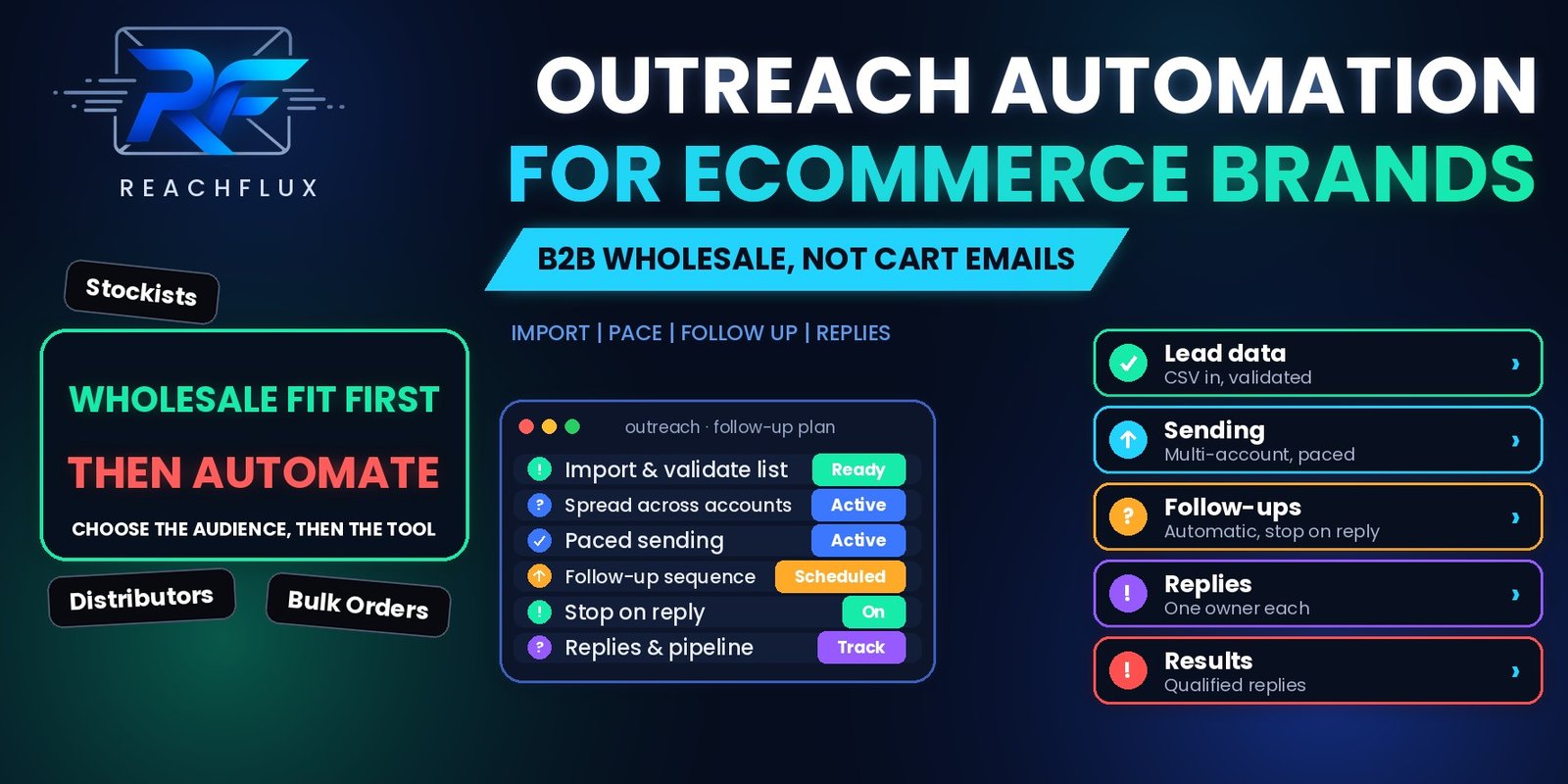
Which outreach automation suits an ecommerce business?
Decide who you are contacting before you decide on a tool. If the audience is customers and subscribers, you want a lifecycle email platform connected to your store, the kind that handles abandoned carts, order flows and newsletters. If the audience is other businesses, such as stockists, distributors, wholesale buyers, corporate gift buyers or bulk-order prospects, you want outreach automation: lead list import, validation, sending across several accounts, pacing, follow-ups and reply management.
This guide is about the second kind. It explains what to look for, why follow-ups become inconsistent and how to fix that, and where ReachFlux fits and does not fit.
Customer lifecycle email and B2B outreach are not the same thing
Most of the confusion around “ecommerce email automation” comes from treating these as one category. They differ in almost every way that matters.
| Question | Customer lifecycle email | B2B outreach automation |
|---|---|---|
| Who receives it | People who bought, signed up or abandoned a cart | Businesses you have not spoken to yet |
| Where the data comes from | Your store and your own sign-ups | Lead lists you source appropriately |
| Typical goal | Repeat purchases, recovered carts, loyalty | Stockist, distributor, wholesale or bulk-order conversations |
| Core mechanics | Triggers from store events, segments and templates | Sequences, sender accounts, pacing, replies and pipeline |
| How success is measured | Revenue per recipient, conversion | Qualified replies and meetings |
| Main risk | Over-mailing your own customers | Spam complaints and damaged sender reputation |
| Rules to check | Consent and marketing preferences | Business-contact outreach rules in your market and the recipient’s |
Ecommerce situations where outbound outreach makes sense
Outbound is not for every brand or every stage. It earns its place when growth depends on getting in front of a limited number of the right businesses.
Finding stockists and independent retailers
If your product suits shops with a particular category, price point and customer profile, a targeted introduction with wholesale details can start a buying conversation. The message works when it explains fit, not when it brags about the brand.
Approaching distributors and regional resellers
Distributors want to know whether your range fills a gap in what they already carry. A short, specific note to the right purchasing contact beats a mass catalogue email.
Corporate gifting and bulk orders
Some products suit business buyers who order in volume. Outreach lets you ask the right person at the right company whether that is a conversation worth having.
Partnerships and co-branding
Subscription boxes, complementary brands and marketplaces can open new channels. These conversations almost always start with a personal, relevant first email.
What to look for in outreach automation
A feature list is easy to tick off. These nine questions are harder to fake, and they separate tools that help you run outreach from tools that simply send emails.
1. Does it start from the lead data you already have?
You should be able to bring a CSV or Excel file and have the tool recognise the email column without manual remapping. If you must rebuild your list in someone else’s format, the workflow will not survive busy weeks.
2. Does it help you clean the list before sending?
Validation, duplicate handling and a clear view of what is ready to send protect your sender reputation. Sending to an unchecked list is the fastest route to bounces and complaints.
3. Does it spread sending across accounts?
Pushing every recipient through one inbox concentrates risk and volume. Look for distribution across several connected sender accounts within sensible limits.
4. Does it control pacing?
Randomised minimum and maximum delays look more natural than an all-at-once burst, and they give you direct control over how fast a campaign moves.
5. Do follow-ups stop when someone replies?
Nothing damages a conversation faster than an automated nudge landing after a real reply. Sequences need to stop on reply by default.
6. Are replies and pipeline in one place?
A campaign is not finished when the email is sent. You need replies, lead status and next steps visible together, not scattered across a mailer and a spreadsheet.
7. Is it honest about deliverability?
No software can guarantee inbox placement, and anyone who says otherwise is selling you a promise they cannot keep. Look for tools that focus on what you can control: list hygiene, account distribution, timing and message variation.
8. Can you preview personalization before sending?
Merge fields that silently fail produce emails starting “Hi ,”. A preview step catches that before it reaches a buyer.
9. Are limits and pricing clear?
Account limits, recipient limits and plan boundaries should be easy to find. Surprises mid-campaign are expensive.
Why follow-ups become inconsistent, and how to fix it
Most follow-up problems are not strategy problems. They are operations problems. Follow-ups are done by hand when someone remembers, replies get buried, different people write different nudges, and sequences keep running after a buyer has already answered. The result looks random to the recipient, because it is.
The fix is to make the schedule automatic and the judgement human.
Decide how many touches there will be, how far apart they sit, and what each one adds. A good follow-up brings something new, such as a clearer benefit or an easier question, rather than a bare “just checking in”.
Let the tool send on time. Keep a person responsible for reading replies and deciding what happens next.
As soon as a real reply arrives, the automated steps end and a human takes over. Handle unsubscribes the same way, immediately and everywhere.
Shared inboxes breed duplicate answers and dropped threads. One name per conversation keeps it consistent.
Look at which step produces replies. If the fourth follow-up never does, remove it rather than annoy people.
For how long to wait between touches, read Cold Email Follow-Up Timing: How Long Should You Wait Before Following Up?.
A first email a retail buyer will actually read
Buyers receive a lot of brand introductions. The ones that get answered explain why the product might fit this particular business, in a few lines, without making the buyer work. Here is a skeleton to adapt, with placeholders in square brackets.
Hi [first name],
Your store focuses on [relevant category], and we make [product] for [customer type]. If the range looks relevant, I can send wholesale terms and product information. If not, no problem at all.
[Name], [Brand]
Notice what is missing: no catalogue, no attachment, no exaggerated claims. The only ask is permission to share more. AI drafting tools can help you produce variations, but you remain responsible for product facts, wholesale terms and every claim about your brand.
Where ReachFlux fits, and where it does not
ReachFlux’s own ecommerce page describes the fit plainly. It is built for the B2B side: contacting prospective retailers, distributors, resellers and corporate buyers by email, working from lead data you already own. The features that matter for that job are CSV and Excel import, email validation, distributing sends across connected sender accounts, randomised delays, AI-assisted drafting, reply handling and a lead pipeline.
It is equally clear about what it is not. It does not replace your store platform, your cart-recovery flows or your customer-marketing system, and it does not supply a retail-buyer database. You bring the prospect data, and ReachFlux gives you the workflow for contacting and following up with it.
A two-week plan for your first campaign
You do not need a huge programme to learn whether wholesale outreach works for your brand. A small, careful pilot teaches you more than a large rushed one.
Write down which kind of business suits your product, in which category and at what price point. If you cannot describe the buyer, you cannot write to them.
Collect contacts from sources you can use appropriately, remove role addresses and duplicates, and validate the addresses.
Draft the first email and a small number of follow-ups. Keep each short and different.
Use a dedicated outreach domain, confirm authentication passes on a real message, and connect your sender accounts. See Primary Domain vs Cold Email Domain: Which Should You Use for Outreach? for why.
Send to a small, well-targeted slice with conservative pacing and watch bounces and replies closely.
Read the replies, fix what confused people, then expand gradually. The guide to How to Manage Multiple Cold Email Campaigns Without Losing Control helps once you run more than one campaign.
Before you launch ecommerce outreach
- You know exactly which type of business you are contacting and why your product fits.
- The list comes from sources you can use appropriately and has been validated.
- Outreach runs from a dedicated domain with SPF, DKIM and DMARC passing.
- Sending is distributed across accounts with randomised pacing.
- Follow-ups are written in advance and stop automatically on reply.
- Every conversation has one owner and replies are checked daily.
- Opt-outs are honoured across all campaigns.
- You judge results by qualified replies, not by emails sent.
Questions about ecommerce outreach automation
What are some lead outreach automation tools suitable for an ecommerce business?
It depends on who you want to reach. For customers, use a lifecycle platform connected to your store. For retailers, distributors and other business buyers, use outbound outreach software that handles lead imports, validation, multi-account sending, pacing, follow-ups and replies. Compare options using the criteria in this guide. ReachFlux is built for the B2B side.
Can I use abandoned-cart or newsletter tools for wholesale outreach?
Usually not well. Those tools are built around store events and subscriber consent, not first-time business outreach, and mixing audiences can create compliance and sender-reputation problems.
How many follow-ups should an outreach sequence have?
Enough to be persistent without being annoying. Most teams settle on a small number of touches with increasing gaps and then review which steps actually produce replies.
Do I need a separate domain for outreach?
Usually yes. Keeping outreach off your store's main domain protects customer and website email from bounces and complaints that outreach can generate.
Where do I get leads for wholesale outreach?
From sources you can use appropriately, such as trade directories, retailer websites, trade show lists and your own research. Verify addresses and respect local rules. ReachFlux does not supply a retail-buyer database.
Will automation make my emails feel robotic?
Only if you let it. Automate scheduling and sending, and keep targeting, the offer and replies human.
Pick the audience first, then the tool.
Ecommerce brands often search for outreach tools while thinking about customers, then buy something designed for wholesale or the other way round. Settle who you are writing to, and the shortlist shrinks quickly.
For B2B outreach, favour tools that respect your lead data, help you clean it, spread and pace sending, stop follow-ups on reply and keep conversations organised. Then run a small pilot and let the replies teach you.
Prepare leads, run campaigns and continue buyer conversations in one place.
ReachFlux helps ecommerce brands run structured B2B outreach to retailers, distributors and partners.