How should you use AI for cold email?
Use AI to speed up drafting, variation and organisation, and keep humans responsible for targeting, facts, tone and every message that leaves your account. AI is good at producing first drafts, suggesting subject lines, rephrasing and summarising. It is poor at knowing your prospect, your product’s real limits and what is true. Left unchecked, it fills gaps with plausible inventions, and one wrong claim can end a conversation and damage your reputation.
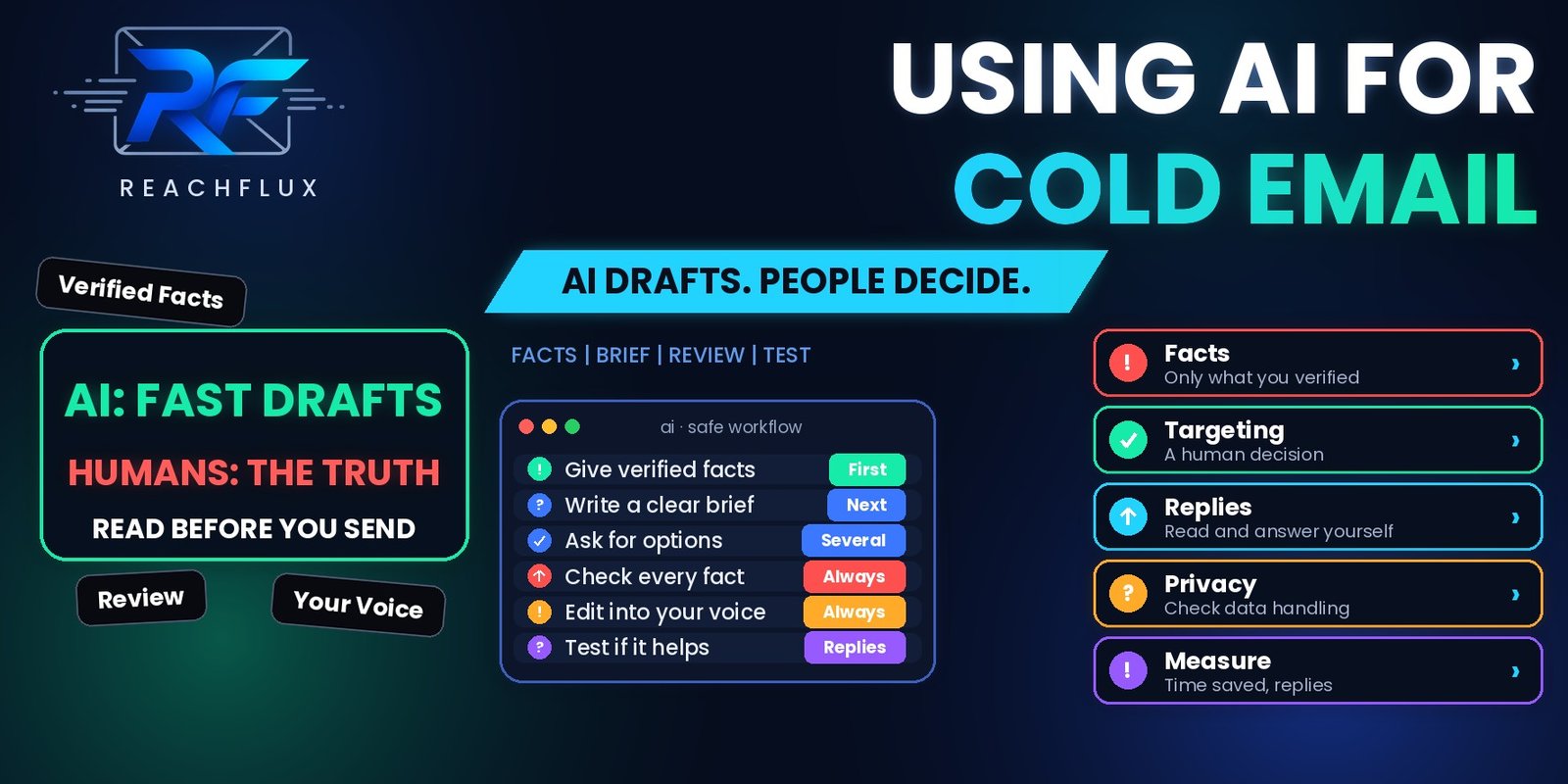
The safe pattern is simple: you provide verified facts and a clear goal, AI produces options, a person reviews and edits, and nothing is sent unread. This guide covers what to automate, what to keep human, how to prompt with facts, how to review and the mistakes that cause the most harm.
What AI does well, and what stays human
| Task | AI role | Human role |
|---|---|---|
| First drafts of emails | Produce options from your brief | Choose, edit and own the final wording |
| Subject line ideas | Generate variations | Pick honest, specific ones. See Cold Email Subject Lines: How to Write Them, Test Them and Avoid the Traps |
| Rephrasing and tightening | Shorten and clarify | Check meaning and tone |
| Summarising a company page | Pull out key points | Verify anything you will cite |
| Reply drafts | Suggest a starting point | Read the reply, decide the response |
| Choosing who to contact | Little or none | Targeting is a human judgement |
| Making claims about the prospect | None without verified inputs | Verify every fact |
Give AI verified facts, and tell it to use only those
The most reliable approach is to supply the inputs. Provide the verified observation about the prospect, your honest description of what you do, the reader’s role and the one ask. Instruct the tool to use only the information you gave and to avoid adding claims. Then check the output against your notes.
If you simply ask a tool to “personalise this email for [company]” without inputs, it may produce confident statements about the company that are wrong. Those errors read as sloppy research at best and as dishonesty at worst. The levels of personalization and where genuine observations come from are covered in Cold Email Personalization That Does Not Look Scripted: First Lines, Research and Scale.
A brief that works, with placeholders
A good brief is specific. Here is a template you can adapt.
Ask for several options and choose among them, rather than accepting the first output. Then rewrite in your own voice. The more of your own phrasing you keep, the more human the result sounds.
A worked example: from brief to sent email
A founder sells scheduling software to care homes. They write down three verified facts: the home recently opened a second site, the manager’s role is operations, and the product reduces manual shift changes. They give an AI tool those facts, a short brief and a strict instruction not to invent anything, and ask for three versions.
The tool returns three drafts. One claims the home “struggles with staff turnover”, which was never in the brief, so the founder deletes that line. They choose the shortest draft, rewrite two sentences in their own words, preview it with real data and send a small batch first. The whole process takes minutes, and every claim in the email is true. That is the pattern: AI for speed, a person for truth.
A simple review routine before anything is sent
Compare each statement about the prospect and your product against your sources.
If it sounds like marketing copy or a robot, rewrite it.
Cut superlatives, flattery and generic phrases.
Confirm names, fields and links are right. A broken field destroys credibility.
Check how it renders and lands before you send widely.
What goes wrong when AI is trusted too much
Invented facts
Plausible but false statements about a prospect or your own product.
Sameness at scale
If everyone uses similar prompts, messages converge on the same phrasing, which readers and filters recognise. See How to Make Cold Emails Look Less Automated to Spam Filters (Without Losing Scale).
Over-long, over-polished copy
AI tends to write more than needed. Short, plain emails usually work better.
Tone that does not match you
A message that does not sound like the sender breaks the moment they reply.
Privacy slips
Pasting sensitive personal or customer data into tools without checking their data handling is a real risk.
Be careful what you put into an AI tool
Check how any tool handles the information you provide. Avoid pasting confidential material, customer data or personal information that you would not be comfortable sharing, and follow your organisation’s policies. Where personal data is involved, the rules on lawful use still apply to how you prepare and send messages. An overview of the main frameworks is in Cold Email Laws Explained: CAN-SPAM, GDPR, PECR and CASL in Plain Language, and this is not legal advice.
Use AI carefully with replies
AI can suggest a starting point for a reply, but the reply is a conversation with a real person. Read their message properly, decide what you want to say and write or edit the response yourself. Never allow automated systems to carry on conversations with prospects on your behalf unless you are fully comfortable with what they might say, and be honest about who you are. The principles of good replies are in Cold Email Reply Templates: How to Answer Interested, Not Now, Wrong Person and Objection Replies.
Test whether AI is actually helping
Measure what matters: time saved per message and positive replies per hundred contacts, compared with your usual approach. Test fairly, with one variable changed, using the method in Cold Email A/B Testing: How to Test Copy, Offers and Lists Without Fooling Yourself. If AI-assisted drafts save time without lowering replies, keep using them. If replies fall, tighten your inputs or edit more.
Where ReachFlux fits
ReachFlux’s AI Writer can draft subject lines and email copy as a starting point, with rich text, plain text and HTML options and a preview before sending. You review and edit what it produces, and you remain responsible for accuracy and tone. It is an aid to drafting, not a replacement for judgement.
AI-assisted outreach checklist
- Targeting and the offer are decided by people, not by AI.
- AI receives verified facts and a clear brief, and is told not to invent.
- Every fact in the draft is checked against a source.
- The final wording is edited into your own voice.
- Messages are previewed with real data before sending.
- Sensitive data is not pasted into tools without checking handling.
- Replies are read and answered by a person.
- You test whether AI helps, using replies as the measure.
Questions about AI and cold email
How should I use AI for cold email?
Use it for drafts, variations and rephrasing, give it verified facts and a clear brief, have a person review and edit everything, and keep targeting, facts and replies under human control.
Can AI write cold emails that get replies?
It can produce useful first drafts, but results depend on targeting, list quality and the accuracy and relevance of the message. Edit drafts into your own voice and test whether they improve replies.
Is it safe to let AI personalize cold emails?
Only if you give it verified facts and check the output. Otherwise it may invent details about the prospect, which can end the conversation.
Should AI reply to prospects automatically?
It is better not to. Replies are conversations with real people, so read them and respond yourself, or at least review every reply before it is sent.
Does AI-written email hurt deliverability?
Not by itself, but similar phrasing across many senders and impersonal text can look automated. Vary and edit your messages, and focus on relevance.
What should I never paste into an AI tool?
Confidential material, customer data or personal information you would not be comfortable sharing. Check the tool’s data handling and your organisation’s policies.
Let AI draft. Let people decide.
AI is a useful assistant and a poor researcher. Feed it facts you have verified, ask for options, edit in your own voice and check everything before sending.
Then measure whether it genuinely saves time without lowering replies.
Use AI assistance for first drafts that you review and edit.
ReachFlux’s AI Writer drafts subject lines and email copy as a starting point, with previews before anything is sent.