What is cold email inbox placement, and how do you improve it?
Cold email inbox placement is where your message actually lands after the recipient server accepts it: the primary inbox, a tab like Promotions, or the spam folder. You improve it by getting the fundamentals right (authentication, clean data, steady sending behavior, relevant targeting), by measuring with several imperfect signals instead of one, and by changing one variable at a time so you can see what worked.
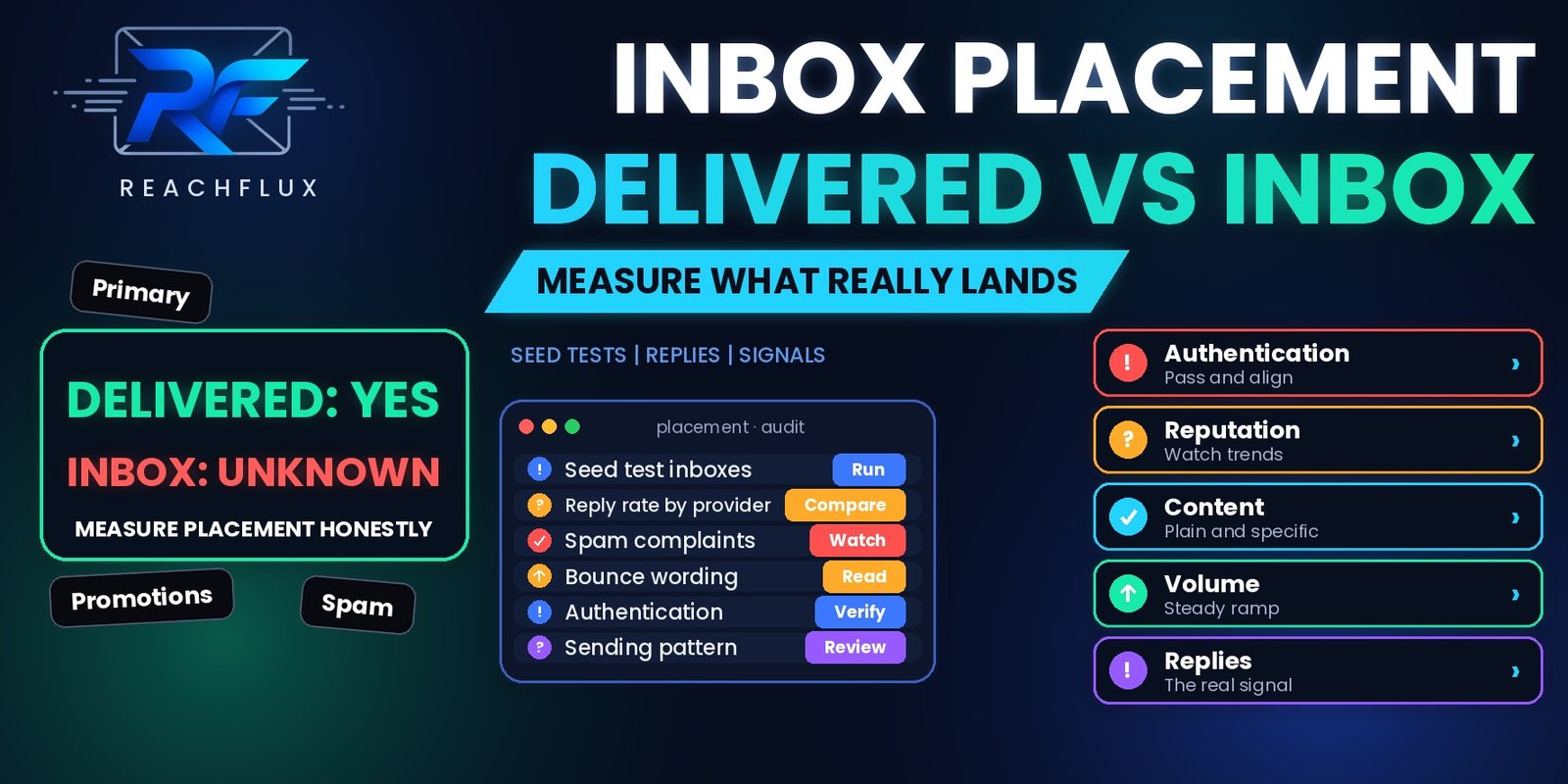
The trap is treating "delivered" as the finish line. A server can accept a message and then file it in spam. Your sending tool will still log it as delivered, your reports will look healthy, and your reply rate will quietly tell a different story.
Delivered, inboxed, seen, answered: four different things
When people say deliverability they often mean four separate stages without noticing. Separating them is the single most useful habit you can build, because each stage has different causes and different fixes.
The receiving server took the message instead of rejecting or deferring it.
The message was filed in the inbox, a tab or the spam folder.
A person noticed the subject line among everything else in the inbox.
The message was read, which tracking may or may not record correctly.
The offer, timing and message earned a reply.
Your sending tool reliably reports the first stage. It cannot see the second. The third and fourth are partly guesswork. Only the fifth is unambiguous. That is why a campaign can show strong delivery and still produce almost nothing: the loss happened in stages the dashboard cannot see.
Gmail adds another wrinkle. Its tabs mean that "not in spam" does not equal "seen". A message in Promotions was not filtered as junk, but it competes with every newsletter and receipt in that tab. For a cold sequence aimed at decision-makers, landing in Promotions can feel almost as bad as spam, though it is a different problem with different causes.
If you are not sure whether your problem is delivery at all, start with Cold Email Spam Troubleshooting: How to Diagnose Why Outbound Emails Land in Spam.
How to measure cold email inbox placement with honest signals
No single method shows you the truth. The better approach is to combine several, knowing what each one can and cannot prove.
| Method | What it shows | What it cannot prove |
|---|---|---|
| Server responses (bounces, deferrals, rejections) | Whether the receiving server accepted, delayed or refused the message | Where an accepted message was filed |
| Seed or placement tests | Rough inbox vs spam placement across a set of test mailboxes | How your real prospects' filters behave |
| Postmaster-style reputation data | Reputation and spam-rate signals from a provider, where available | Placement for individual messages, and it needs enough volume |
| Manual tests to your own accounts | How a real message looks in a real mailbox at several providers | Anything at scale, since one mailbox is one data point |
| Reply rate and reply quality | Whether real people saw and answered the message | Why people did not reply |
| Open and click tracking | Possible human or machine activity | Real attention, because scanners and privacy features distort it |
A sensible monitoring routine uses all of them lightly. Watch server responses daily because they change first. Run a small manual and seed check whenever something changes. Compare replies by sender, by domain and by recipient provider, so a problem confined to one corner becomes visible.
Google publishes sender guidelines and Postmaster Tools for bulk senders, including recommended limits on spam rate: keep reported spam rate below 0.1 percent and avoid reaching 0.3 percent. Smaller senders may not see data there, which is one more reason not to rely on a single source.
Why placement tests can mislead you
Placement testing is useful and also easy to over-read. Understanding its limits stops you from fixing a problem that does not exist, or ignoring one that does.
Seed mailboxes do not behave like your prospects
Filters weigh a recipient's own history: who they reply to, what they mark as spam, which senders they have heard from. A seed mailbox has none of that. A message that reaches the inbox in a test can still be filtered for a real person, and the reverse is also true.
Results change by the hour
Filtering is not static. A test run on Monday morning tells you about Monday morning, not about the whole week of sending that follows.
A test message is not your campaign
If your test uses a clean template and a single recipient while real campaigns use personalization, links and volume, the test measures something different from what happens in production. Test with the same content and sender setup you actually use.
Small samples mislead
Five test mailboxes landing in the inbox does not guarantee anything about five thousand recipients. Treat a clean result as reassurance, and a bad result as a reason to investigate.
The right conclusion is not that tests are useless. It is that they confirm or challenge your other evidence, and no single test should decide a big change.
Ten ways to improve cold email inbox placement
1. Make authentication solid and verifiable
Confirm that SPF, DKIM and DMARC pass and align on real delivered messages, not just that the DNS records exist. Placement problems that trace back to authentication are the cheapest to fix and the easiest to miss.
For a clear explanation of each protocol, see SPF vs DKIM vs DMARC: What Cold Email Senders Need to Know.
2. Clean the list before it reaches the sender
Invalid addresses create bounces, and a pattern of bounces teaches receiving systems that you do not know who you are writing to. Validate data, segment uncertain addresses and learn from each batch.
3. Keep volume steady and increase it gradually
Sudden jumps in volume look different from a sender's normal behavior. Raise workload in stages and give each stage time to settle.
For a staged approach, read How to Scale Cold Email From 250 to 1,000 Emails a Day Without Landing in Spam.
4. Spread workload across senders deliberately
Overloading a single mailbox concentrates risk. Distribute new messages and follow-ups across accounts on purpose, and check that the split matches what you intended.
5. Target tightly so fewer people complain
Complaints are among the strongest negative signals. The more relevant the audience, the fewer recipients mark a message as unwanted, and relevance is something no DNS record can fix.
6. Keep the first email simple
Plain, short messages with few links give filters less to evaluate and give readers less to resist. Heavy templates, tracked buttons and several destinations are better saved for later in a conversation.
For link decisions in particular, see Links in Cold Emails: Should You Add a Calendar Link or Use Link Tracking?.
7. Make it easy to say no
A clear opt-out reduces the chance a recipient reaches for the spam button instead. Honor requests quickly and across every campaign and mailbox.
8. Protect your sending domains
Keep outbound away from your primary domain, authenticate every sending domain and monitor each one separately so a problem in one place does not hide inside an average.
9. Respond to provider differences
Gmail and Microsoft treat the same message differently. If problems cluster at one provider, diagnose that provider specifically instead of rewriting everything.
The differences are covered in Gmail vs Outlook Cold Email Deliverability: Why the Same Campaign Lands Differently.
10. Change one variable at a time
When placement improves or worsens you want to know why. Changing the list, template, volume and sender in the same week destroys that knowledge.
Placement symptoms and what they usually mean
Because placement cannot be measured directly, symptoms are your best guide. The table below maps common patterns to likely causes and the first thing to check. Treat it as a starting point rather than a verdict, since several causes can overlap.
| Symptom | Likely cause | First check |
|---|---|---|
| Replies fall across all senders at once | A shared factor such as list quality, message or a provider-wide change | Compare reply rate by segment and by date of first contact |
| One sender is much weaker than the rest | A sender-specific reputation or workload issue | Compare workload, bounces and authentication for that sender |
| Weak results at one mailbox provider only | Provider-specific filtering | Compare results by recipient provider and read that provider's responses |
| Delivery looks fine but replies are near zero | Possible spam or Promotions placement, or a weak offer | Run manual and seed checks, then test the message on a clean segment |
| Temporary deferrals growing | The provider is slowing you down | Review recent volume changes and sending pace |
| Sudden drop right after a change | The change affected authentication, volume or content | Compare the state before and after, layer by layer |
Notice that none of these rows says "rewrite the copy". Copy matters, but it is the last place to look when delivery signals are unclear, because the earlier stages decide whether anyone sees the copy at all.
The Promotions tab: not spam, still a problem
Gmail sorts incoming mail into tabs, and cold emails often end up in Promotions. That is worth understanding because it changes what you are trying to fix.
Landing in Promotions means the message was not treated as junk. It does not mean the recipient will notice it. Promotions is a place people visit occasionally, if at all, and your message competes with newsletters, receipts and marketing mail. For a one-to-one pitch aimed at a busy decision-maker, that is a poor position.
Tab sorting reflects signals such as message structure, links, formatting and how the recipient has treated similar mail. Shorter, plainer, more personal messages with few links tend to look like correspondence rather than marketing. Heavy templates, multiple tracked links and promotional formatting push in the other direction. There is no switch you can flip, and promises of guaranteed primary-tab placement should be treated with suspicion.
The practical approach is to keep your first message simple, write it like a note to one person and watch whether replies improve after you simplify. If they do, you have learned something about your own audience that no generic rule could have told you.
A simple placement monitoring routine
You do not need an elaborate system. You need a short, repeatable routine that catches changes while they are still small.
Scan hard bounces, deferrals and rejections by sender and by recipient provider. They change before replies do.
Confirm every sending account is connected, authenticated and carrying the workload you expect.
Break replies down by sender, domain and recipient provider so isolated problems stand out.
Send a real message from each active sender to a few test mailboxes at different providers and look at where it lands.
When you add a sender, domain, template or volume step, note the date so you can link a change in results to its cause.
- Authentication passes on a real delivered message.
- Bounce and deferral trends are visible by sender.
- Replies are compared across senders and providers.
- A manual placement check happened this week.
- Every recent change is logged with a date.
- Complaint and opt-out handling is working.
ReachFlux keeps sender accounts, workload distribution, delivery activity and replies in one place, which makes this kind of routine quicker to run. It cannot promise inbox placement and nothing honest can, but clear visibility makes the next decision better.
If placement has dropped suddenly, work through Why Did My Cold Email Deliverability Suddenly Drop? 17 Things to Check.
Questions about cold email inbox placement
What is cold email inbox placement?
Inbox placement describes where an accepted message ends up in the recipient's mailbox: the primary inbox, a tab such as Promotions, or the spam folder. It is different from delivery, which only means the receiving server accepted the message.
How do I improve cold email inbox placement?
Start with the foundations: working SPF, DKIM and DMARC, clean recipient data, controlled sending volume and relevant targeting. Then monitor bounces, deferrals and replies, and change one variable at a time. There is no single trick; placement improves when the sender behaves consistently and recipients respond well.
Are inbox placement tests accurate?
They are indicative, not definitive. Seed tests send to a fixed set of test mailboxes that do not behave like your real prospects, and they cannot capture how each recipient's own history shapes filtering. Use them as one signal alongside bounce data, provider responses and real replies.
Is the Promotions tab the same as spam?
No. Promotions is a tab inside the inbox, and Gmail sorts mail there for various reasons. It reduces visibility but the message was not filtered as spam. Spam placement is a stronger negative signal and usually points to authentication, reputation or recipient-feedback problems.
Can I trust open rates to tell me if I am reaching the inbox?
Not reliably. Privacy features, image blocking and automated security scanners can create or hide opens. Google has said it does not track open rates and cannot verify third-party figures. Treat opens as a weak hint and rely on replies and server responses.
How often should I check inbox placement?
Check delivery responses and bounces daily, review trends weekly, and run a placement check whenever something changes, such as a new sender, domain, template or volume level. Regular small checks beat a large audit after results have already fallen.
Measure what the message did, not what the dashboard says it did.
Inbox placement is difficult to see directly, so teams either ignore it or fixate on one test. Neither works. The better path is a few honest signals read together, a clear separation between delivered, placed and answered, and the discipline to change one thing at a time.
Do that and placement stops being a mystery. It becomes a set of causes you can check, fix in order and watch improve.
Manage sender accounts, pacing and reply activity in one workflow.
ReachFlux helps teams run outbound with clearer visibility into where messages go and how people respond.