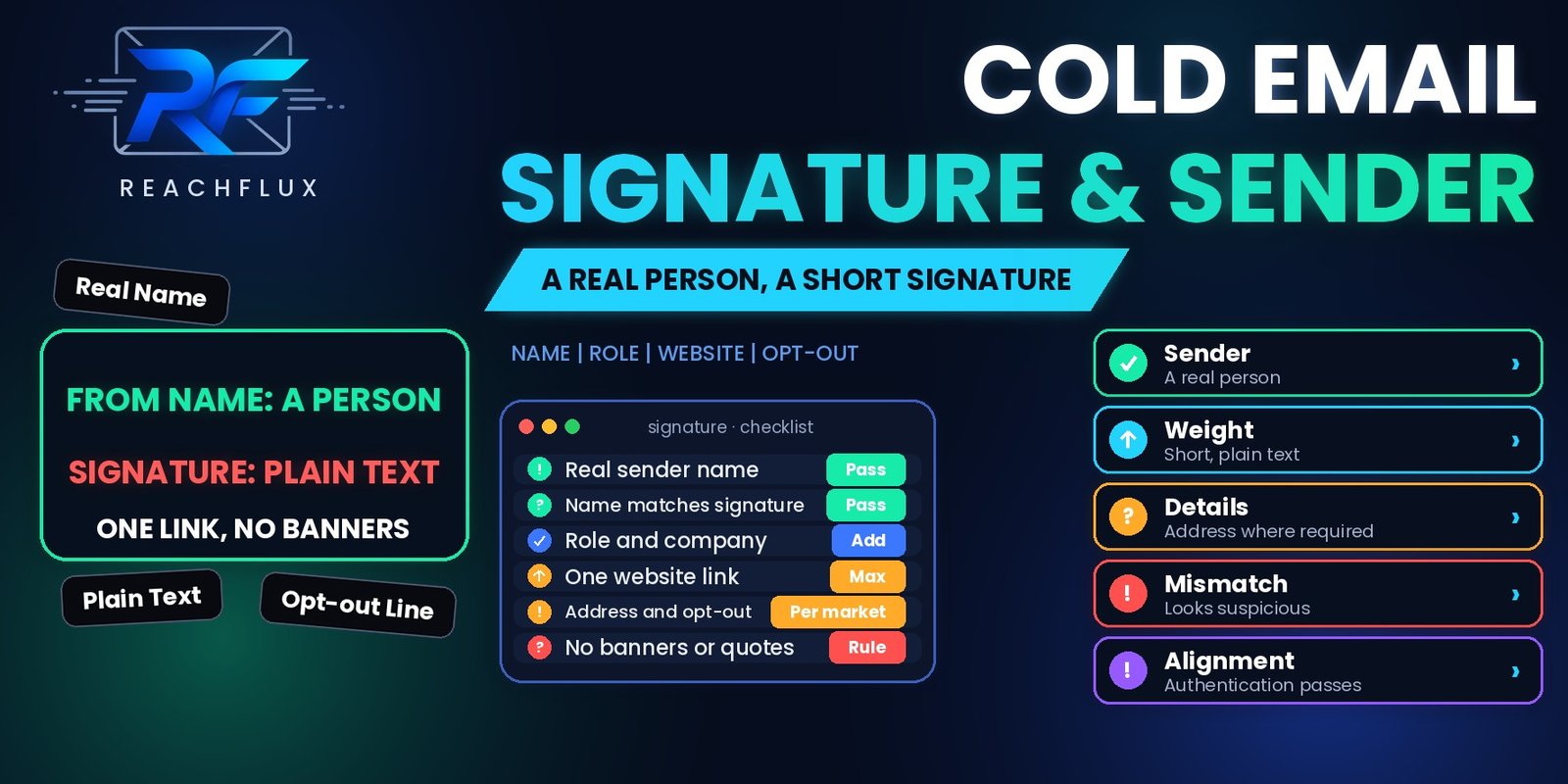
What should a cold email signature and sender name look like?
Use a real person’s name as the sender, with a short, plain-text signature that gives their role, company and one simple way to verify who they are, such as a website. Keep it consistent with the person who is actually writing, avoid images and banners, and add the postal address and opt-out wording that the rules in your market require. The goal is to look like a real colleague writing to a peer, not like a marketing department.
Details that seem small, such as a mismatched name, a heavy signature or a missing address, are among the first things people and filters notice. This guide covers the sender name, the signature, what to include and leave out and how to keep everything consistent across mailboxes.
Use a real person, and use it consistently
A real first and last name
Recipients trust people more than brands, and impersonal sender names look like bulk mail.
Match the signature
The name in the From line and the name at the bottom should be the same person.
Avoid authority labels
Names such as “Account Services” or “Security Team” look like impersonation. See Why Do My Finance Cold Emails Keep Landing in Spam? 9 Causes and Fixes for Financial Services Outreach.
Do not use a fake person
Inventing an identity is deceptive, and it can breach rules on misleading senders.
Keep it stable
Changing the sender name often makes the account look inconsistent.
The essentials of a good signature
| Element | Why it helps | Notes |
|---|---|---|
| Name and role | Shows who is writing and why | Keep it simple and accurate |
| Company | Anchors the message to a real organisation | Use the real company name |
| Website | Lets recipients verify you | One link, on a domain that matches your sender |
| Phone number (optional) | Adds credibility for some audiences | Only if you will answer it |
| Postal address | Required in some markets, such as under CAN-SPAM | Place it where your rules and style allow |
| Opt-out wording | Makes it easy to decline | A plain line is often enough. See Cold Email Compliance and Deliverability: Opt-Outs, Sender Identity and Complaint Rates |
Signature elements that cause trouble
Large images, logos and banners
They add weight, look promotional and can trigger image-based filtering concerns.
Many links and social icons
Each link is something for a filter to inspect. Keep it to one.
Long legal disclaimers
Excessive text bulks up the message and makes it look corporate.
Inspirational quotes and taglines
They add nothing and read like marketing.
Tracking pixels or extra tracking links
They add risk. See Custom Tracking Domain for Cold Email: What It Is, How to Set It Up and When to Skip It.
A different identity from the sender
A mismatch between From name and signature looks suspicious.
How to audit your current signature
Send a real message to a personal mailbox and read it on a phone and a desktop.
Make sure the From name, the signature name and the mailbox identity match.
Aim for one link and no images.
Confirm the postal address and opt-out line meet the rules for your market.
A colleague can tell you quickly whether it looks like a real person or a campaign.
A clean signature, with placeholders
Here is a plain-text signature that does the job without extra weight.
[Role], [Company]
[Website]
[Company], [Postal address]
If you would rather not hear from me, just reply and I will remove you.
It is short, readable on a phone and gives a recipient everything they need to check you out. Adjust the address and opt-out lines to match the rules in your market.
How signatures look on a small screen
Most business email is read on a phone, where a long signature pushes the actual message down the screen. A tall block of images, links and disclaimers can bury a three-line email. Keep the signature to a few lines, avoid wide tables, which can break the layout, and check that nothing wraps awkwardly. If your signature takes more space than your message, it is too long.
Plain text also renders consistently across mail clients, which images and complex formatting do not. Simplicity is a deliverability advantage as well as a design one.
Keep signatures consistent across mailboxes
When you send from several mailboxes, give each one its own correct signature, matching that sender. Using the same signature block across different names is an easy pattern to spot. At the same time, keep the format consistent across senders so the company looks coherent. The distribution side is covered in Cold Email Inbox Rotation: How to Distribute Outreach Across Multiple Sender Accounts, and the broader approach to looking human in How to Make Cold Emails Look Less Automated to Spam Filters (Without Losing Scale).
Signatures in follow-ups and replies
Use the full signature on first emails, and a shorter one on later messages in the same thread, as people normally do. A signature repeated in full in every follow-up looks automated. When you reply to a prospect, use the same sender identity they heard from first, so the conversation feels continuous.
Keep the sender identity aligned technically too
The sender name and signature should match the mailbox identity, and the domain in the From address should pass authentication and align. A person with a convincing signature, writing from a domain that fails authentication, still looks suspicious. Verify on a delivered message that SPF, DKIM and DMARC pass, as described in SPF vs DKIM vs DMARC: What Cold Email Senders Need to Know and the How to Set Up Cold Email Inboxes and Domains: A Step-by-Step Guide.
Details that differ by market
Requirements around signatures and business email differ by country. In the United States, a valid postal address is a requirement for commercial email under CAN-SPAM. Some other countries expect company registration details or similar identifying information on business correspondence. Where your recipients are matters as much as where you are.
Because the rules vary, check the requirements for each market you contact, and use the strictest as your default. The overview in Cold Email Laws Explained: CAN-SPAM, GDPR, PECR and CASL in Plain Language explains the main frameworks in plain language, and this is not legal advice.
Signature mistakes that quietly hurt
A signature that does not match the sender
Mismatched names are a classic sign of impersonation or sloppy setup.
Copying a corporate template
Heavy corporate footers suit internal mail, not a first message from a stranger.
Forgetting the opt-out line
It erodes trust and can breach rules in some markets.
Different formats across senders
Slightly different layouts per sender make the company look incoherent.
Signature and sender name checklist
- The sender is a real person, with a real name in the From line.
- The signature name matches the sender and the mailbox.
- The signature is plain text and short, with one link at most.
- Role, company and a way to verify the sender are included.
- The postal address and opt-out wording meet the rules in your market.
- There are no banners, large images, quotes or unnecessary disclaimers.
- Each mailbox has its own correct signature in a consistent format.
- Authentication passes and aligns on a delivered message.
Questions about cold email signatures
What should a cold email signature include?
The sender’s name and role, company, one website link, optionally a phone number, a postal address where the rules require it and a plain opt-out line.
Should I use a photo or logo in a cold email signature?
It is better not to. Images add weight and look promotional, and they can raise filtering concerns. A short plain-text signature is safer.
Should the sender name be a person or a company?
A real person, with the same name in the signature. Impersonal or authority-style names look like bulk mail or impersonation.
How long should a cold email signature be?
Short, a few lines, readable on a phone. Include only what helps a recipient confirm that you are a real person at a real company.
Do I need a physical address in a cold email?
In some markets, such as under CAN-SPAM in the United States, a valid postal address is required. Rules vary, so check your market.
Should every mailbox use the same signature?
Each mailbox should have its own signature matching its sender, in a consistent format. Identical signatures under different names are easy to spot.
Look like a real colleague, not a campaign.
A good signature is short, plain and honest. Use a real sender, include only what helps verify who you are, meet the requirements in your market and keep every mailbox consistent and aligned.
These details cost almost nothing and quietly support everything else you do.
Use a correct signature for each connected sender account.
ReachFlux supports sender-specific signatures across the accounts you connect.