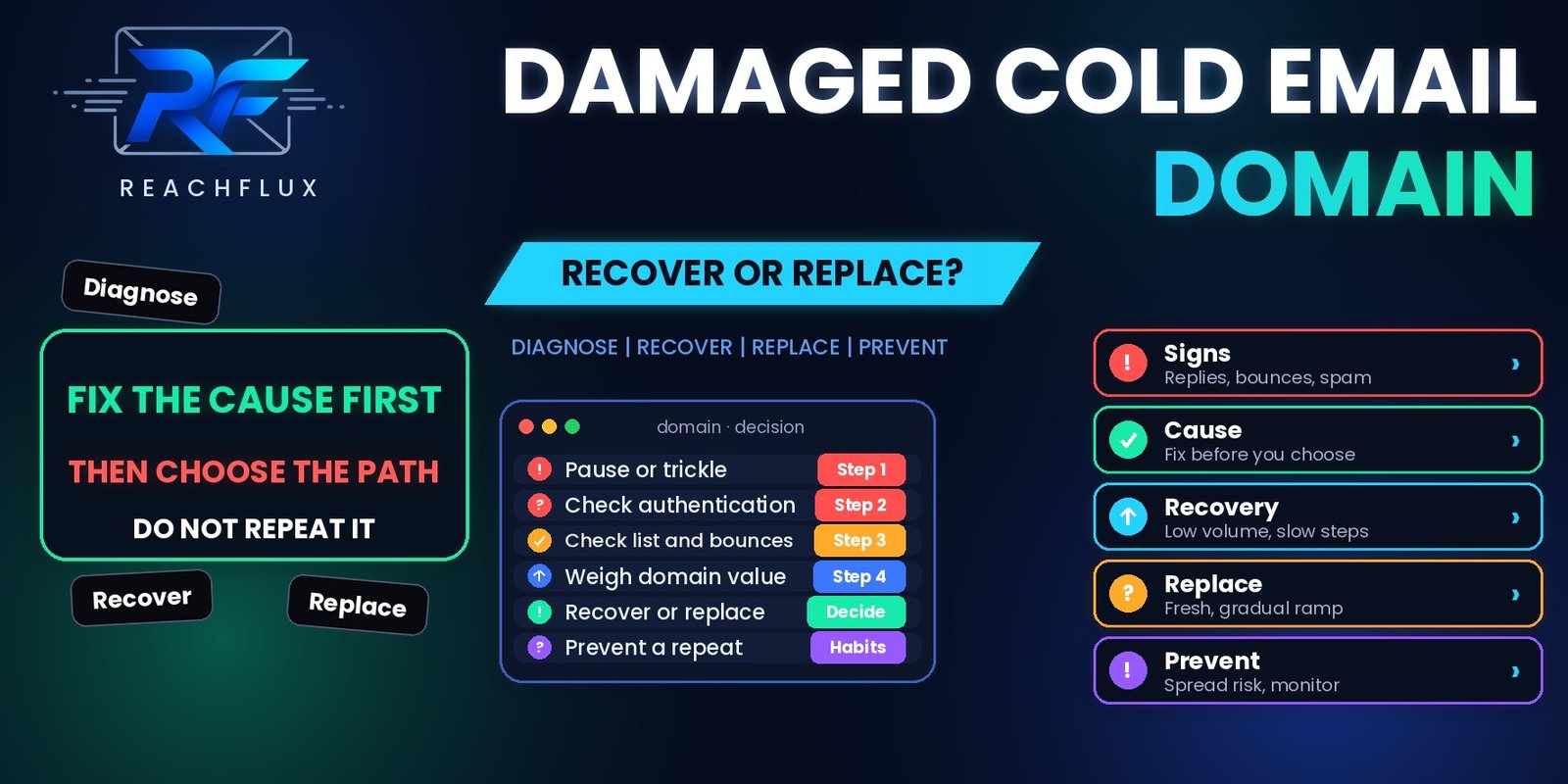
Should you recover a damaged cold email domain or replace it?
Diagnose first, then decide by how deep the damage goes and how much the domain is worth. If the problem is a fixable cause, such as a broken authentication record, a bad list or a volume spike, and results recover when you correct it at low volume, recovery is usually cheaper. If the domain has been listed on serious reputation lists, has persistent poor placement across providers even after careful fixes, or has accumulated heavy complaints, replacing it with a clean domain is often the faster and safer path.
The mistake is acting before diagnosing. Replacing a domain without fixing the cause simply damages the next one. This guide gives you the signs of damage, a decision framework, a recovery plan, a retirement plan and the habits that prevent a repeat.
How to tell a domain is damaged
| Signal | What it suggests | Check |
|---|---|---|
| Sudden fall in replies with no errors | Placement or reputation problem | Compare replies by provider. See Why Did My Cold Email Deliverability Suddenly Drop? 17 Things to Check |
| Rising bounces or deferrals | List or reputation pressure | Read bounce text. See SMTP Bounce Codes for Cold Email: What 4xx and 5xx Errors Mean and What to Do About Them |
| Spam placement in test mailboxes | Filtering against the domain | Run a careful test. See How to Run a Cold Email Inbox Placement Test: A Step-by-Step Method That Does Not Fool You |
| Authentication failing on delivered mail | A configuration fault | Verify SPF, DKIM and DMARC on a real message |
| Blocklist listing | Serious reputation event | Check common reputation lists |
| Complaints rising | Targeting, wording or opt-out problems | Review campaigns and suppression |
Find the cause before choosing
Pause the domain, or cut volume to a trickle, so you stop adding damage.
Confirm SPF, DKIM and DMARC pass and align.
Look for invalid addresses, catch-alls and policy rejections.
Volume jumps, new content, a platform change or a new list source often explain the drop. See Cold Email Platform Migration Checklist: How to Switch Tools or Mailboxes Without Losing Deliverability.
Decide whether the issue is general or specific to one provider.
A framework for recover or replace
| Situation | Lean towards | Why |
|---|---|---|
| A clear, fixable cause and early signs only | Recover | Correcting the cause may restore results quickly |
| Damage limited to one provider | Recover, with a slow-down for that provider | The domain still works elsewhere |
| Listed on a serious reputation list | Often replace, or recover with the listing process | Listings can take time and effort to clear |
| Persistent poor placement everywhere after fixes | Replace | The domain’s history may be too damaged |
| A young domain with little history | Often replace | There is little reputation to protect |
| An established domain with real value | Recover carefully | Its history is worth protecting |
How to recover a domain, carefully
Correct authentication, clean the list, repair the setup or change the behaviour that caused the problem.
Give the domain a break from sending where possible.
Send small batches to your best-fit, validated, most engaged contacts.
Raise volume only while bounces and complaints stay low and replies look healthy.
A recovery can be uneven. Keep each provider within comfortable limits.
Do not return to the habits that caused the damage.
Recovery takes patience, and results are not guaranteed. The ramp principles are in Cold Email Warm-Up Explained: What It Is, Whether You Need It and How to Do It Safely.
How to replace a domain without repeating the problem
If you decide to replace the domain, treat the new one as fresh infrastructure. Choose a plain, brand-related name, as in Cold Email Domain Name Ideas: Safe Naming Patterns and What to Avoid, register it early, publish and verify authentication and ramp up gradually. Do not move all volume across at once, and do not reuse the same list and the same behaviour that damaged the first domain.
Keep the old domain for a time, handling replies, and let it settle. Retire it gradually. Make sure your suppression data moves with you, so nobody who opted out is contacted from the new domain. The same migration discipline applies as in Cold Email Platform Migration Checklist: How to Switch Tools or Mailboxes Without Losing Deliverability.
Habits that keep domains healthy
Spread risk across domains and mailboxes
Do not load too much onto one domain. See Cold Email Capacity Calculator: How Many Domains and Inboxes You Need for Your Daily Volume.
Cap volume and ramp gradually
Sudden surges are a common cause of damage.
Validate lists and honour opt-outs
Bounces and complaints are the fastest route to a damaged reputation.
Monitor continuously
Catch drift early with alerts and routines. See Cold Email Monitoring and Alerts: What to Watch So Campaigns Never Stop Silently.
Keep a change log
When results move, you can see what changed.
What a careful recovery can look like
| Phase | Activity | Move on when |
|---|---|---|
| Days 1 to 3 | Pause or trickle, diagnose, fix authentication and list problems | The cause is clear and corrected |
| Week 1 to 2 | Rest, then resume at very low volume to engaged contacts | Bounces and complaints stay low |
| Weeks 3 to 4 | Small, steady increases per mailbox | Replies from several providers look normal |
| After a month | Return toward a conservative cap, adding capacity with new domains | Several clean weeks at each level |
These phases are illustrative, not guarantees. Recovery can be slower, and some domains do not recover. Decide in advance how long you will wait before choosing replacement, so you do not drift.
Weigh the true cost of each path
Recovery costs time and lost output while volume is low, and it is not guaranteed to work. Replacement costs a new domain, mailboxes, setup effort and a fresh ramp, and it loses the history of the old one. Compare how long each path would take to restore the volume you need, and be honest about the value of the existing domain. A young domain with little history is rarely worth a long recovery. An established one may be.
Recover or replace checklist
- Sending is paused or cut to a trickle while you diagnose.
- Authentication, list quality, bounce text and recent changes have been checked.
- The cause is understood and fixed before any decision.
- The domain’s age and value are weighed against the cost of recovery.
- Recovery restarts at very low volume and steps up slowly.
- A replacement is built as fresh infrastructure with a gradual ramp.
- Suppression data moves with you.
- Prevention habits and monitoring are in place.
Questions about damaged domains
Should I recover or replace a damaged cold email domain?
Diagnose first. If the cause is fixable and results recover at low volume, recovery is usually cheaper. If the domain is on serious reputation lists or placement stays poor everywhere after careful fixes, replacement is often faster and safer.
How do I know if my cold email domain is damaged?
Look for a sudden fall in replies without errors, rising bounces or deferrals, spam placement in tests, failing authentication, blocklist listings or rising complaints.
How long does domain recovery take?
It varies and is not guaranteed. Recovery usually means a pause, restarting at very low volume to engaged contacts and stepping up slowly over weeks while results stay healthy.
Will replacing the domain fix the problem?
Not unless you fix the cause. A new domain with the same list, volume or content habits will often end up damaged in the same way.
Can I reuse an old damaged domain later?
Possibly after a long rest and careful fixes, but its history may still affect results. Many senders treat a badly damaged domain as retired.
How can I prevent domain damage?
Spread risk across domains, cap and ramp volume, validate lists, honour opt-outs, monitor continuously and keep a change log.
Fix the cause first, then choose the path.
A damaged domain is a symptom. Diagnose the cause, weigh the domain’s age and value against the cost of recovery and choose deliberately. Whichever path you take, rebuild your habits as well as your infrastructure.
Prevention is far cheaper than either recovery or replacement.
Distribute sending across connected accounts with pacing controls.
ReachFlux distributes recipients across the sender accounts you connect and lets you control delays, while you manage domains and limits.