What do the main cold email deliverability terms mean?
Cold email deliverability has its own vocabulary, and most of the confusion in the field comes from people using the same word for different things. This glossary defines 30 terms in plain language, grouped into six areas: authentication, reputation, delivery outcomes, list quality, infrastructure, and tracking. Each definition is short, accurate and linked to a deeper guide where one exists.
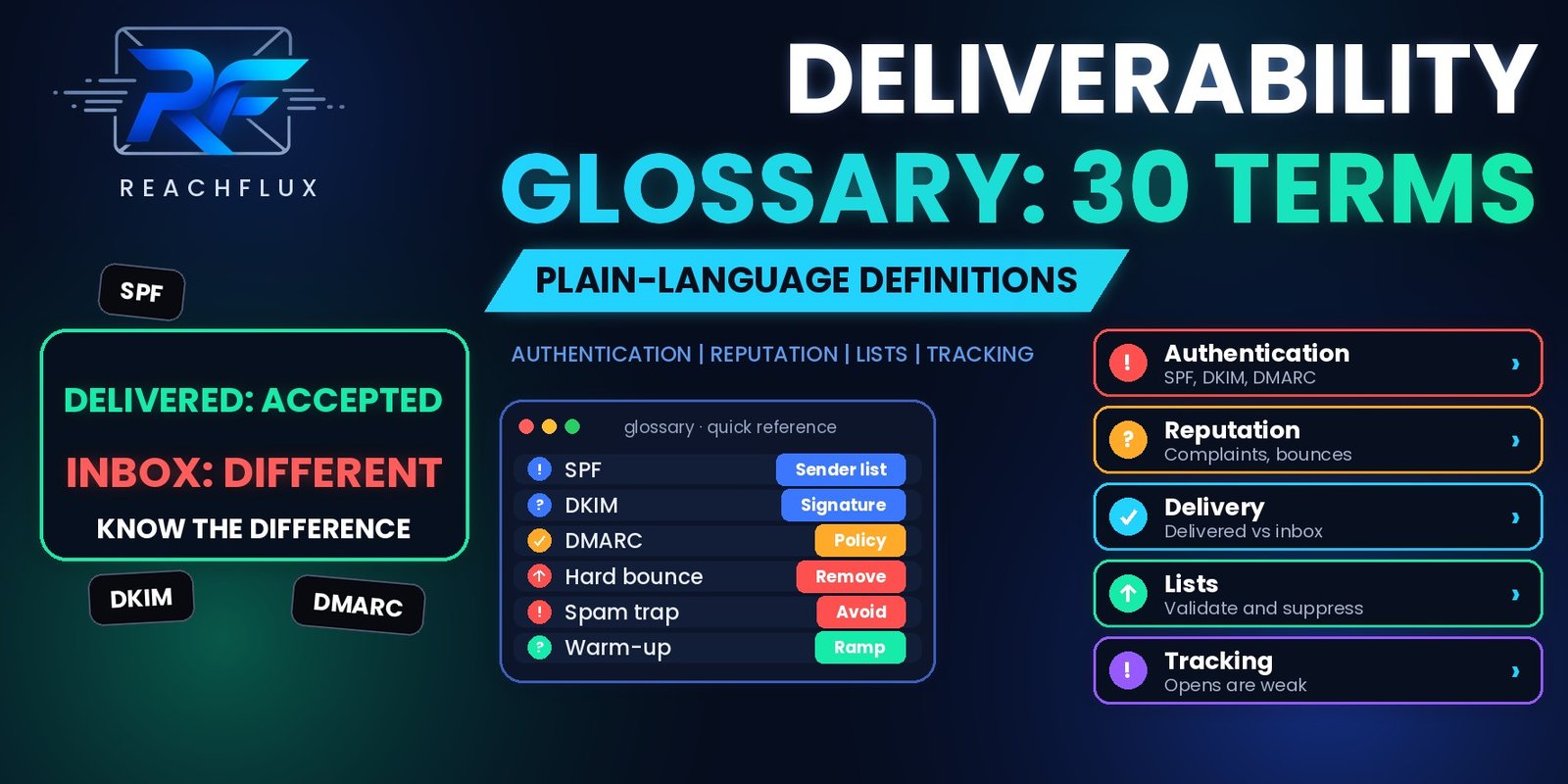
If you only remember one distinction, make it this: delivered means a receiving server accepted your message, while inbox placement means it landed in the inbox rather than spam or a promotions tab. They are not the same, and most reporting measures only the first.
Authentication terms
Authentication proves that a message really comes from the domain it claims to. It is the first thing receiving servers check.
SPF (Sender Policy Framework)
A DNS record that lists the servers allowed to send mail for a domain. The receiving server checks the sending server against that list, using the domain in the message’s Return-Path. See SPF vs DKIM vs DMARC: What Cold Email Senders Need to Know.
DKIM (DomainKeys Identified Mail)
A cryptographic signature added to each message. The receiver finds the matching public key in DNS, using a named selector, and checks that the message has not been altered and was signed by the domain.
DMARC
A policy published in DNS that tells receivers what to do when a message fails authentication or alignment: monitor only, quarantine or reject. It also lets receivers send reports back to the domain owner.
Alignment
The requirement that the domain that passed SPF or DKIM matches the domain in the visible From address. A message can pass SPF and DKIM and still fail DMARC if neither aligns.
Return-Path
The address bounces are sent to, also called the envelope sender. SPF checks the domain here, which is why it can differ from the From address when a sending platform is involved.
BIMI
A standard that lets supporting mailbox providers display a brand’s logo beside its messages. It typically requires an enforced DMARC policy and is more about brand presentation than about getting into the inbox.
Reputation terms
Mailbox providers keep a running opinion of every sender. These terms describe what shapes it.
Sender reputation
The ongoing assessment a mailbox provider makes of a sending domain and IP, built from complaints, bounces, engagement, authentication and sending patterns. It has a domain component and an IP component. See Cold Email Domain Reputation: How to Protect It and Recover When It Drops.
Spam trap
An address used to catch senders with poor list practices. Some were never real addresses, and others are old abandoned ones that were repurposed. Hitting one signals that your list is unreliable.
Blocklist
A published list of IP addresses or domains flagged for abuse, such as those maintained by Spamhaus. Receivers may reject or filter mail from listed senders. Also called a blacklist.
Complaint rate
The share of delivered messages that recipients mark as spam. Google’s sender guidelines say to keep reported spam rates low, below 0.10%, and to avoid reaching 0.30%.
Feedback loop
A service where a mailbox provider tells the sender when a recipient marks a message as spam, so the address can be suppressed. Not every provider offers one.
Delivery terms
What happens to a message after you send it, and how people describe the result.
Deliverability
The overall ability of your email to reach recipients and land where they will see it. It is an umbrella term covering authentication, reputation, list quality and content, not a single number.
Delivered
The receiving server accepted the message. It says nothing about whether the message reached the inbox, the spam folder or a quarantine.
Inbox placement
Where an accepted message actually lands: the primary inbox, a promotions tab, spam or quarantine. It is harder to measure than delivery. See Cold Email Inbox Placement: How to Measure It, Test It and Improve It.
Hard bounce
A permanent delivery failure, such as an address that does not exist. These should be removed immediately and are a major reputation risk if they build up. See Why Do Cold Emails Bounce? 15 Reasons and How to Fix Them.
Soft bounce
A temporary failure, such as a full mailbox or an unavailable server. The message may succeed on retry, but repeated soft bounces to the same address should be treated with caution.
Deferral
A temporary refusal where the receiving server asks the sender to try again later, often because of volume or reputation concerns. Frequent deferrals are an early warning sign.
List terms
The list is the foundation. Most deliverability problems begin there.
Email validation
Checking that an address is correctly formed, belongs to a domain that can receive mail and, where possible, appears to exist. It reduces bounces but cannot catch everything. See Why Do Verified Emails Still Bounce? 11 Reasons Verification Misses Bad Addresses.
Catch-all domain
A domain configured to accept mail for any address, so a check cannot confirm whether a specific mailbox exists. Addresses on catch-all domains carry more uncertainty.
Role address
A shared function mailbox such as info, support or sales rather than a named person. They are more likely to generate complaints and spam-trap hits and rarely reach a decision maker.
Suppression list
A list of addresses you must never email again, including unsubscribes, hard bounces and complaints. Every campaign should check it before sending. See Cold Email Compliance and Deliverability: Opt-Outs, Sender Identity and Complaint Rates.
Infrastructure terms
The accounts, domains and policies your sending runs on.
Cold email domain
A separate domain, usually a plain variation of your brand name, used for outreach so that bounce and complaint risk is kept away from your main company domain. See Primary Domain vs Cold Email Domain: Which Should You Use for Outreach?.
Inbox rotation
Spreading sends across several mailboxes so that no single account carries too much volume. See Cold Email Inbox Rotation: How to Distribute Outreach Across Multiple Sender Accounts.
Warm-up
Gradually increasing the sending volume of a new domain or mailbox so providers see steady, believable growth rather than a sudden surge.
Sending limit
The maximum number of messages a mailbox or domain should send per day. It comes from the provider’s rules and from what your reputation can support. See Cold Email Sending Limits: How Many Emails Should You Send Per Day?.
MX record
A DNS record that says which servers receive mail for a domain. It also hints at what protects a recipient’s mail, such as a particular gateway.
Secure email gateway
A security layer in front of a company’s mailboxes that checks authentication, reputation, links and attachments, and may quarantine mail without telling the sender. See How to Get Cold Emails Past Corporate Spam Filters and Secure Email Gateways.
Tracking terms
Measurement terms, and why some of the numbers are less reliable than they look.
Open tracking
Counting opens by loading a tiny image when a message is displayed. Privacy features such as Apple Mail Privacy Protection can preload that image, so an open may be recorded when no person read the email.
Click tracking
Counting clicks by routing links through a tracking address. Many gateways scan links automatically, which can record clicks no person made. See Links in Cold Emails: Should You Add a Calendar Link or Use Link Tracking?.
Tracking domain
The domain used in tracked links and images. A custom tracking domain that matches your sending domain is generally safer than a shared one.
Terms people commonly mix up
Deliverability versus delivery rate
Delivery rate is the share of messages a server accepted. Deliverability is the broader question of whether mail reaches the inbox. A high delivery rate can sit alongside poor deliverability.
Bounce rate versus spam complaint rate
Bounces come from addresses that fail to receive mail. Complaints come from people who received it and objected. They have different causes and different fixes.
SPF pass versus DMARC pass
Passing SPF does not mean passing DMARC. DMARC also needs the passing domain to align with the visible From domain.
Validated versus safe to send
Validation lowers risk but cannot confirm every mailbox, especially on catch-all domains. A validated list can still contain risky addresses.
Open rate versus engagement
Opens can be inflated by privacy features and scanning. Replies are a far more dependable sign of engagement.
A ten-minute self-audit using these terms
You can check most of the foundations quickly. Work through these in order and write down what you find.
Send a test message to your own mailbox, open the original source and confirm SPF, DKIM and DMARC pass, and that they align with your From domain.
Separate hard bounces from soft bounces for the last campaign and note the rate for each.
Estimate how many addresses are role addresses or sit on catch-all domains, and remove or slow-send the risky ones.
Make sure unsubscribes, hard bounces and complaints are on a list that every campaign checks.
Check daily volume per mailbox and whether sends are spread across accounts.
Check your tracking domain and treat opens and clicks as weak signals.
How the terms fit together
The terms are not independent. Authentication feeds reputation, reputation shapes whether a message is delivered and where it lands, and list quality drives bounces, complaints and spam-trap hits that feed back into reputation. Infrastructure choices such as a separate domain and inbox rotation limit how far any single problem can spread, and tracking tells you, imperfectly, what happened afterwards.
That loop is why fixing one area rarely solves a problem alone. If you need a step-by-step order of operations, use the Cold Email Deliverability Checklist: 25 Things to Check Before Sending, and for diagnosing a sudden problem, Cold Email Spam Troubleshooting: How to Diagnose Why Outbound Emails Land in Spam.
Quick questions about deliverability terms
What is the difference between delivered and inbox placement?
Delivered means the receiving server accepted the message. Inbox placement describes where it landed afterwards, such as the inbox, spam or quarantine. A message can be delivered and still never be seen.
What do SPF, DKIM and DMARC do?
SPF lists which servers may send for a domain, DKIM signs each message so it can be verified, and DMARC tells receivers what to do when authentication or alignment fails. Together they prove a message really comes from the domain it claims.
What is a hard bounce versus a soft bounce?
A hard bounce is a permanent failure, such as a non-existent address, and the address should be removed. A soft bounce is temporary, such as a full mailbox, and may succeed on retry.
What is a spam trap?
An address used to identify senders with poor list hygiene. Some were never real people and others are abandoned addresses that were repurposed. Hitting one signals an unreliable list.
What is a catch-all domain?
A domain that accepts mail for any address, so validation cannot confirm whether a particular mailbox exists. Addresses there carry more uncertainty.
Why are open rates unreliable?
Privacy features such as Apple Mail Privacy Protection can preload tracking images, and gateways may load content automatically, so opens can be recorded without a person reading the message.
Know the words, then fix the system.
Clear vocabulary makes diagnosis faster. When you can say precisely whether a problem is authentication, reputation, list quality, delivery or placement, you stop guessing and start fixing the right thing.
Bookmark this page, and use it alongside the guides it links to as a map of the whole subject.
Prepare lists, control sending and keep replies organised.
ReachFlux brings list validation, multi-account sending and reply management into one campaign workflow.